Built for the Maker Flow
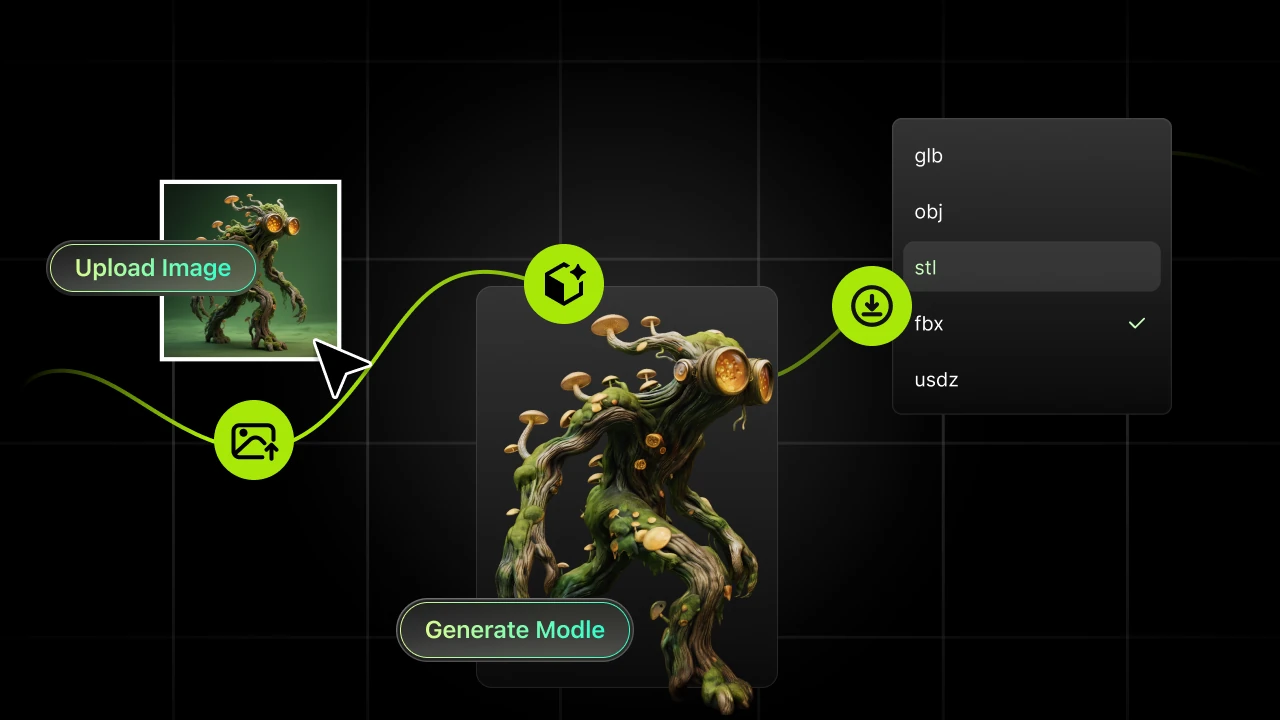
From upload to export, everything fits a real 3D printing workflow: generate, edit, and send to your slicer seamlessly.


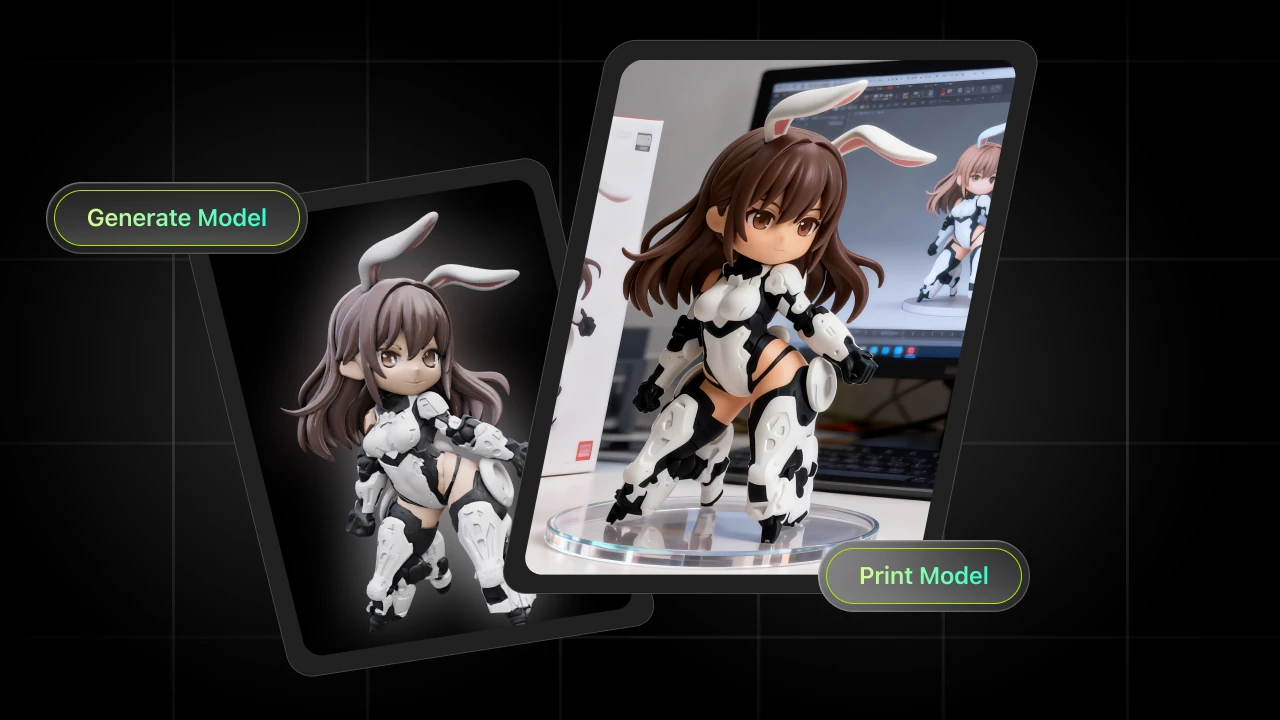
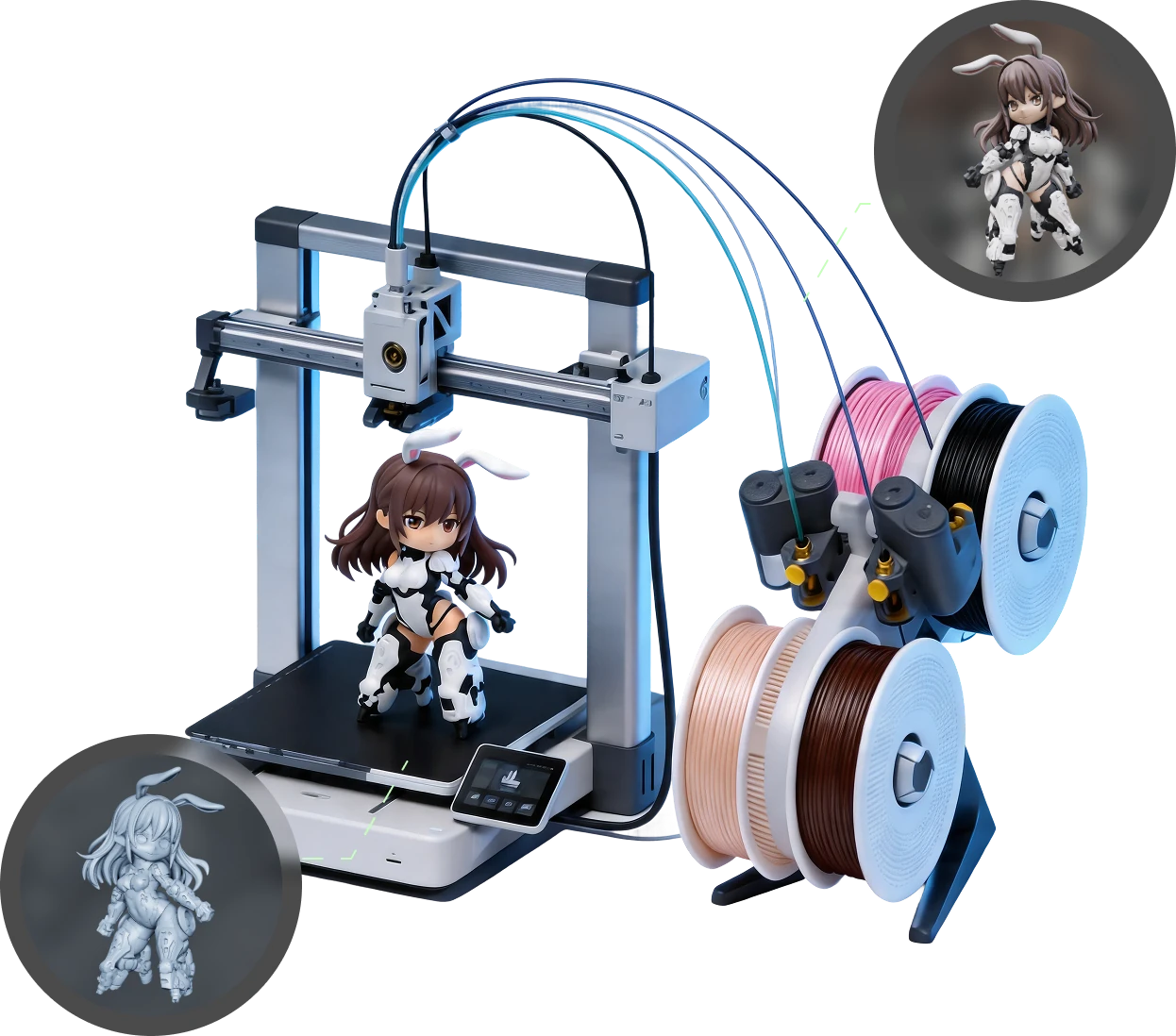
Upload an image, Hi3D instantly generates a production-ready 3D model for 3D printing with effortless precision. Trusted by (1000+) makers, small business owners, and 3D printing enthusiasts.

Learn More

'%3e%3cpath%20fill-rule='evenodd'%20clip-rule='evenodd'%20d='M134.584%2023.9998H130.159H125.733H121.309V20V15.9998V12H116.883V15.9998V20V23.9998V27.9997H121.309H125.733H130.159H134.584H139.009V23.9998H134.584Z'%20fill='%23868686'/%3e%3cpath%20fill-rule='evenodd'%20clip-rule='evenodd'%20d='M41.6546%2012H37.2295H32.8041H28.3789V16.0002H32.8041H37.2295V20V23.9999V28H41.6546V23.9999V20V16.0002H46.0797H50.5052V12H46.0797H41.6546Z'%20fill='%23868686'/%3e%3cpath%20fill-rule='evenodd'%20clip-rule='evenodd'%20d='M77.0521%2020C77.0521%2022.209%2075.0709%2023.9999%2072.627%2023.9999H63.7763C61.3322%2023.9999%2059.351%2022.209%2059.351%2020C59.351%2017.791%2061.3322%2016.0002%2063.7763%2016.0002H72.627C75.0709%2016.0002%2077.0521%2017.791%2077.0521%2020ZM72.627%2012H63.7763C58.8883%2012%2054.9258%2015.5816%2054.9258%2020C54.9258%2024.4185%2058.8883%2028%2063.7763%2028H72.627C77.5148%2028%2081.4772%2024.4185%2081.4772%2020C81.4772%2015.5816%2077.5148%2012%2072.627%2012Z'%20fill='%23868686'/%3e%3cpath%20fill-rule='evenodd'%20clip-rule='evenodd'%20d='M108.033%2020C108.033%2022.209%20106.051%2023.9999%20103.607%2023.9999H94.7568C92.3125%2023.9999%2090.3313%2022.209%2090.3313%2020C90.3313%2017.791%2092.3125%2016.0002%2094.7568%2016.0002H103.607C106.051%2016.0002%20108.033%2017.791%20108.033%2020ZM103.607%2012H94.7568C89.8686%2012%2085.9062%2015.5816%2085.9062%2020C85.9062%2024.4185%2089.8686%2028%2094.7568%2028H103.607C108.495%2028%20112.457%2024.4185%20112.457%2020C112.457%2015.5816%20108.495%2012%20103.607%2012Z'%20fill='%23868686'/%3e%3cpath%20fill-rule='evenodd'%20clip-rule='evenodd'%20d='M10.4151%2015.7575L6.25813%2012H0L7.28598%2018.586L10.4151%2015.7575Z'%20fill='%23868686'/%3e%3cpath%20fill-rule='evenodd'%20clip-rule='evenodd'%20d='M22.9317%2012.9289L23.9593%2012H17.7012L0%2028H6.25813L11.9796%2022.8283L17.7012%2028H23.9593L15.1087%2020L22.9317%2012.9289Z'%20fill='%23868686'/%3e%3c/g%3e%3cdefs%3e%3cclipPath%20id='clip0_12205_287635'%3e%3crect%20width='139'%20height='40'%20fill='white'/%3e%3c/clipPath%3e%3c/defs%3e%3c/svg%3e)


'%3e%3cmask%20id='mask0_12205_287658'%20style='mask-type:luminance'%20maskUnits='userSpaceOnUse'%20x='0'%20y='0'%20width='35'%20height='40'%3e%3cpath%20d='M0%200H34.4828V40H0V0Z'%20fill='white'/%3e%3c/mask%3e%3cg%20mask='url(%23mask0_12205_287658)'%3e%3cpath%20fill-rule='evenodd'%20clip-rule='evenodd'%20d='M0%2035.8281H34.4828V40.005H0.000332631L0%2035.8281Z'%20fill='%23868686'/%3e%3c/g%3e%3cpath%20fill-rule='evenodd'%20clip-rule='evenodd'%20d='M7.92524%209.43164L2.12891%2026.857H6.32561L10.2626%2014.5402L12.2359%2020.698H9.68329L8.6639%2024.2132H13.3623L14.2095%2026.857H18.5262L12.7305%209.43164H7.92524Z'%20fill='%23868686'/%3e%3cpath%20fill-rule='evenodd'%20clip-rule='evenodd'%20d='M25.1269%209.43164H19.1016V26.857H23.2683V12.9469H24.9474C26.8955%2012.9469%2028.0048%2013.878%2028.0048%2015.5605C28.0048%2017.213%2026.8955%2018.1744%2024.9474%2018.1744H24.6776V21.6895H25.1269C29.6234%2021.6895%2032.2613%2019.421%2032.2613%2015.5605C32.2613%2011.6248%2029.6234%209.43164%2025.1269%209.43164Z'%20fill='%23868686'/%3e%3c/g%3e%3cdefs%3e%3cclipPath%20id='clip0_12205_287658'%3e%3crect%20width='34.4828'%20height='40'%20fill='white'/%3e%3c/clipPath%3e%3c/defs%3e%3c/svg%3e)




'%3e%3cg%20clip-path='url(%23clip1_12205_287708)'%3e%3cpath%20d='M22.0949%207.95711L9.99381%2020.0582L4.01743%2014.0776L9.92599%208.16904L8.04831%206.28711L0.257812%2014.0776L9.99381%2023.8136L23.9726%209.83479L22.0949%207.95711Z'%20fill='%23868686'/%3e%3cpath%20d='M9.99031%2024.0726L0%2014.0865L8.05329%206.0332L10.1726%208.15249L4.26824%2014.0865L9.99031%2019.8086L22.0914%207.7032L24.2107%209.82249L9.99031%2024.0726ZM0.508629%2014.0865L9.99031%2023.5597L23.736%209.84792L22.0914%208.21183L9.99031%2020.3129L3.75961%2014.0865L9.66818%208.15249L8.05329%206.54183L0.508629%2014.0865Z'%20fill='%23868686'/%3e%3cpath%20d='M10.1891%2030.2925L0.902344%2021.0525L11.7234%2010.0703L13.6181%2011.931L4.645%2021.0313L10.1891%2026.5329L25.4776%2011.2571L27.3553%2013.1348L10.1891%2030.2925Z'%20fill='%23868686'/%3e%3cpath%20d='M25.4858%2011.0035L10.1973%2026.2624L4.90754%2021.032L13.8806%2011.9318L11.7274%209.8125L0.65625%2021.0532L10.1973%2030.5476L27.622%2013.1355L25.4858%2011.0035ZM10.1973%2030.039L1.16488%2021.049L11.7316%2010.3254L13.372%2011.936L4.39891%2021.0362L10.1973%2026.8007L25.4858%2011.5418L27.1304%2013.1355L10.1973%2030.039Z'%20fill='%23868686'/%3e%3cpath%20d='M13.3012%2033.7743L11.4023%2031.9093L22.7109%2020.4609L24.6055%2022.3259L13.3012%2033.7743Z'%20fill='%23868686'/%3e%3cpath%20d='M22.6992%2020.207L11.1406%2031.9097L13.2938%2034.029L24.8524%2022.3263L22.6992%2020.207ZM13.2896%2033.5204L11.6535%2031.9097L22.7034%2020.7157L24.3395%2022.3306L13.2896%2033.5204Z'%20fill='%23868686'/%3e%3cpath%20d='M37.0543%2022.8143C37.1051%2024.4589%2037.1051%2024.4589%2035.2783%2024.5479H28.9883V27.9388H36.711C38.5886%2027.9388%2039.5889%2027.6845%2040.2205%2027.0656C40.852%2026.4468%2041.0682%2025.5101%2041.0682%2023.7935V12.1289H37.05L37.0543%2022.8143Z'%20fill='%23868686'/%3e%3cpath%20d='M48.3622%2012.1289H44.3906V27.9261H48.3622V12.1289Z'%20fill='%23868686'/%3e%3cpath%20d='M59.1441%2022.8143C59.1992%2024.4589%2059.1992%2024.4589%2057.3724%2024.5479H51.0781V27.9388H58.805C60.6827%2027.9388%2061.6788%2027.6845%2062.3103%2027.0656C62.9419%2026.4468%2063.158%2025.5101%2063.158%2023.7935V12.1289H59.1272L59.1441%2022.8143Z'%20fill='%23868686'/%3e%3cpath%20d='M70.452%2012.1289H66.4805V27.9261H70.452V12.1289Z'%20fill='%23868686'/%3e%3cpath%20d='M79.4433%2023.8887H75.2344V27.8856H79.4433V23.8887Z'%20fill='%23868686'/%3e%3cpath%20d='M87.2098%2022.9839V17.7153C87.2098%2015.8588%2087.5531%2015.524%2089.3927%2015.4901H97.5901V12.1289H88.8035C86.3748%2012.1289%2085.578%2012.362%2084.5438%2013.2691C83.6706%2014.0447%2083.2722%2015.1044%2083.2383%2016.8168V23.8655C83.3188%2026.9597%2084.5099%2027.9091%2088.3246%2027.9261H97.6198V24.5352H89.3969C87.4218%2024.5267%2087.2437%2024.2767%2087.2098%2022.9839Z'%20fill='%23868686'/%3e%3cpath%20d='M109.667%2012.1289H104.945C101.198%2012.1289%2099.6893%2013.57%2099.5664%2017.2661V23.2001C99.5664%2024.6836%2099.9013%2025.9212%20100.478%2026.5909C101.13%2027.375%20102.491%2027.9218%20103.78%2027.9218H110.536C113.689%2027.8455%20115.016%2026.468%20115.118%2023.1661V17.2067C115.097%2013.5361%20113.672%2012.2052%20109.667%2012.1289ZM111.053%2017.8637V22.3947C111.053%2024.3106%20110.841%2024.514%20108.985%2024.5479H105.263C104.449%2024.5479%20104.068%2024.4547%20103.86%2024.2385C103.652%2024.0223%20103.563%2023.5264%20103.606%2022.4922V17.9442C103.644%2015.8843%20103.949%2015.541%20105.772%2015.4901H108.934C109.781%2015.4901%20110.286%2015.6342%20110.608%2015.9521C110.93%2016.27%20111.087%2016.8888%20111.053%2017.8637Z'%20fill='%23868686'/%3e%3cpath%20d='M128.305%2012.1289L125.842%2021.5809L122.989%2012.1289H117.445V27.9261H121.239V18.9064L123.833%2027.9261H127.821L130.335%2018.7538V27.9261H134.171V12.1289H128.305Z'%20fill='%23868686'/%3e%3c/g%3e%3c/g%3e%3cdefs%3e%3cclipPath%20id='clip0_12205_287708'%3e%3crect%20width='134'%20height='40'%20fill='white'/%3e%3c/clipPath%3e%3cclipPath%20id='clip1_12205_287708'%3e%3crect%20width='134.168'%20height='28'%20fill='white'%20transform='translate(0%206.0332)'/%3e%3c/clipPath%3e%3c/defs%3e%3c/svg%3e)
'/%3e%3c/g%3e%3c/svg%3e)
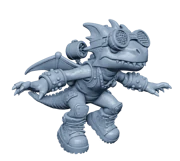
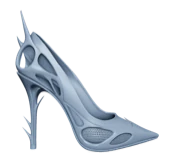
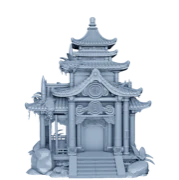
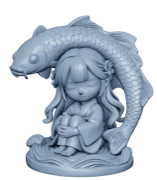
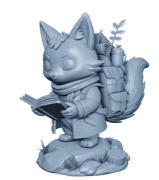
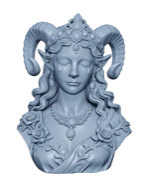
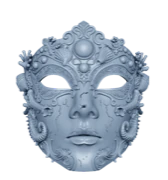
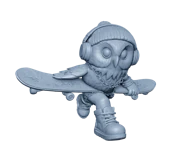
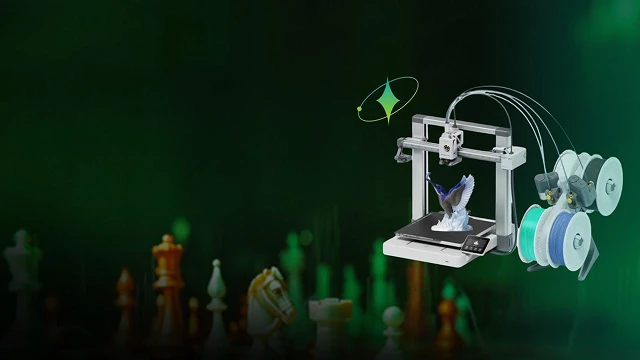
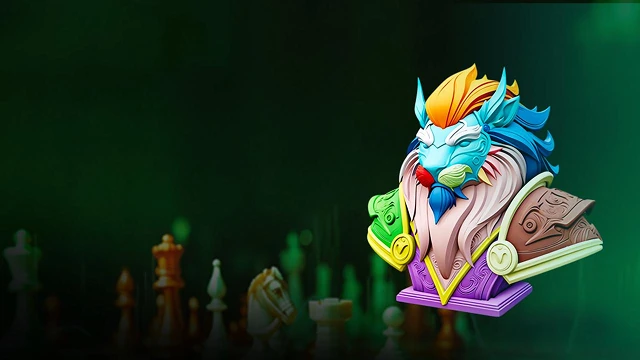
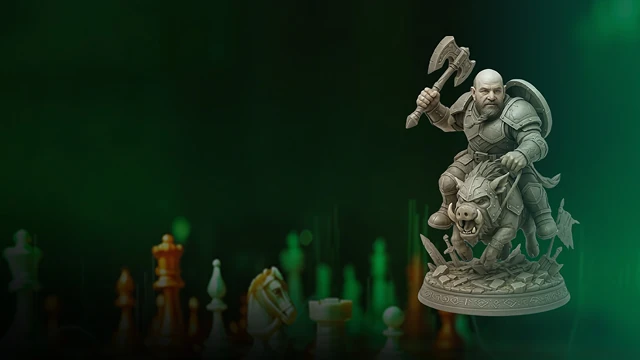
Print-Ready 3D Models From Photos For Hobbyists, Sellers, And Makers.

Ideal For 3D Printing For Beginners. Easily 3D Print From Photos Without Any Modeling Experience.
Create Custom, Print-Ready Products From Photos, With Clean STL Files Ready For Small-Batch Selling.
Skip Manual Modeling And Turn Reference Images Into High-Quality, Slicer-Ready Models Faster.
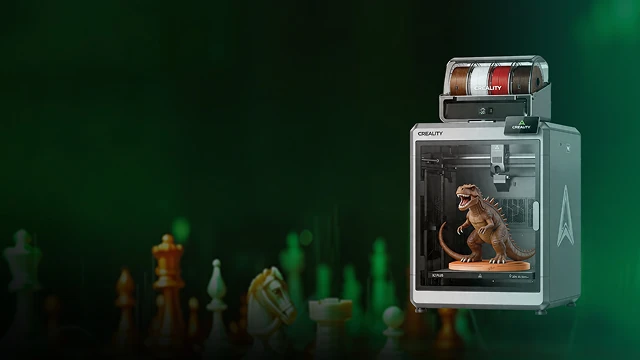
Production-ready files built for real 3D printing workflows, from slicing to finished physical prints.
From upload to export, everything fits a real 3D printing workflow: generate, edit, and send to your slicer seamlessly.
Every model delivers industry-standard quality and aesthetics, optimized for real-world printing with flat, stable bases, clean geometry, and slicer-ready output.
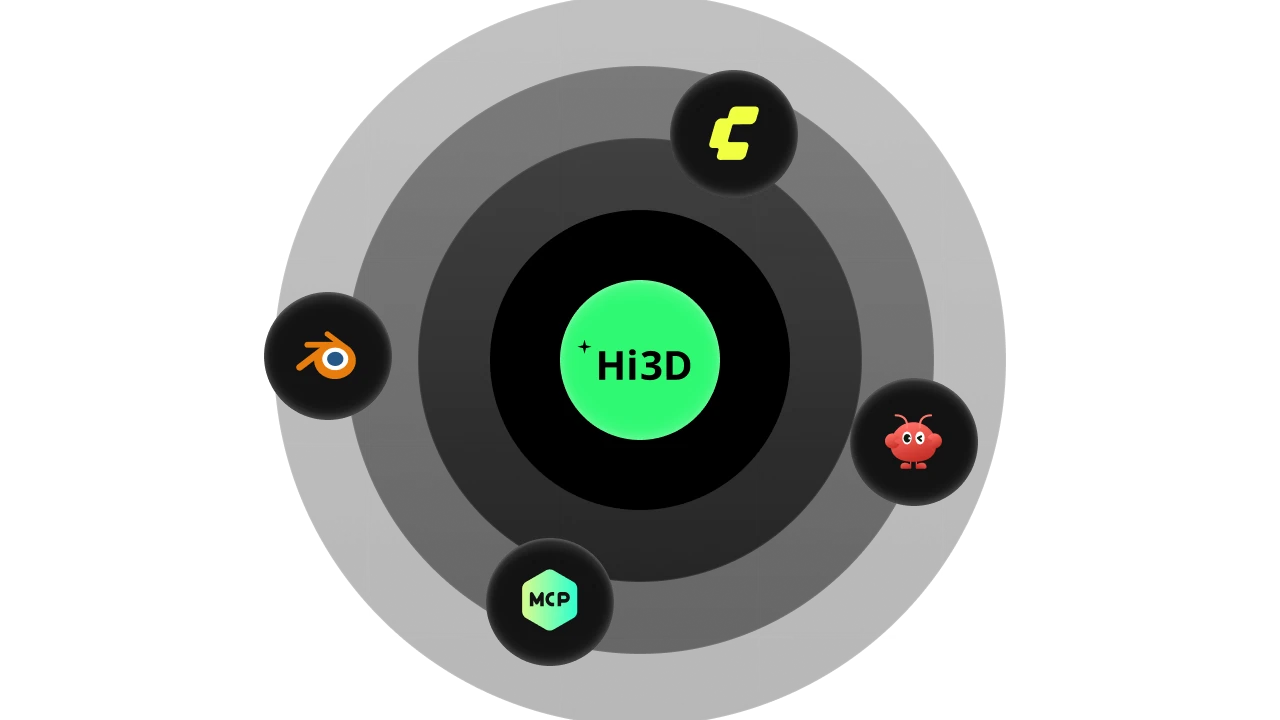
Use Hitem3D on the web, via plugins, APIs, or tools like OpenClaw and MCP, easy to integrate into your existing workflow.
AI-Powered Features Designed Specifically To Generate, Texture, And Export Models Ready For Real-World 3D Printing.
AI Texture Generation
Upload your image and Hitem3D's AI applies rich, full-color textures directly to the 3D model surface, preserving visual details and color information for realistic, image-based prints.
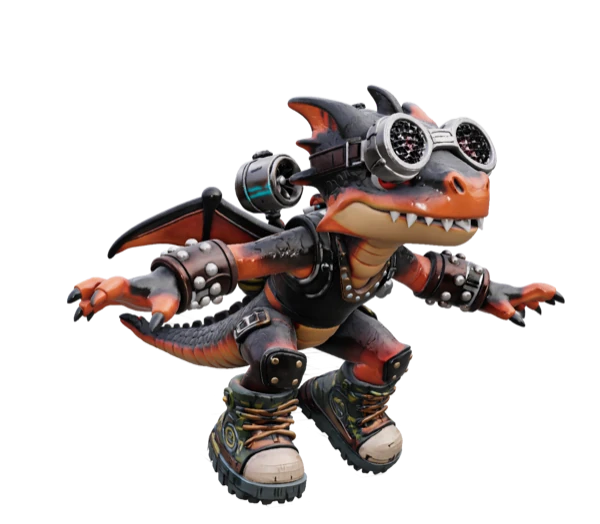
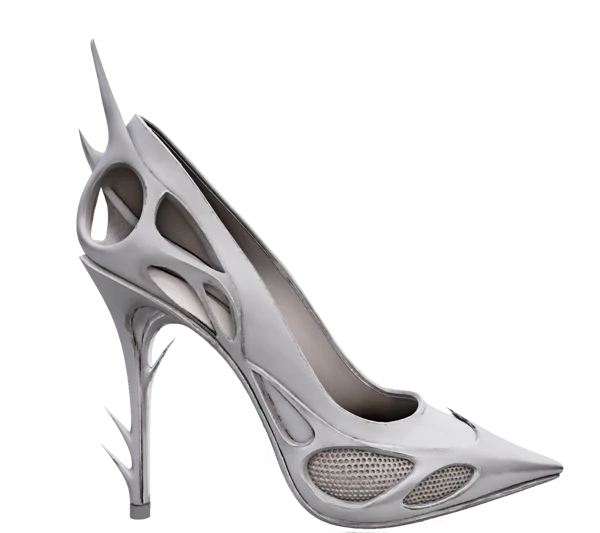
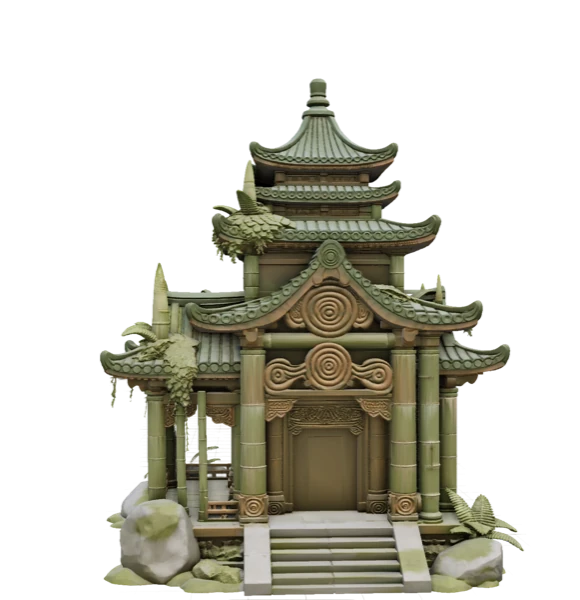
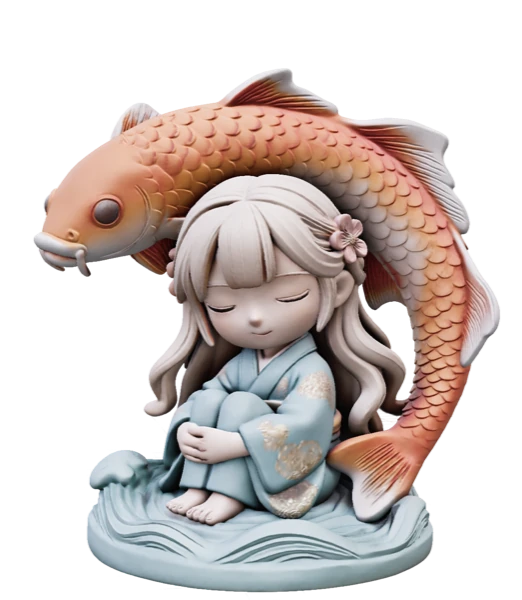
See what people are making with Hi3D.
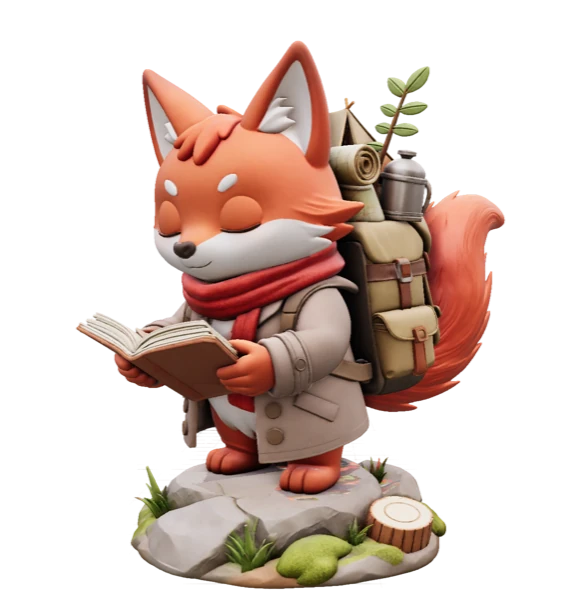
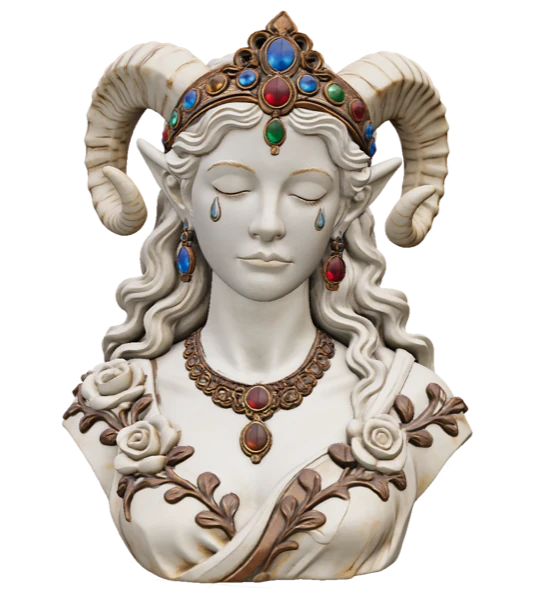
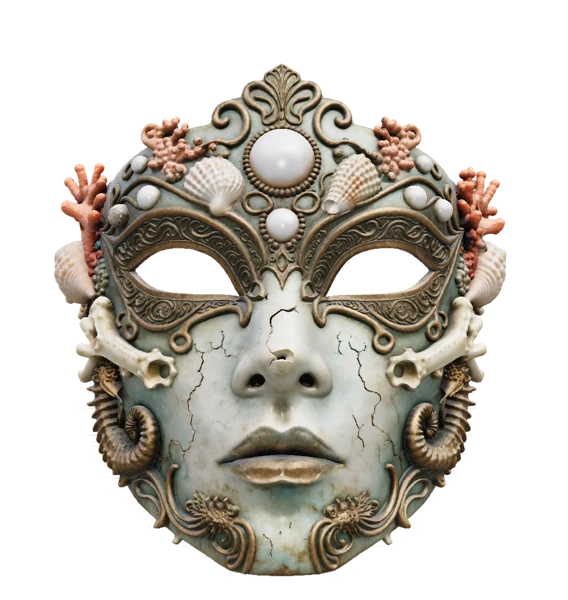
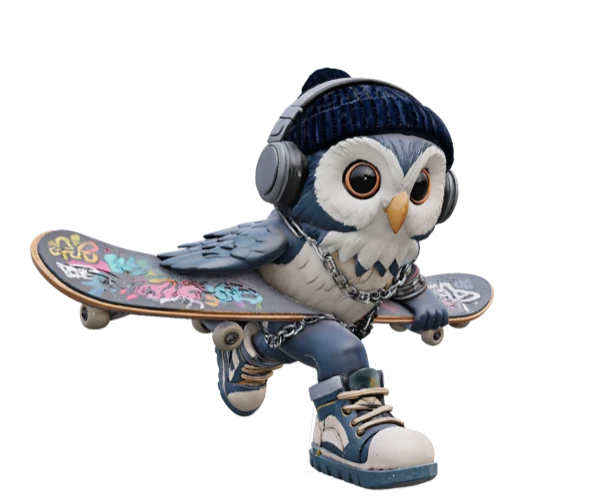
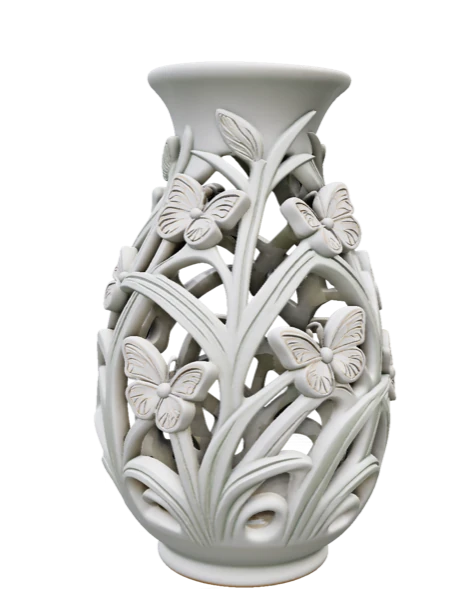
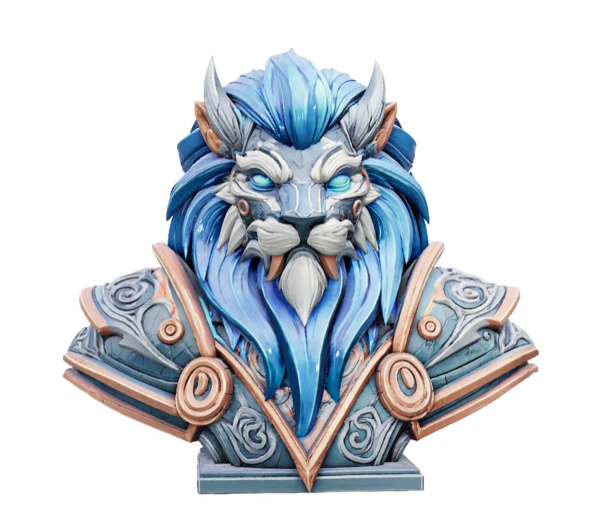
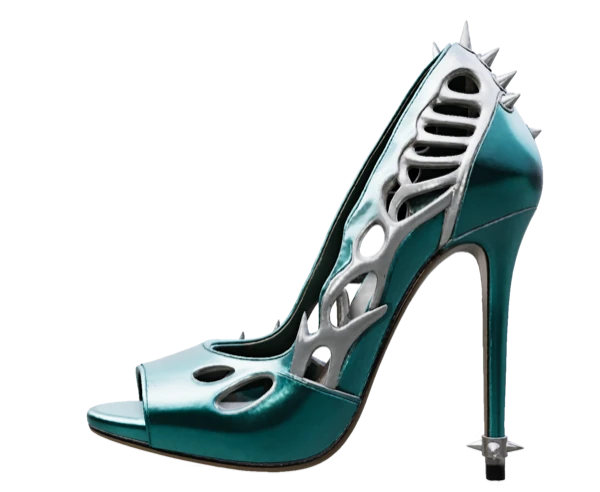
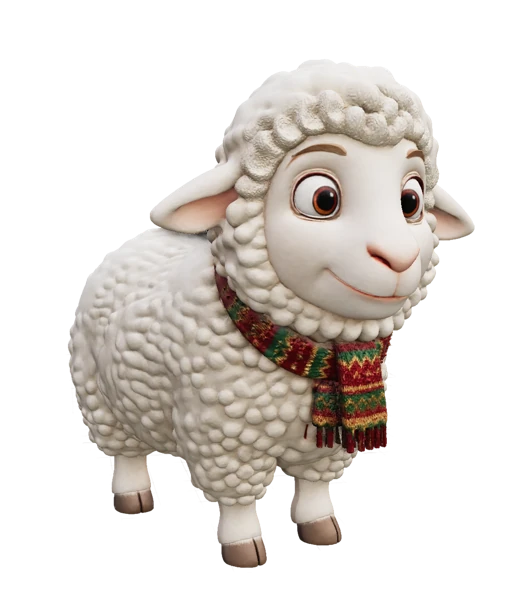
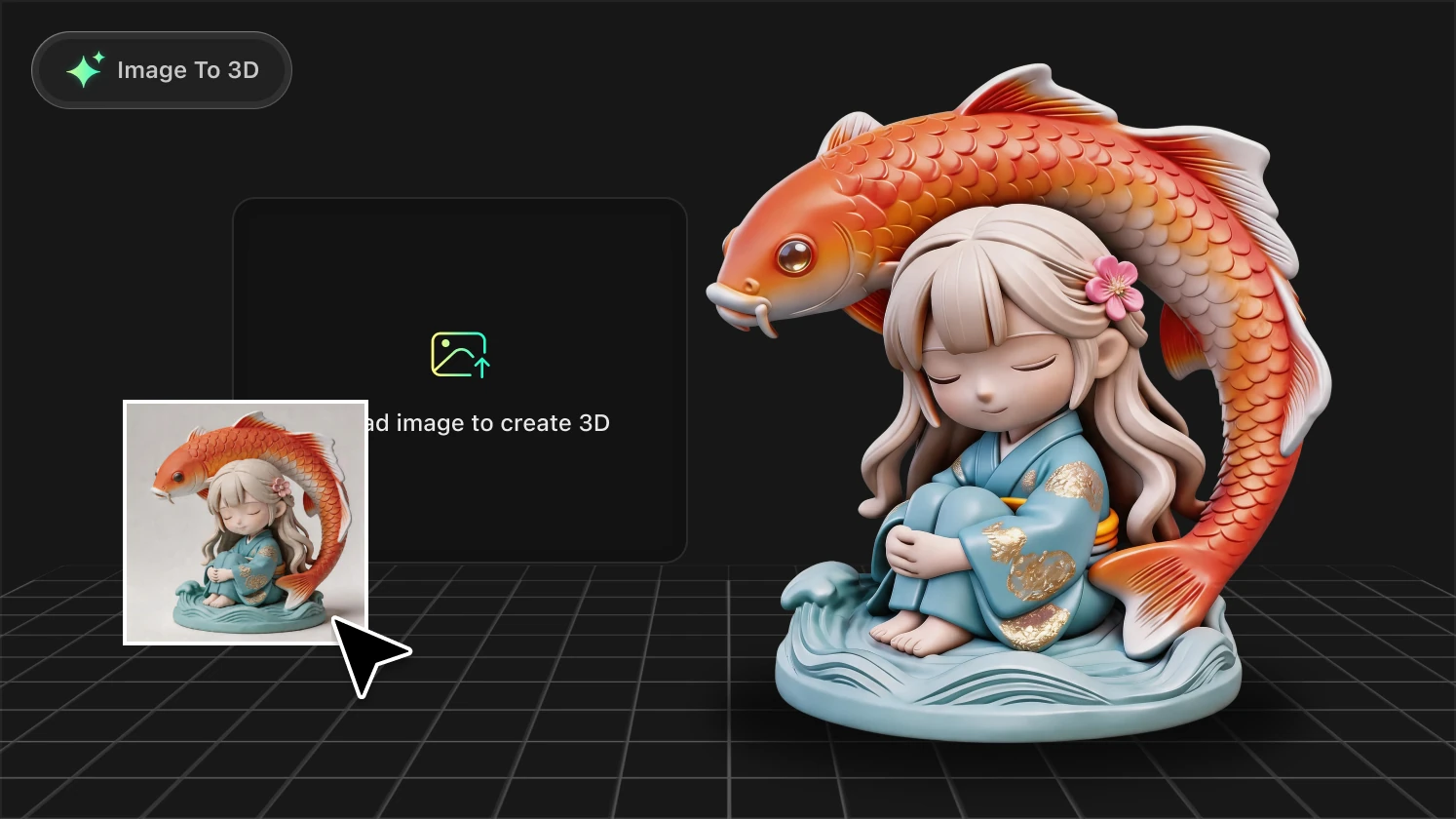
From image upload to print‑ready 3D model in just a few steps.
Upload a photo, illustration, or logo. Hi3D works entirely in your browser and supports all common image formats—no setup, no downloads.
Explore print‑ready models created for real makers and real products

As a toy designer, I need to iterate fast. Hi3D lets me go from sketch to print-ready figurine in under 10 minutes. The base comes out flat every single time — no more sanding for hours before printing. It’s genuinely changed my prototyping workflow.
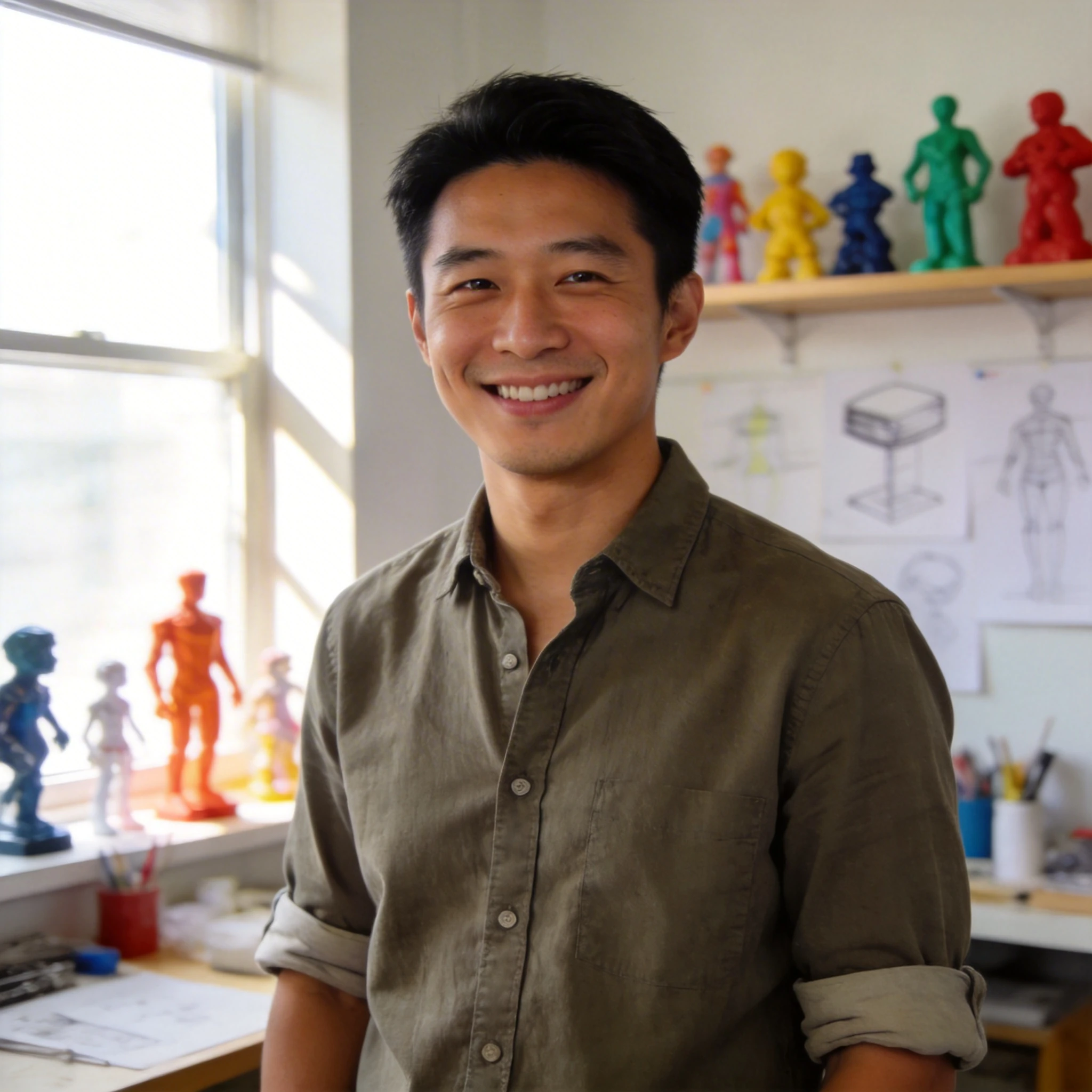
I turned my daughter’s crayon drawing into a 3D print for her birthday. She cried happy tears. The model printed perfectly on the first try — stable base, clean geometry, zero supports needed. This is what “democratizing 3D creation” actually looks like.
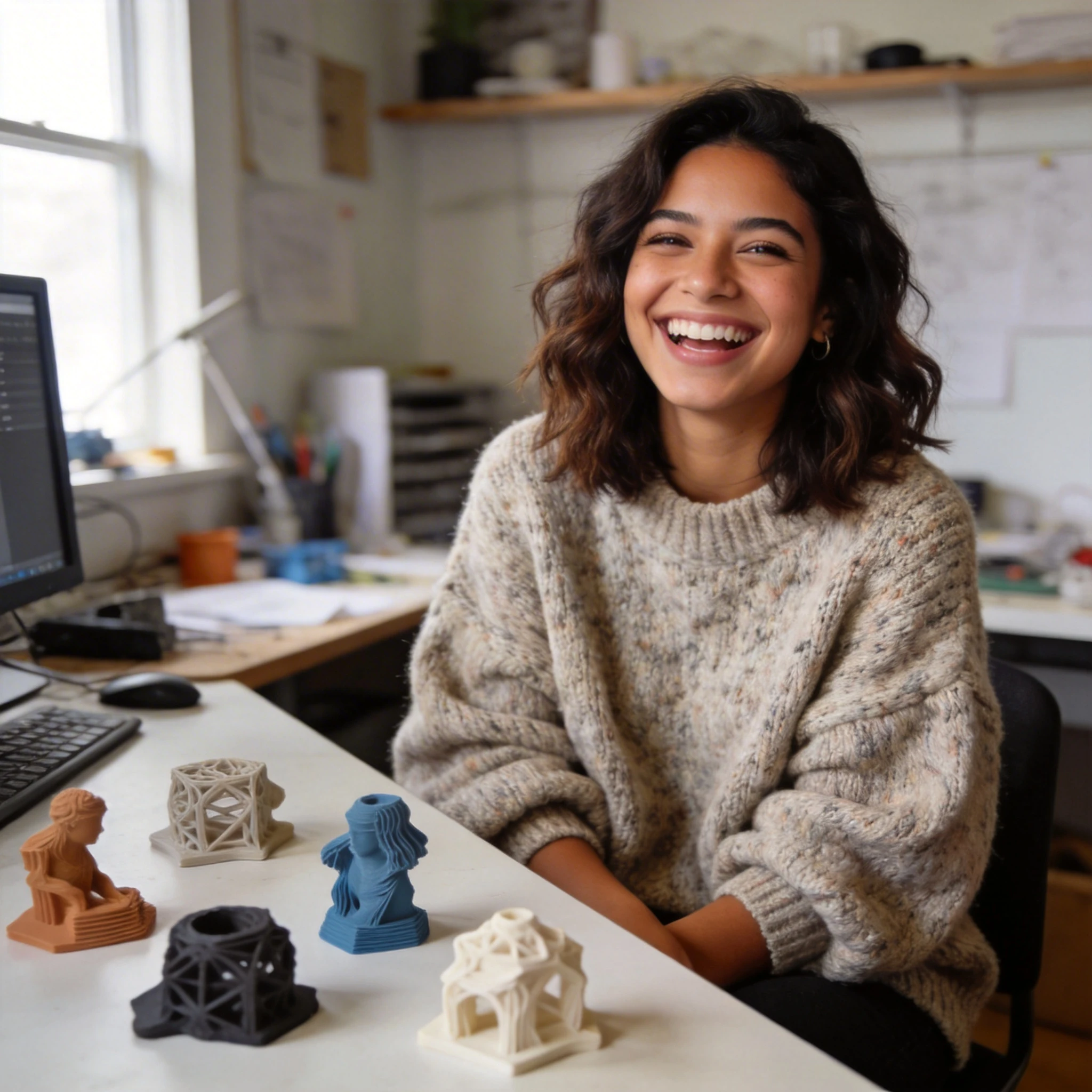
The segmentation feature is a game-changer for multi-color prints. I split a fantasy character into 5 color regions, painted each part separately, and assembled a studio-quality piece. Beginner mode did 90% of the work — I only tweaked two edges in Pro mode.
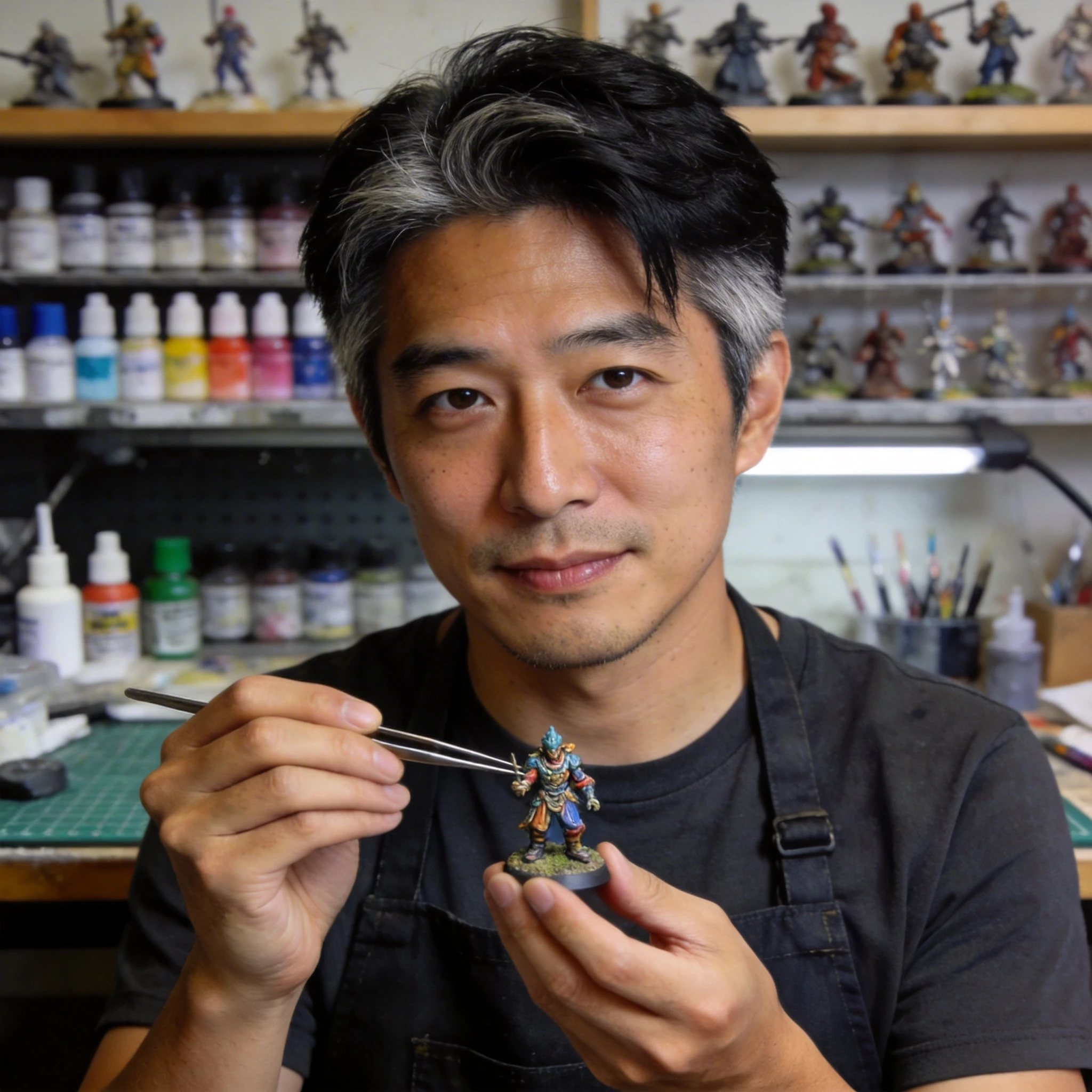
I use Hi3D in my classroom to let students design and print their own models. The one-click slicer export saves so much class time. Last semester we printed 40 student sculptures — not a single print failure. That’s unheard of with middle schoolers.
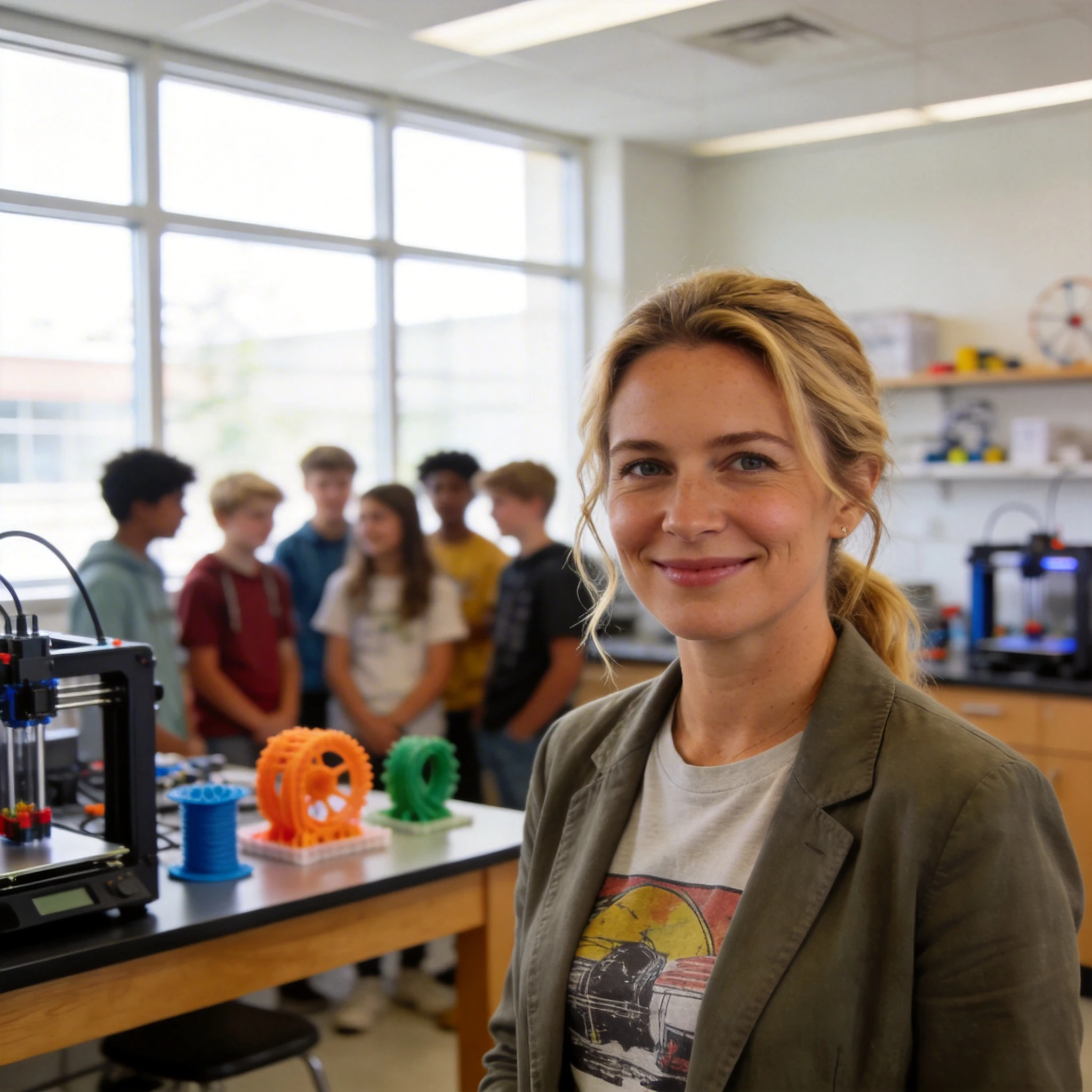
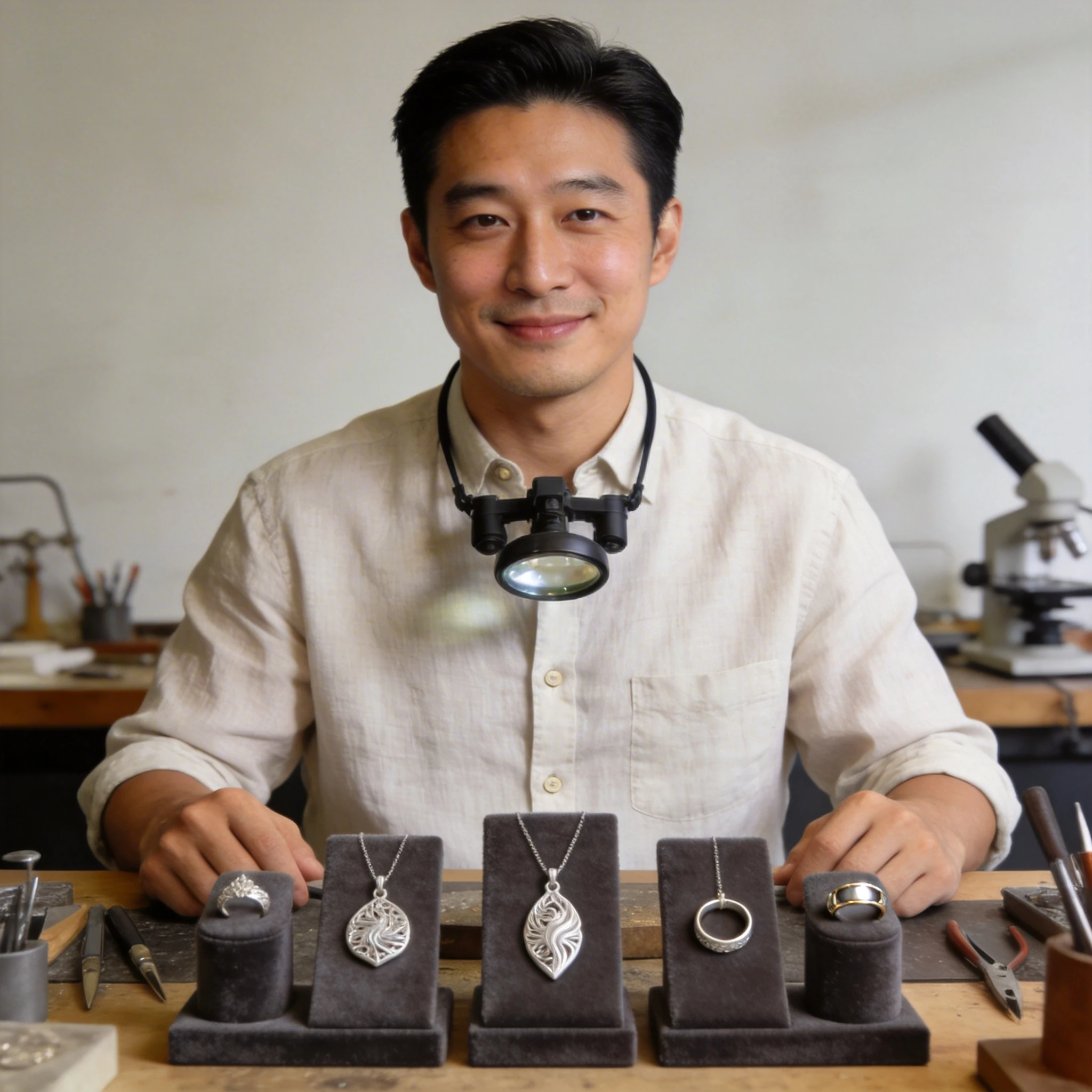
I generate custom pendant designs from customer photos and print them directly. The detail level on small jewelry pieces is incredible — you can see individual texture lines. My turnaround time went from 3 days to same-day. Customers are blown away.
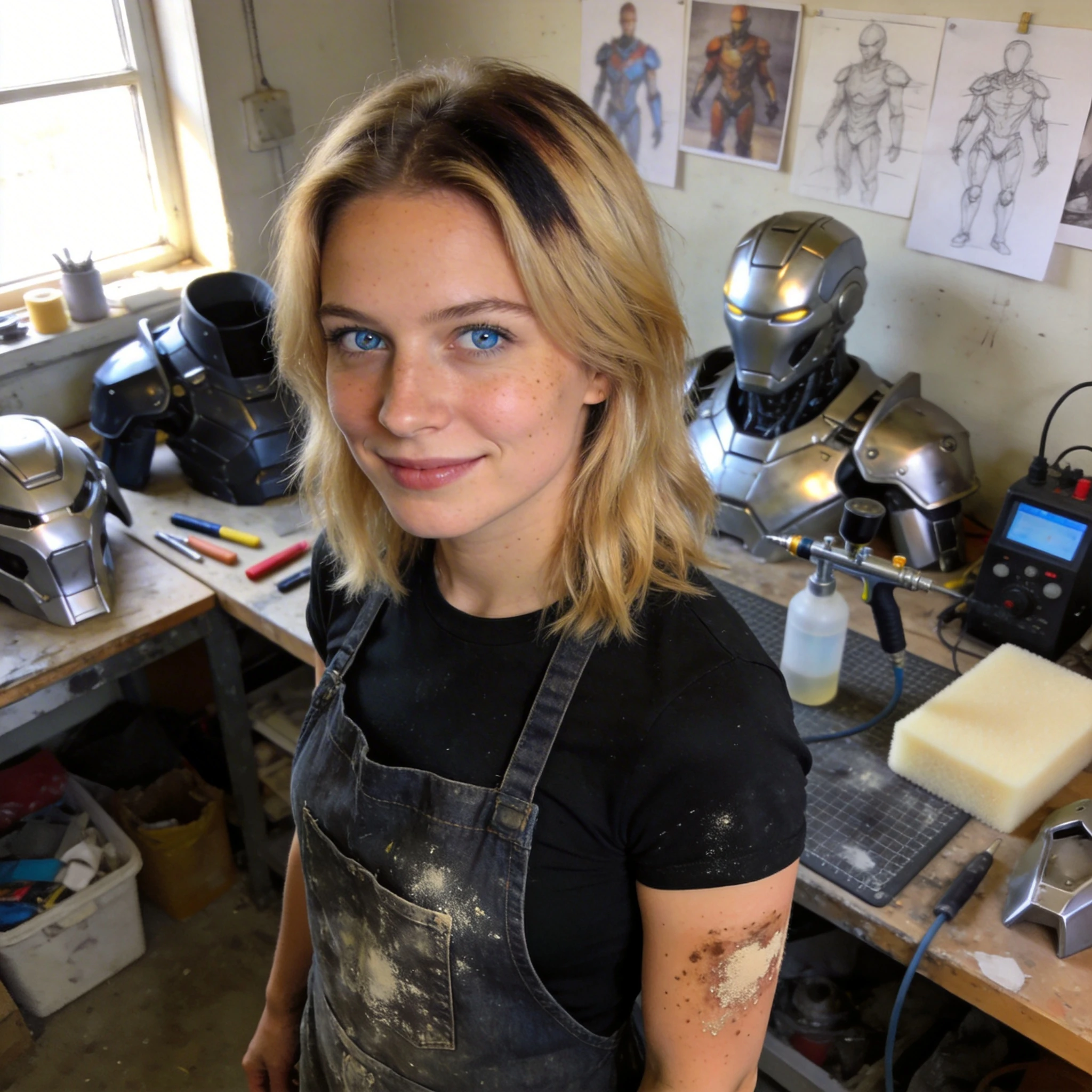
Mecha and fantasy armor used to take me weeks to model by hand. Now I upload a reference image, generate the base shape, segment it into wearable parts, and refine from there. Cut my production time by 60%. Absolutely essential tool for prop makers.
As a toy designer, I need to iterate fast. Hi3D lets me go from sketch to print-ready figurine in under 10 minutes. The base comes out flat every single time — no more sanding for hours before printing. It’s genuinely changed my prototyping workflow.
I turned my daughter’s crayon drawing into a 3D print for her birthday. She cried happy tears. The model printed perfectly on the first try — stable base, clean geometry, zero supports needed. This is what “democratizing 3D creation” actually looks like.
The segmentation feature is a game-changer for multi-color prints. I split a fantasy character into 5 color regions, painted each part separately, and assembled a studio-quality piece. Beginner mode did 90% of the work — I only tweaked two edges in Pro mode.
I use Hi3D in my classroom to let students design and print their own models. The one-click slicer export saves so much class time. Last semester we printed 40 student sculptures — not a single print failure. That’s unheard of with middle schoolers.
I generate custom pendant designs from customer photos and print them directly. The detail level on small jewelry pieces is incredible — you can see individual texture lines. My turnaround time went from 3 days to same-day. Customers are blown away.
Mecha and fantasy armor used to take me weeks to model by hand. Now I upload a reference image, generate the base shape, segment it into wearable parts, and refine from there. Cut my production time by 60%. Absolutely essential tool for prop makers.
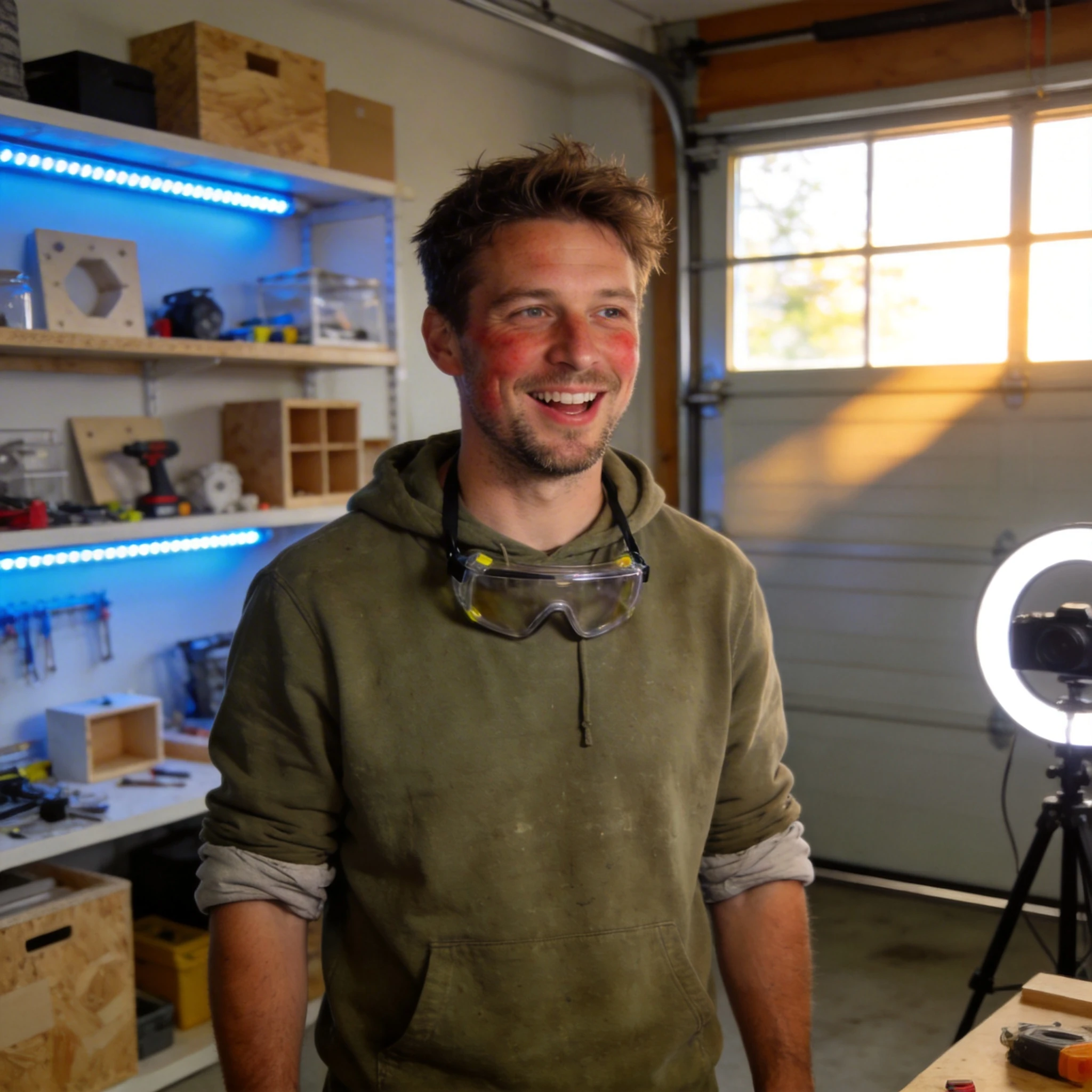
I run a maker channel where I print something new every week. Hi3D has become my secret weapon — I generate custom shelf display pieces, desk organizers, and even replacement parts from photos alone. The auto printability check has saved me from at least a dozen failed prints. My subscribers always ask “how did you model that so fast?” and honestly? I didn’t model it all by hand.
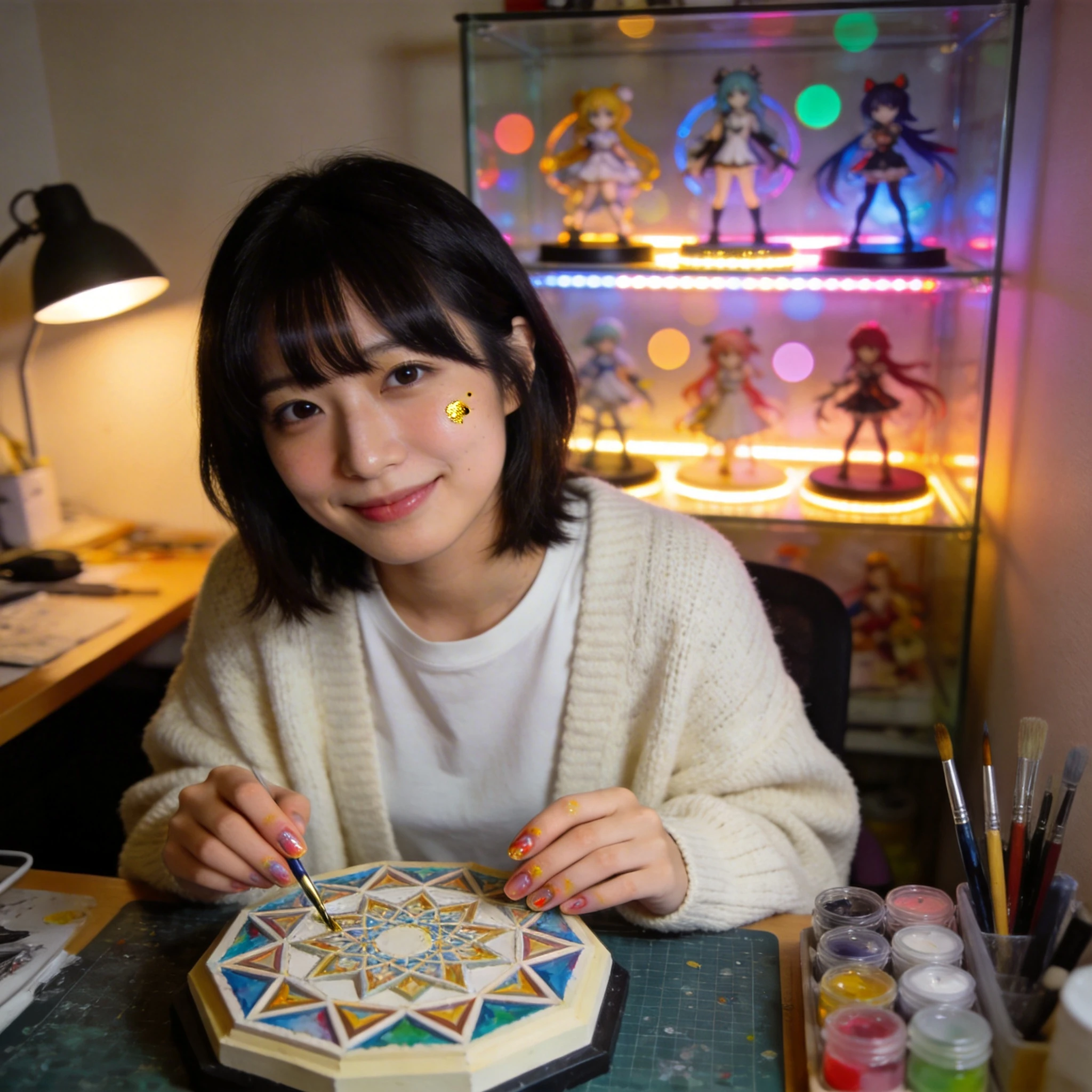
I collect anime figurines and love making custom bases and accessories for them. Before Hi3D, I had to learn Blender just to make a simple circular base with a character silhouette. Now I upload the character art, get a perfect base in seconds, and spend my actual time painting instead of modeling. The geometric precision on small details is genuinely impressive.
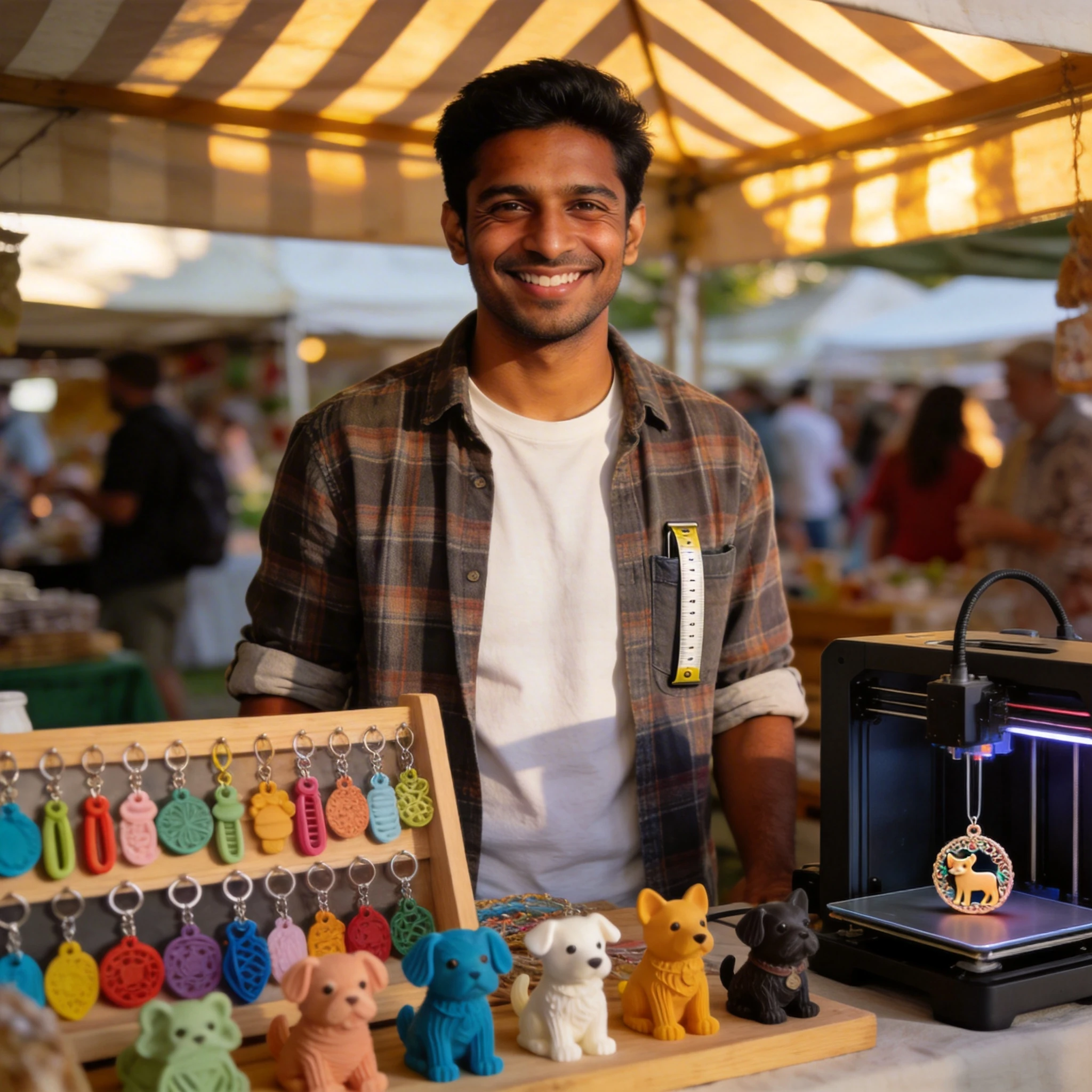
I sell 3D-printed keychains and ornaments at local markets. Hi3D lets me turn customer requests into products same-day — someone sends me their pet photo, I generate a stylized figurine, slice it, and it’s printing within 15 minutes. The flat-base guarantee means I don’t have to babysit the printer. Scaled from weekend hobby to real side income in two months.
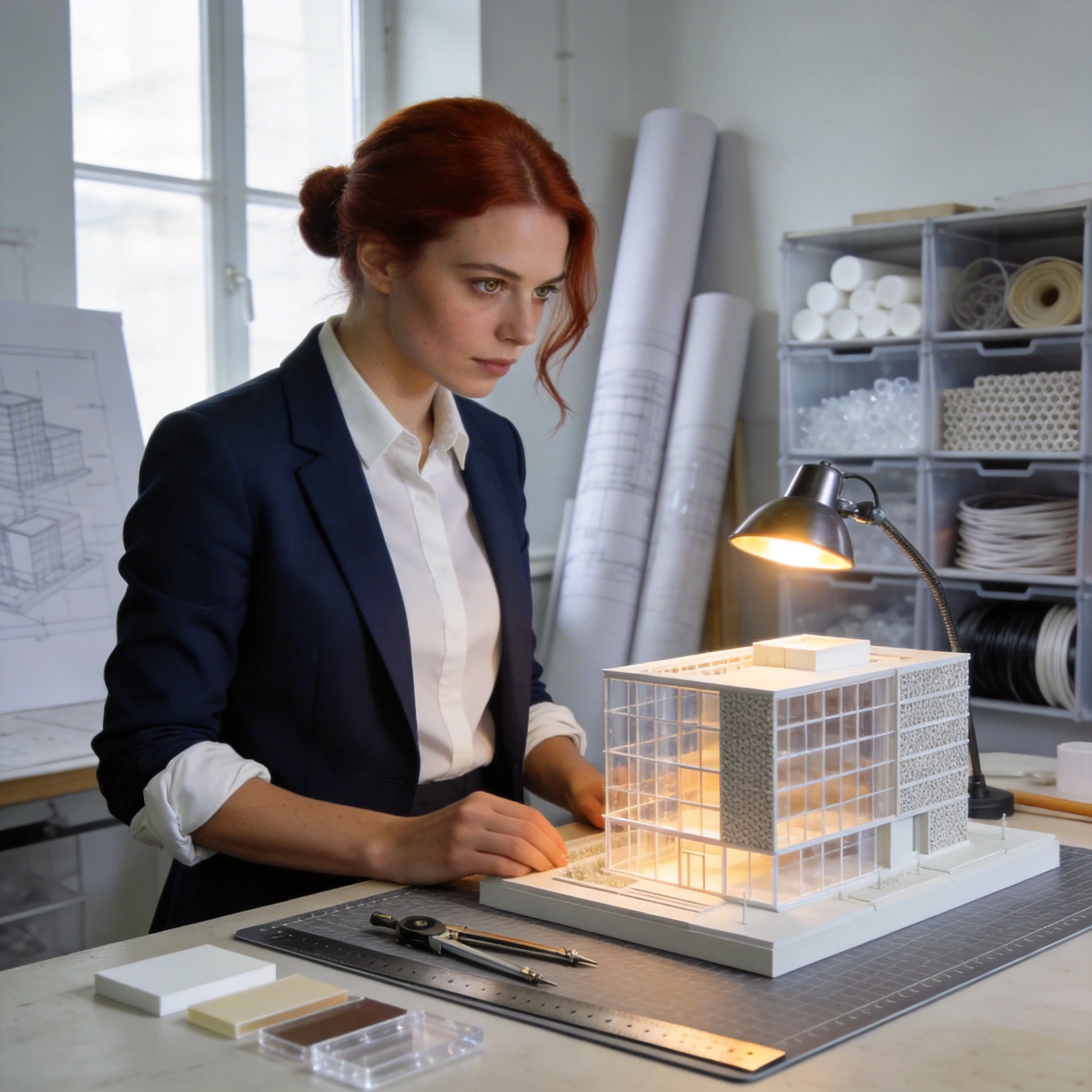
I build detailed architectural maquettes for client presentations. Hi3D’s relief feature is incredible — I upload building elevations and get clean embossed models that capture facade details beautifully. Combined with segmentation for multi-material printing (transparent windows, textured walls), the results look professional enough for boardroom pitches.
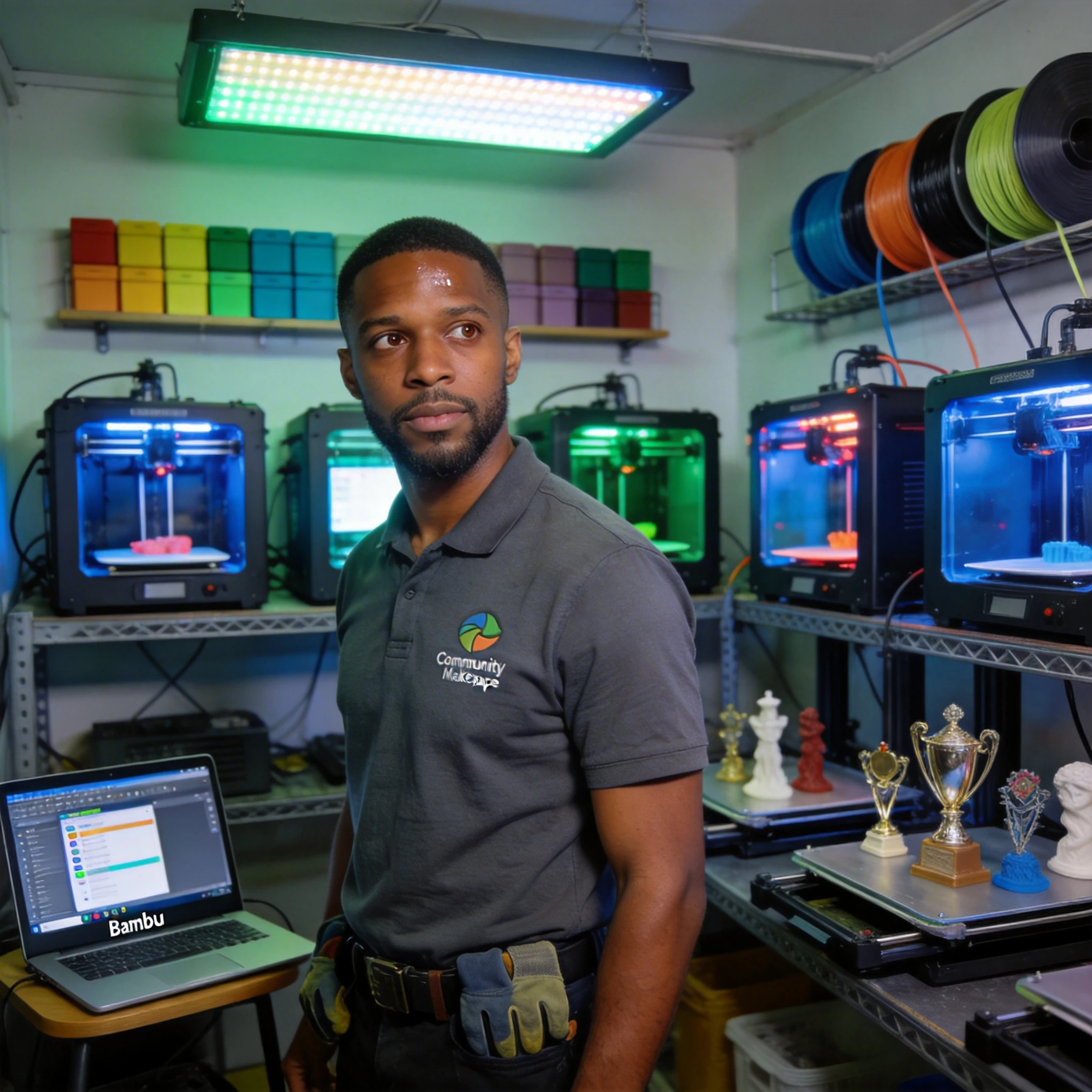
Running a small print farm means efficiency is everything. I use Hi3D to bulk-generate models for community orders — trophies, event decorations, personalized gifts. The one-click send-to-slicer workflow across Bambu Studio and OrcaSlicer shaves off so much file-handling time. At scale, those minutes add up to hours saved every week.
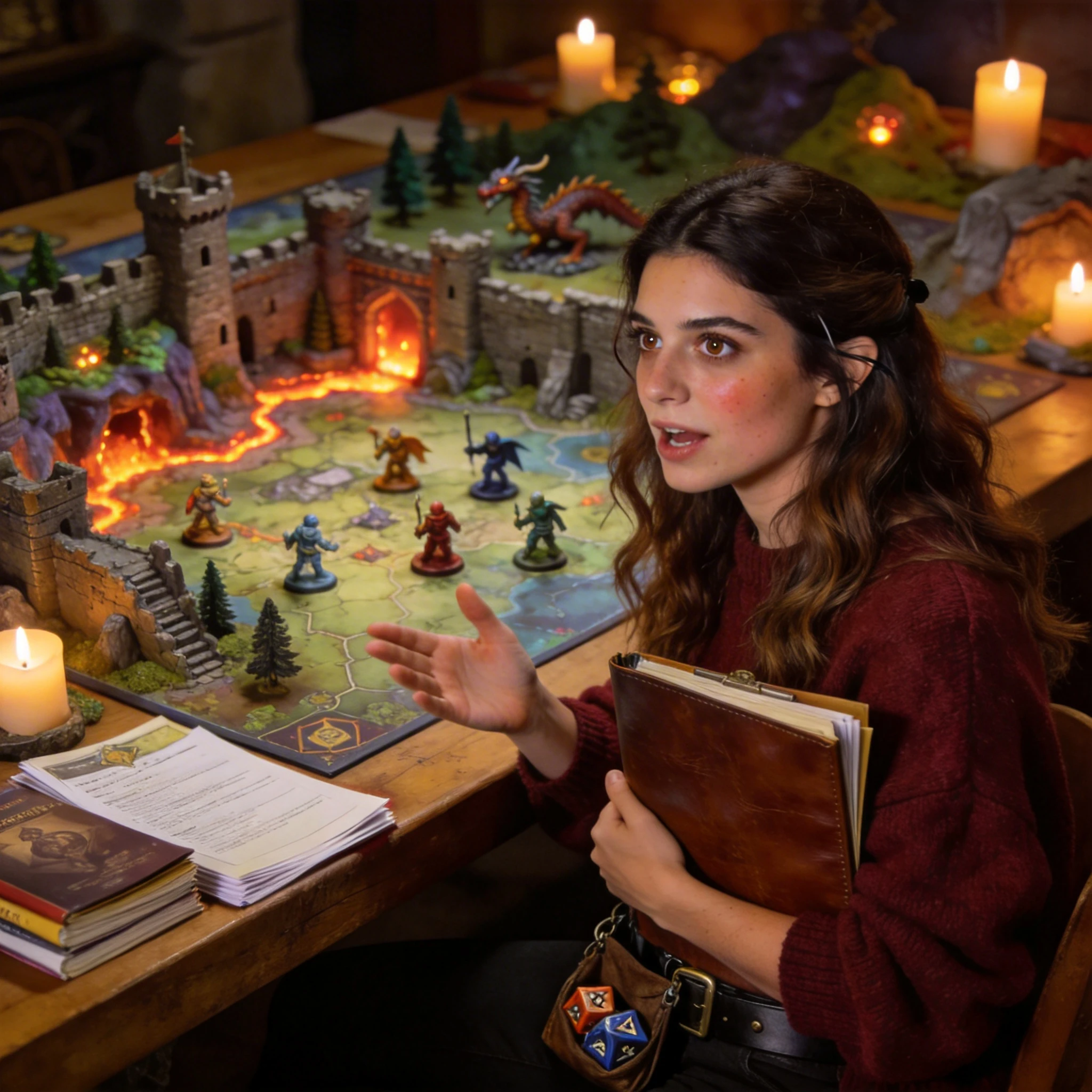
My D&D group went crazy when I started printing custom miniatures and terrain from our campaign art. I upload the concept art our artist draws, generate the model, segment it for multi-color printing, and boom — unique minis that don’t exist anywhere else. The fantasy character output quality is unreal. My players now commission me for their other campaigns too.
I run a maker channel where I print something new every week. Hi3D has become my secret weapon — I generate custom shelf display pieces, desk organizers, and even replacement parts from photos alone. The auto printability check has saved me from at least a dozen failed prints. My subscribers always ask “how did you model that so fast?” and honestly? I didn’t model it all by hand.
I collect anime figurines and love making custom bases and accessories for them. Before Hi3D, I had to learn Blender just to make a simple circular base with a character silhouette. Now I upload the character art, get a perfect base in seconds, and spend my actual time painting instead of modeling. The geometric precision on small details is genuinely impressive.
I sell 3D-printed keychains and ornaments at local markets. Hi3D lets me turn customer requests into products same-day — someone sends me their pet photo, I generate a stylized figurine, slice it, and it’s printing within 15 minutes. The flat-base guarantee means I don’t have to babysit the printer. Scaled from weekend hobby to real side income in two months.
I build detailed architectural maquettes for client presentations. Hi3D’s relief feature is incredible — I upload building elevations and get clean embossed models that capture facade details beautifully. Combined with segmentation for multi-material printing (transparent windows, textured walls), the results look professional enough for boardroom pitches.
Running a small print farm means efficiency is everything. I use Hi3D to bulk-generate models for community orders — trophies, event decorations, personalized gifts. The one-click send-to-slicer workflow across Bambu Studio and OrcaSlicer shaves off so much file-handling time. At scale, those minutes add up to hours saved every week.
My D&D group went crazy when I started printing custom miniatures and terrain from our campaign art. I upload the concept art our artist draws, generate the model, segment it for multi-color printing, and boom — unique minis that don’t exist anywhere else. The fantasy character output quality is unreal. My players now commission me for their other campaigns too.
Insights, guides, and resources for modern 3D printing and modeling.
Can't find the answer you are looking for? Reach out to us here.
Hi3D, developed by Math Magic, is a 3D generation tool powered by our proprietary high-resolution AI model Sparc3D. Simply input a single reference image to instantly generate studio-ready 3D assets with industry-leading quality, democratizing 3D creation. This breakthrough solution empowers game developers, designers, and 3D artists to efficiently unleash creativity and accelerate creative workflows from concept to deployment.
The 3D models generated on Hi3D can be used in various scenarios, including game development, visual effects production, product modeling, and 3D printing.
Hi3D lets you send models directly to four major slicing tools: Bambu Studio, OrcaSlicer, Creality Print, and Elegoo Slicer. Simply click the "Send to" button on the model detail page, and the model will be imported into your chosen slicer ready for printing.
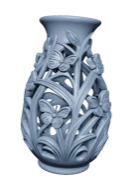
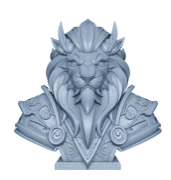
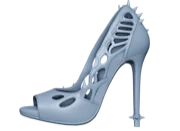
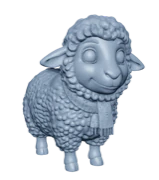
Hi3D excels at generating sculptures, figurines, jewelry, reliefs, fantasy characters, mecha, and decorative art pieces. These categories benefit from the platform’s high geometric precision and fine-detail capabilities.
Hi3D supports downloading models in multiple formats, including .glb, .obj, and .stl (for 3D printing), which are compatible with mainstream 3D modeling software (such as Blender, Unity and Maya) and 3D printing software.
Segmentation splits a model into separate parts for easier multi-part printing and post-processing. Use Beginner Mode for one-click automatic splitting, or switch to Professional Mode to manually refine results with Lasso (freehand selection), Split (detach into new parts), and Merge (recombine parts) tools.

Jump straight into creative space features
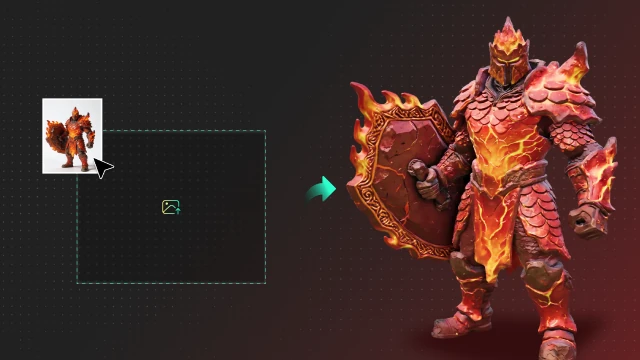
Transform your 2D images into high-quality 3D models instantly.
Try Now
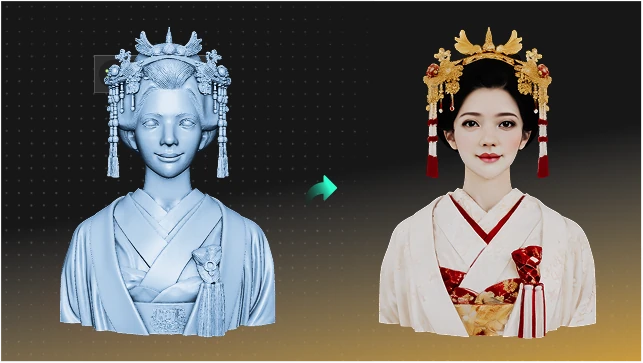
Create personalized AI portrait models with ease.
Try Now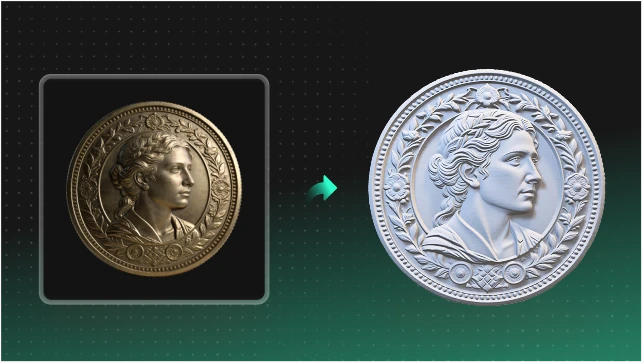
Generate intricate 3D relief patterns from any design.
Try Now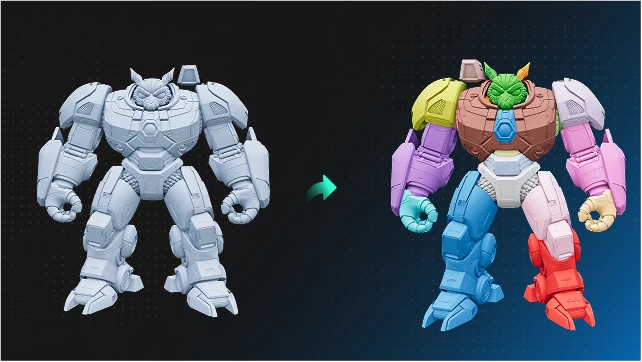
Precisely segment and analyze complex 3D structures.
Try Now