


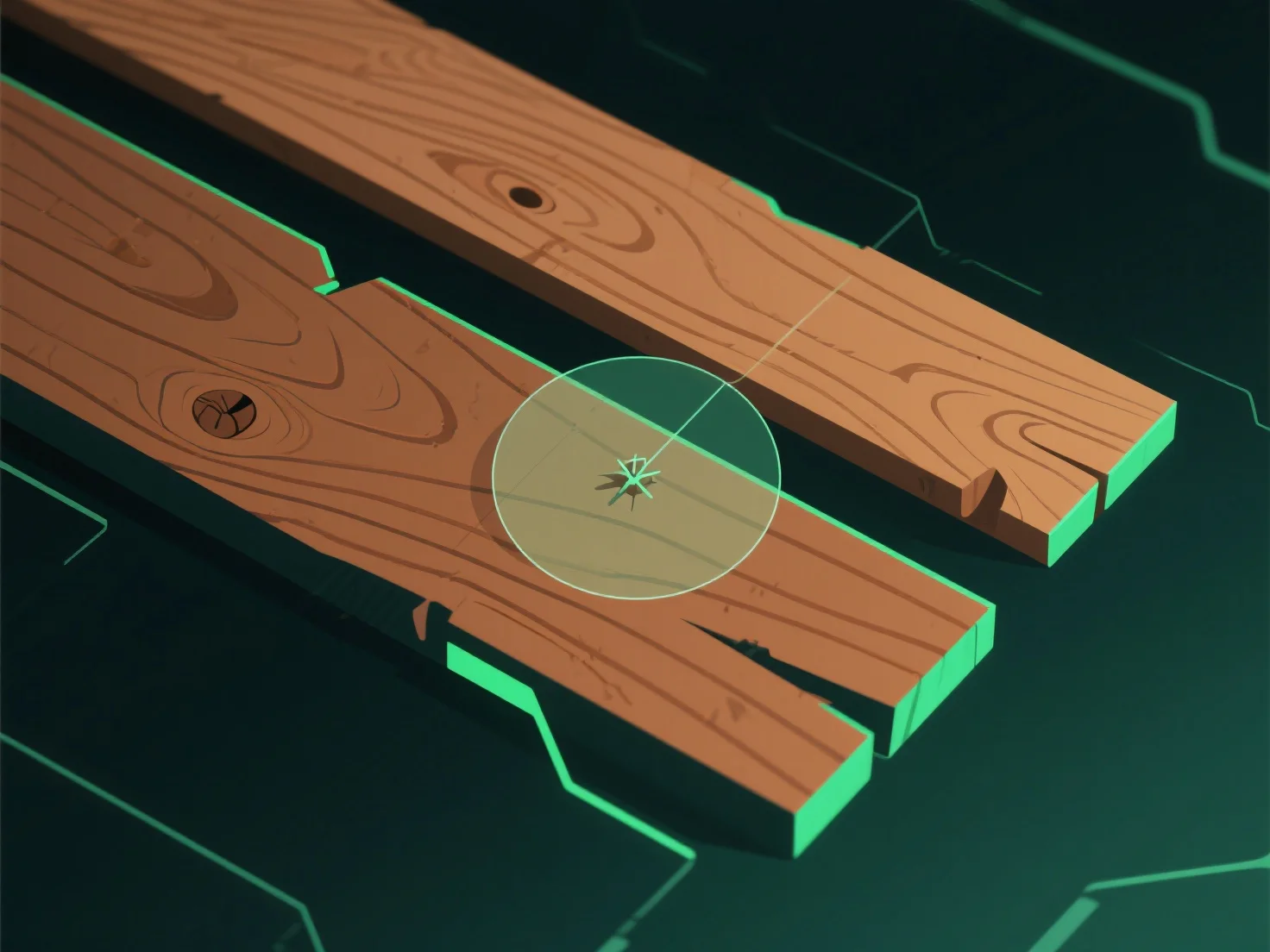
Щоб створити реалістичні текстури дерева в 3D-моделюванні, почніть з аналізу справжніх зразків дерева або фотографій з високою роздільною здатністю, щоб захопити візерунки зерна, градієнти кольорів і природні недосконалості.
1. **Аналіз зразків**: Вивчіть справжню деревину або фотографії, щоб відзначити напрямок волокон, варіації кольорів (світле біле ядро/темне коричневе ядро) та дефекти, такі як сучки або розломи. 2. **Використання інструментів текстуризації**: Використовуйте програмне забезпечення (наприклад, Substance Painter, Blender) для створення ключових карт: дифузної (колір), рельєфної/нормальної (глибина волокон) і деформаційної (тонкі перепади висоти). 3. **Удосконалення деталей**: Налаштуйте контрастність кольорів, додайте пошкодження (царапини) і вирівняйте волокна відповідно до природних візерунків росту для досягнення автентичності.