Home/Hitem3D FAQ/What are the steps involved in rendering a 3D model?

What are the steps involved in rendering a 3D model?

Rendering 3D models involves scene setup, material/texture assignment, lighting, camera positioning, and final computation, with software presets aiding beginners.

What are the steps involved in rendering a 3D model?

The steps to render a 3D model typically include scene setup, material/texture assignment, lighting configuration, camera positioning, and final rendering computation.

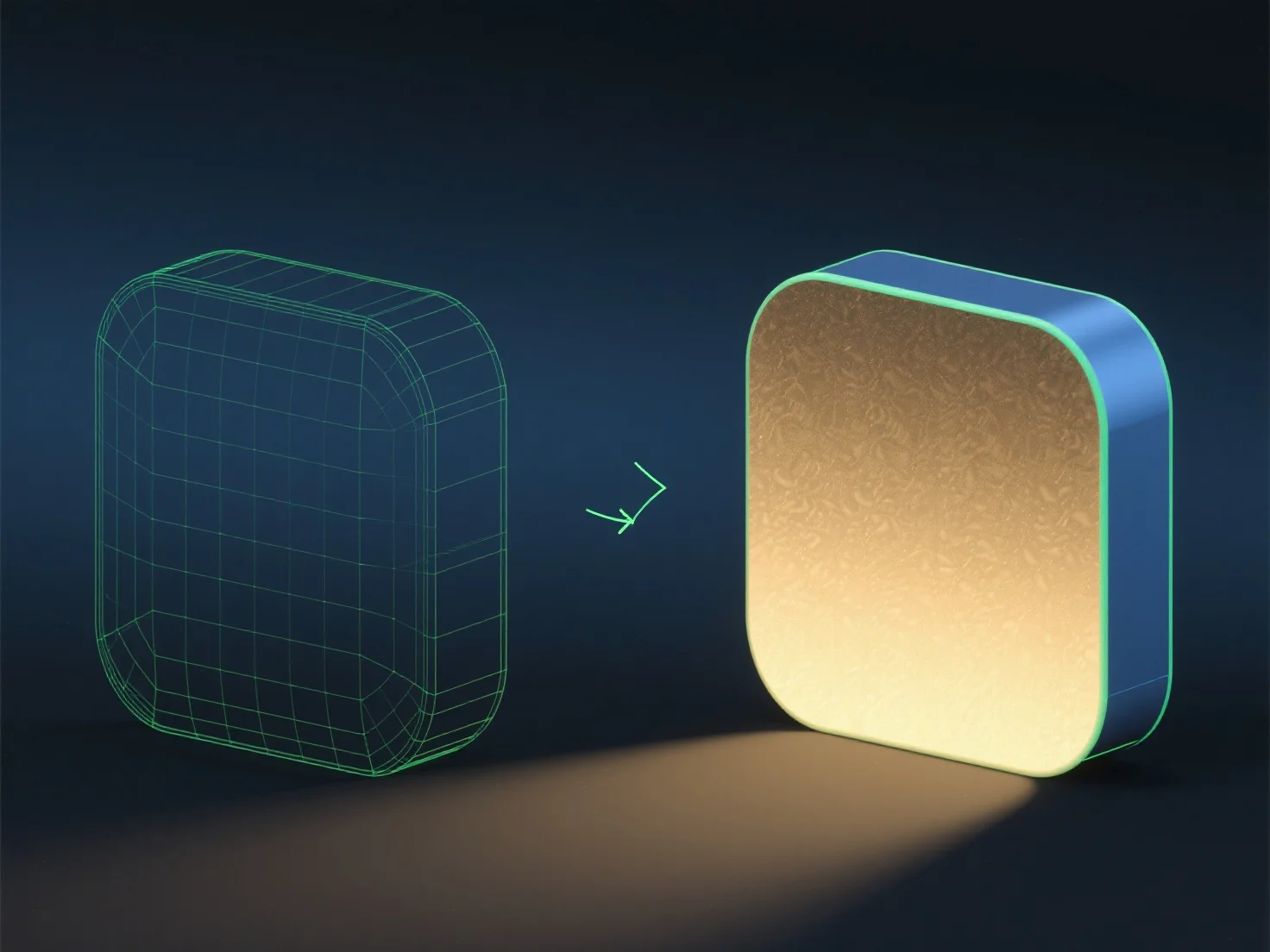
Scene setup involves placing the 3D model in a virtual environment, defining its position and scale. Material/texture assignment sets surface properties (e.g., color, reflectivity) and adds details via textures. Lighting configuration adds light sources (e.g., directional, point lights) to simulate real-world illumination, enhancing depth. Camera positioning determines the viewpoint, angle, and focal length to frame the model. Final rendering computation calculates pixel colors by simulating light interaction, generating the 2D image.

For beginners, using software with preset materials/lighting can simplify practicing these steps.

PreviousNext
Produto
Web Studio
Plataforma API
Recursos
Imagem para 3D
Multivisualização para 3D
Relevo
Segmentação
Modelos
Modelo geral
Modelo de retrato
Recursos
Blog
Perguntas frequentes
Documentação da API
Sobre nós
Preços