


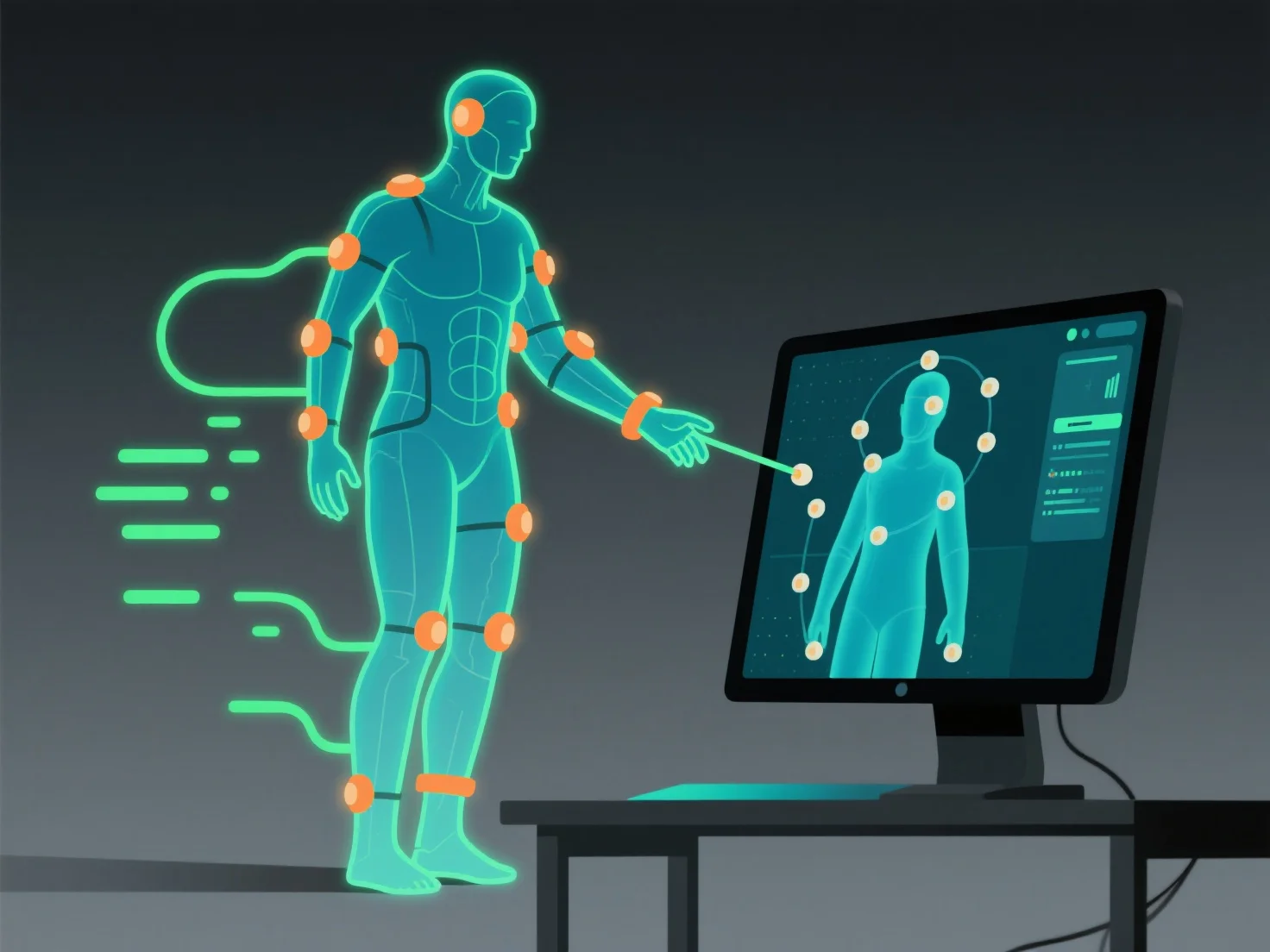
Integrar dados de captura de movimento com ferramentas de modelagem 3D e animação envolve importar o ficheiro de dados, alinhá-lo com o rig do modelo 3D e refinar os ajustes para garantir uma transferência de movimento natural, permitindo que o modelo replique com precisão os movimentos registados.
- **Importar o ficheiro de dados**: Utilize formatos padrão como FBX ou BVH. A maioria das ferramentas (por exemplo, Blender, Maya, Unity) suportam estes formatos; verifique primeiro a compatibilidade do formato para uma importação suave. - **Alinhar com o rig do modelo**: Faça corresponder os movimentos das articulações capturados com a estrutura esquelética do modelo, garantindo que cada movimento registado corresponde corretamente aos ossos do rig. - **Refinar os ajustes**: Corrija pequenas discrepâncias.
Estes passos garantem uma integração perfeita, fazendo com que o modelo 3D se mova conforme pretendido com os dados de movimento capturados.