


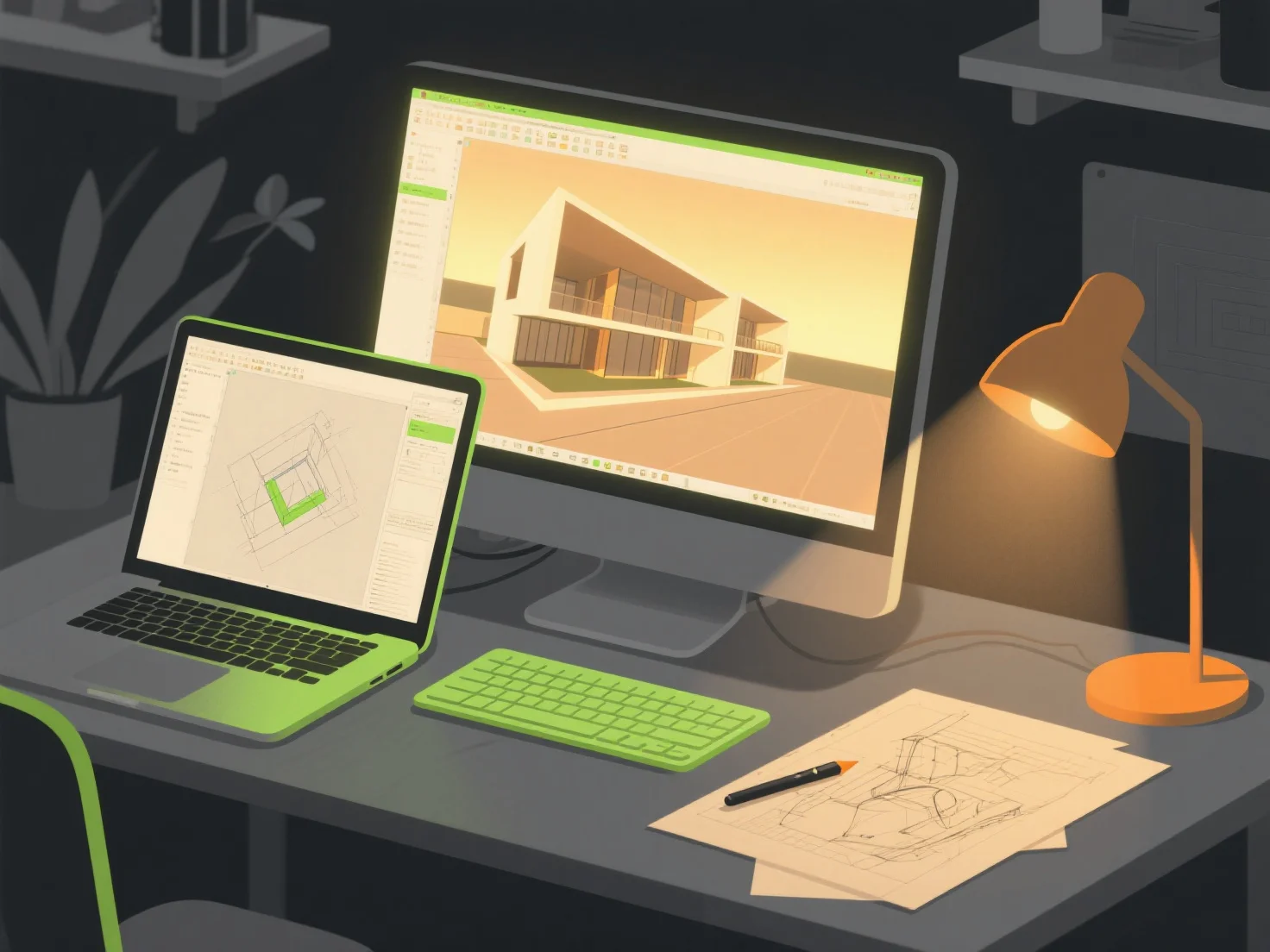
Ao criar ambientes fotorrealistas para visualizações arquitetónicas, as combinações de ferramentas principais incluem software de modelação 3D, motores de renderização e bibliotecas de texturas/ativos. Estes colaboram para construir estruturas detalhadas, aplicar materiais realistas e simular efeitos de iluminação realistas.
Ferramentas de modelagem 3D, como SketchUp ou Blender, primeiro constroem a geometria arquitetural básica, fornecendo formas fundamentais precisas para o ambiente.
Motores de renderização, como o V-Ray ou o Enscape, lidam então com a simulação de materiais e iluminação, gerando sombras realistas, reflexos e gradientes de cor para melhorar o realismo.
Bibliotecas de texturas/ativos como a Quixel Megascans adicionam detalhes de superfície de alta qualidade.
Para iniciantes, pares integrados como o SketchUp com o Enscape simplificam os fluxos de trabalho, oferecendo pré-visualizações em tempo real e edição intuitiva para simplificar o processo de criação.