


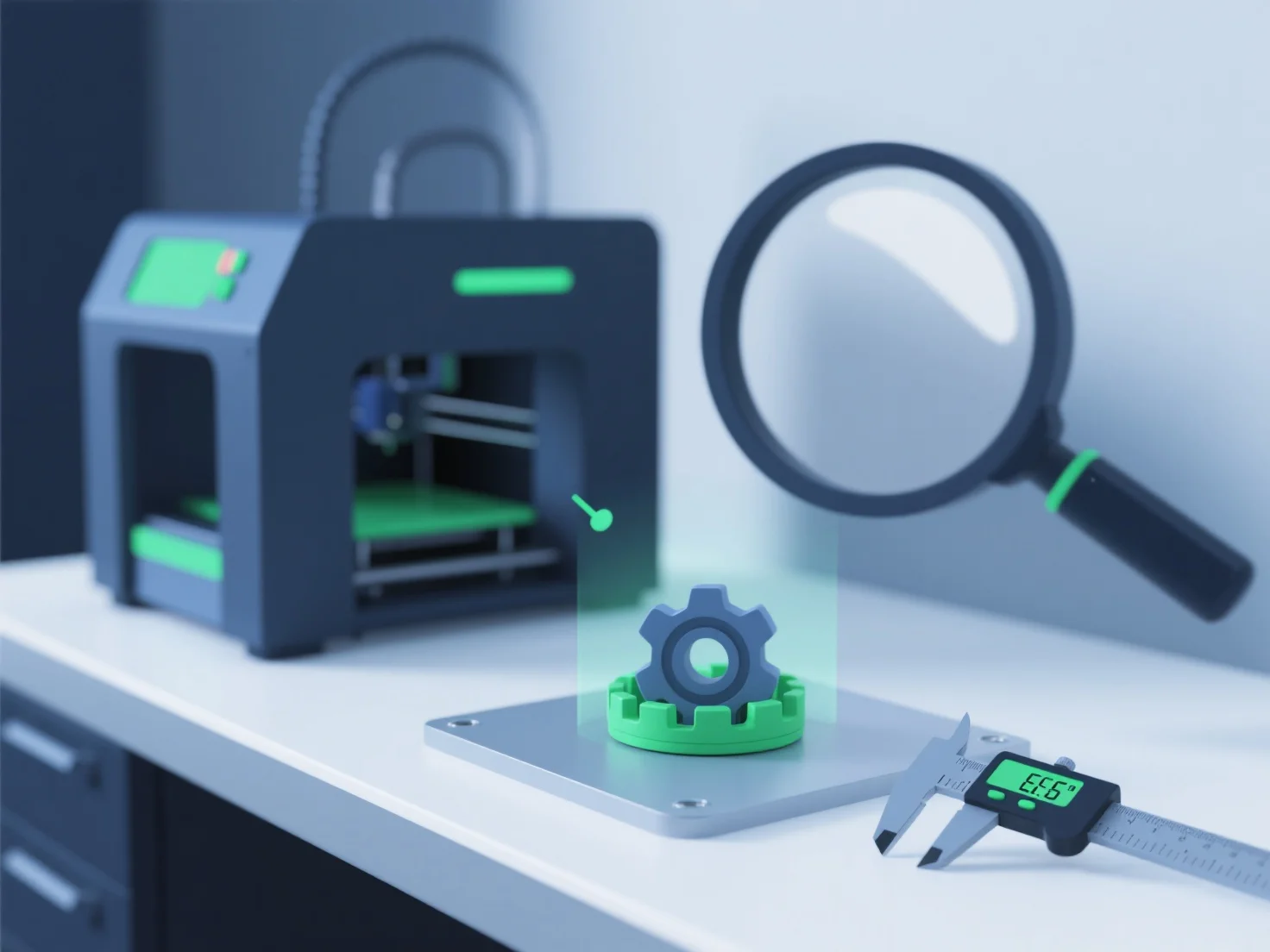
Para garantir que os modelos 3D cumpram os padrões de qualidade de impressão 3D, concentramo-nos na validação da geometria, na otimização dos formatos de ficheiro e na realização de verificações pré-impressão. Estes são passos fundamentais para eliminar erros e garantir que o modelo se adeque às capacidades da impressora.
Primeiro, validar a geometria: Use ferramentas como MeshLab ou Blender para verificar se existem arestas não-manifold, lacunas ou faces sobrepostas, que podem causar falhas de impressão.
Em segundo lugar, otimize os formatos de ficheiro: escolha formatos compatíveis com impressão (STL, 3MF) e ajuste os parâmetros críticos. Por exemplo, a espessura mínima da parede (1,2 mm+ para a maioria dos materiais) e os ângulos de saliência (mantendo-os abaixo dos 45° sem suportes).
Em terceiro lugar, realize verificações pré-impressão: Simule a impressão em slicers (Cura, PrusaSlicer) para detectar problemas de adesão de camadas ou necessidades de suporte, e teste pequenos protótipos para verificar a qualidade antes da produção completa.
Este processo estruturado garante que os modelos sejam estruturalmente estáveis, prontos para impressão e alinhados com as especificações do material e da impressora.