


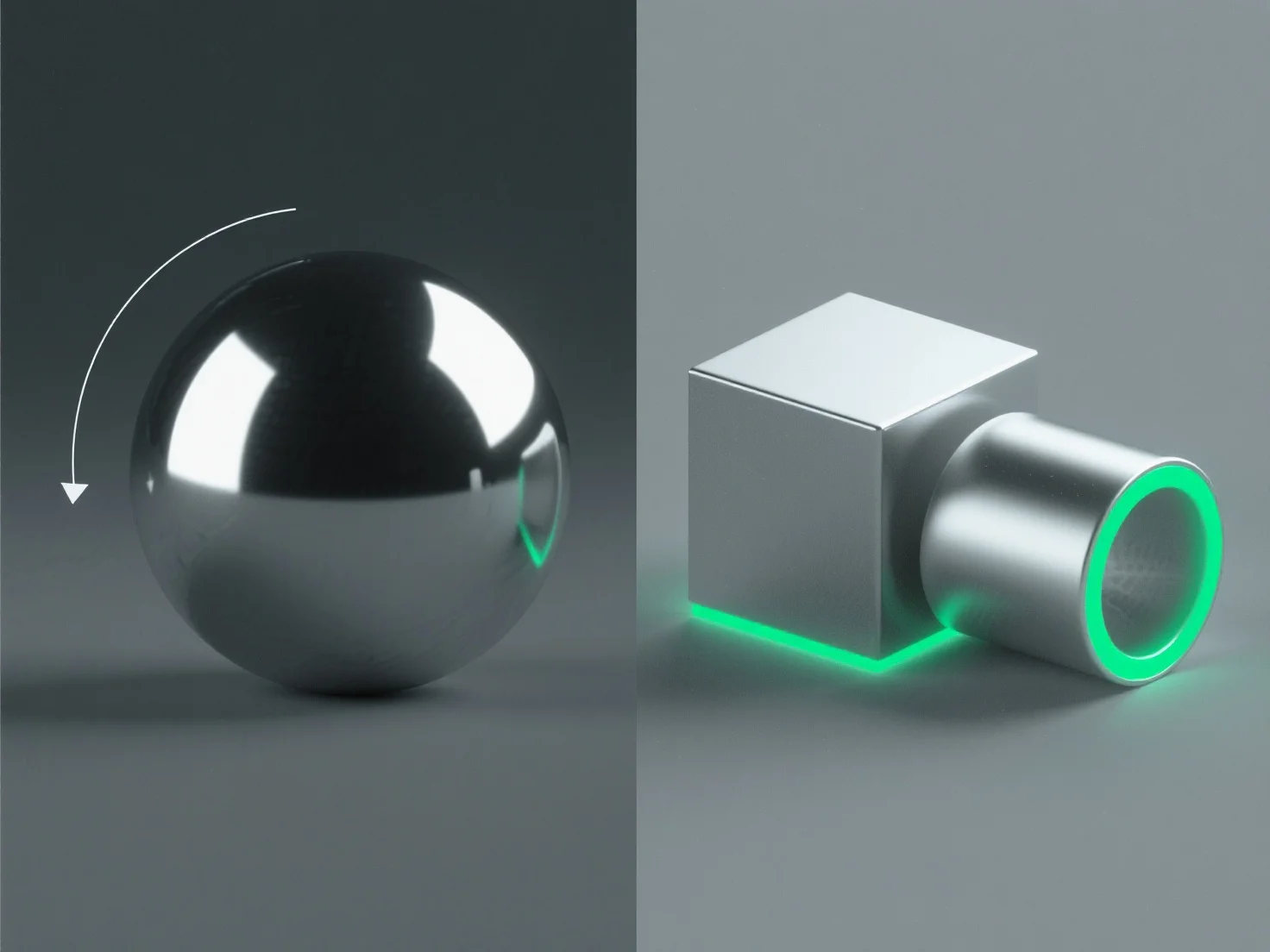
Para criar superfícies metálicas realistas em design 3D, concentre-se em ajustar as propriedades do material e otimizar a iluminação para replicar as características fundamentais da interação da luz com o metal.
Os passos principais incluem: - **Alta refletividade**: Defina a refletividade do material para 80-100% para capturar os ambientes circundantes, imitando a qualidade espelhante do metal. - **Rugosidade controlada**: Adicione uma micro-rugosidade subtil (0,05-0,3 em PBR) para evitar um brilho uniforme; valores mais baixos para metais polidos, mais elevados para acabamentos escovados/desgastados. - **Realces especulares**: Utilize realces nítidos e intensos para simular o rebote de luz direta, ajustando o tamanho com base na suavidade da superfície. - **Iluminação ambiente**: Integre mapas HDRI para reflexões sensíveis ao contexto, fundamentais para uma aparência autêntica do metal.
Estes métodos, especialmente nos fluxos de trabalho de renderização baseados em física (PBR), replicam as interações reais entre metal e luz, resultando em superfícies realistas.