


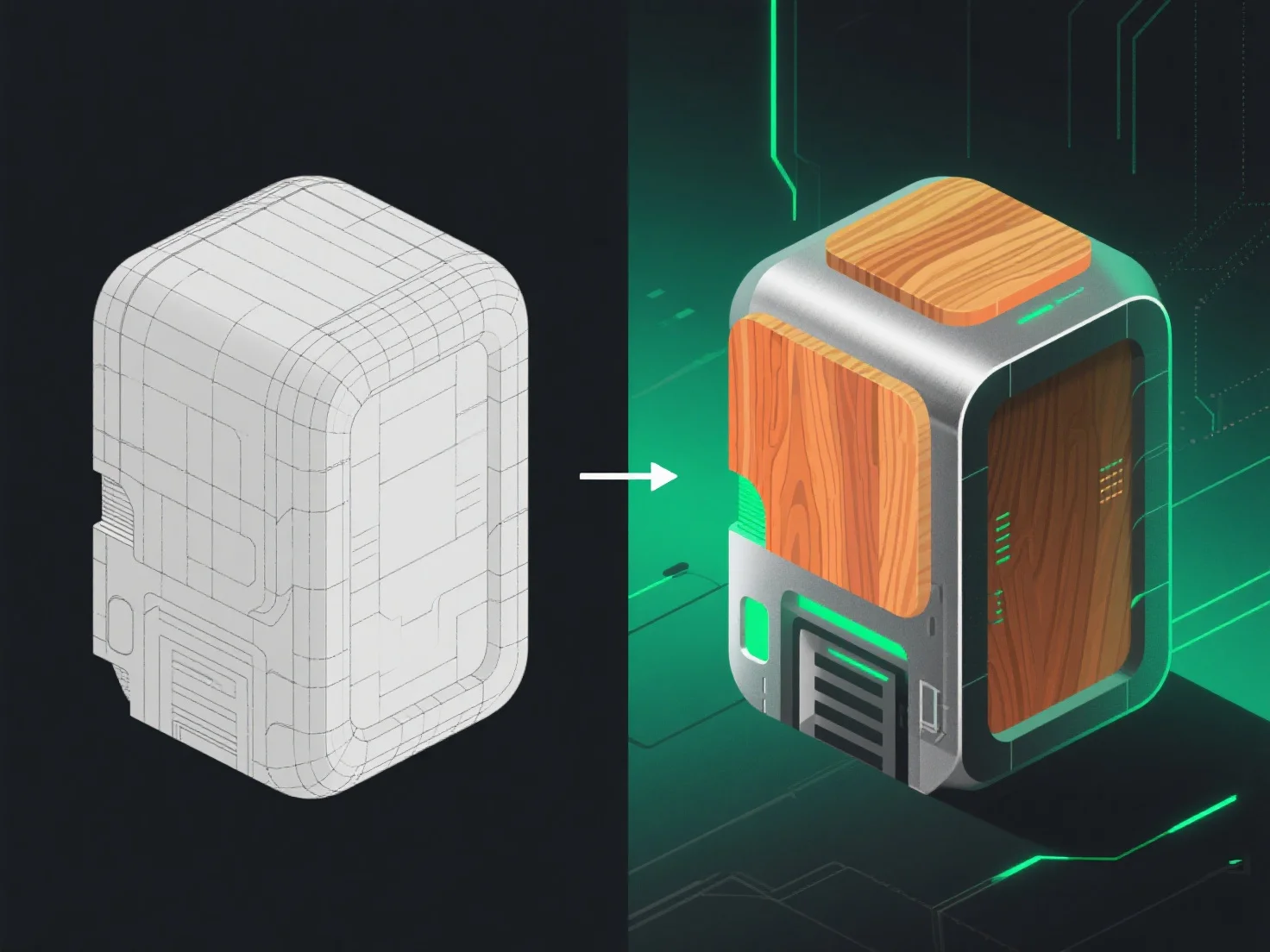
Os modelos 3D passam da modelagem para a texturização através do desempacotamento UV, o passo crítico que liga a geometria à aplicação de texturas, garantindo que as texturas se alinham com precisão à superfície do modelo.
Primeiro, o desempacotamento UV aplana a superfície do modelo 3D em coordenadas 2D, como desdobrar um origami. Isto evita a distorção da textura, mapeando cada ponto da superfície 3D para uma área específica numa "folha de textura" 2D.
Em seguida, os artistas criam ou importam mapas de textura.
Em resumo, o desempacotamento UV liga a modelagem à texturização, permitindo uma aplicação precisa de texturas para dar vida a modelos 3D com superfícies realistas ou estilizadas.