


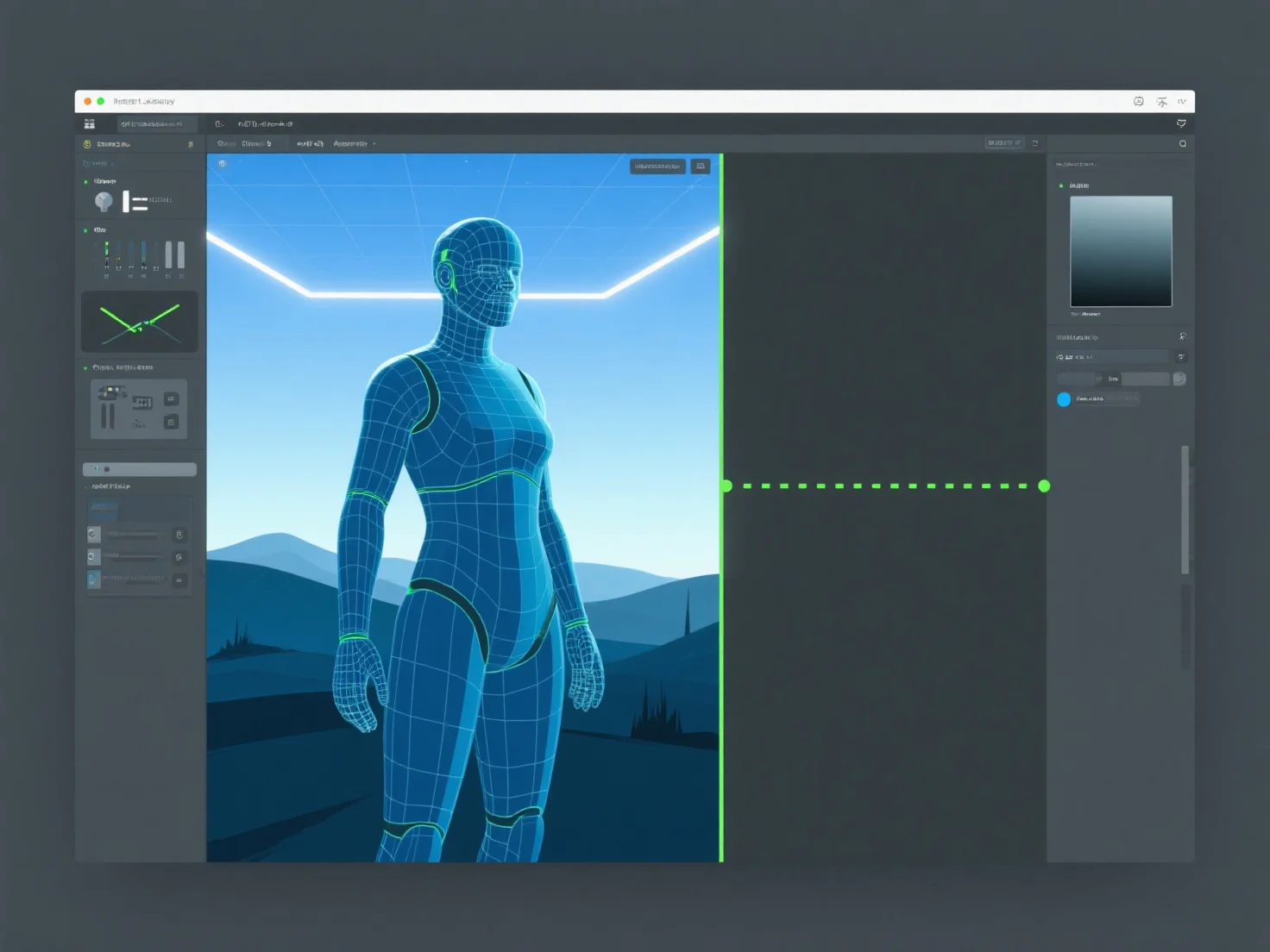
Os recursos 3D passam do design para a implementação no motor de jogo através de cinco etapas principais: criação, otimização, exportação, importação e configuração no motor.
1. Criação: Os ativos são modelados e texturizados em ferramentas como o Blender ou o Maya, definindo a sua forma, detalhes e aparência visual. 2. Otimização: Os contadores de polígonos são reduzidos, as texturas (por exemplo, mapas normais) são compiladas e os dados são simplificados para garantir o desempenho do motor. 3. Exportação: Salvos em formatos compatíveis com o motor (FBX, GLB) para preservar a geometria, as texturas e as animações. 4. Importação: Carregados no motor do jogo (por exemplo, Unity, Unreal), com verificações da integridade dos ativos. 5. Configuração: Configurados com animações, malhas de colisão ou scripts para permitir a interação e funcionalidade no jogo.
Este fluxo de trabalho garante que os recursos 3D se integrem suavemente no motor, equilibrando a qualidade e o desempenho.