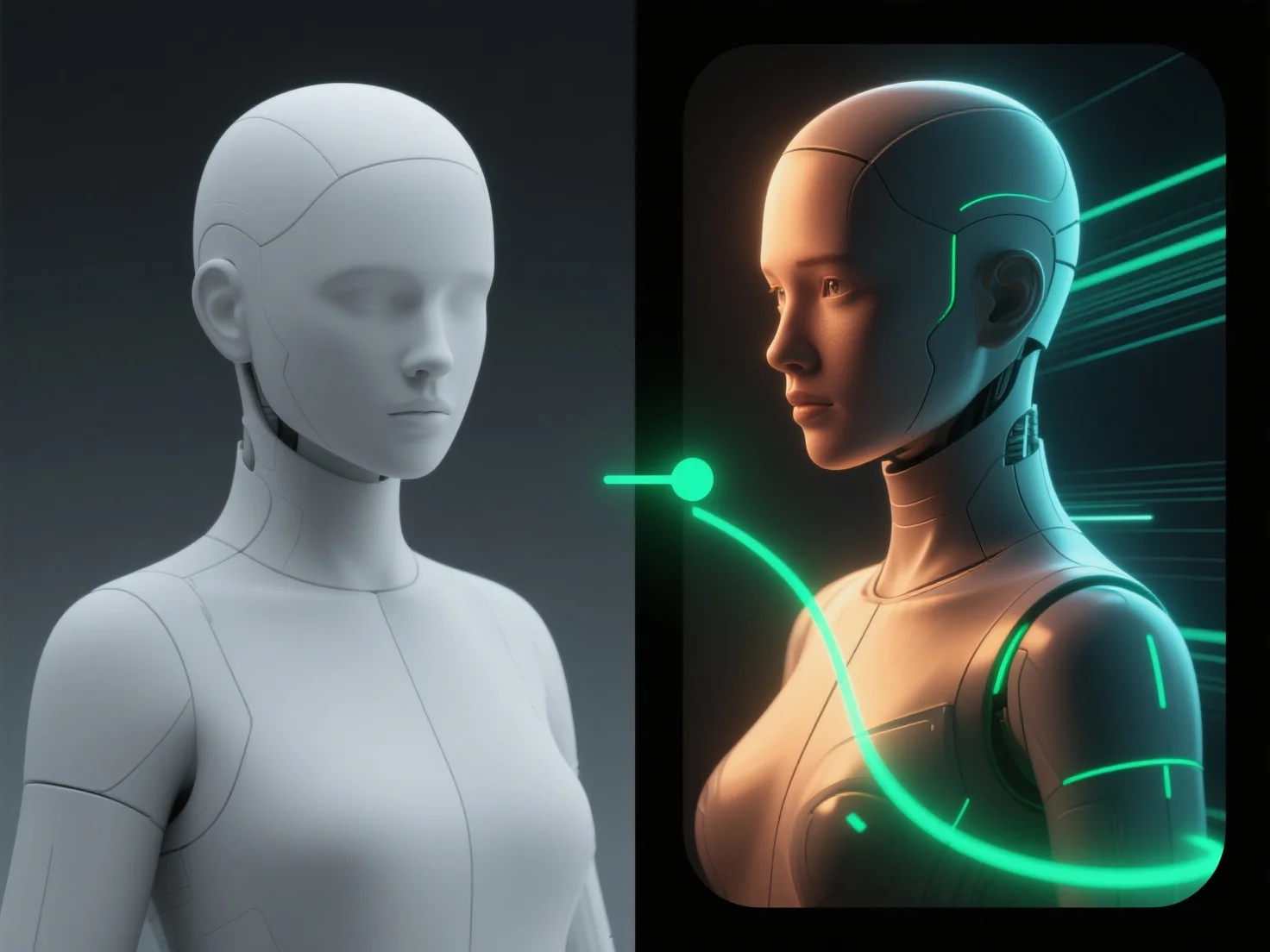
A fase de composição melhora o aspeto final dos modelos 3D, integrando elementos 3D renderizados com gráficos 2D, efeitos e ajustes de cor, criando um resultado coeso e visualmente polido. Ela combina camadas-chave, como sombras, reflexos e efeitos atmosféricos, para garantir que estes elementos se alinhem naturalmente com o modelo 3D, aumentando o realismo ou a estilização com base nas necessidades do projeto. A composição também equilibra a iluminação e a cor em todos os elementos, aperfeiçoando o contraste e a tonalidade para unificar a cena, fazendo com que o modelo se integre perfeitamente no seu ambiente. Ao adicionar etapas de pós-processamento, como ajustes de opacidade, aplicação de filtros ou refinamento de detalhes das bordas, a composição aumenta ainda mais o impacto visual, resultando num aspeto final profissional e polido.


Como é que a fase de composição melhora o aspeto final dos modelos 3D?
A composição integra elementos 3D com gráficos 2D, efeitos e ajustes para criar visuais coesos e polidos.