


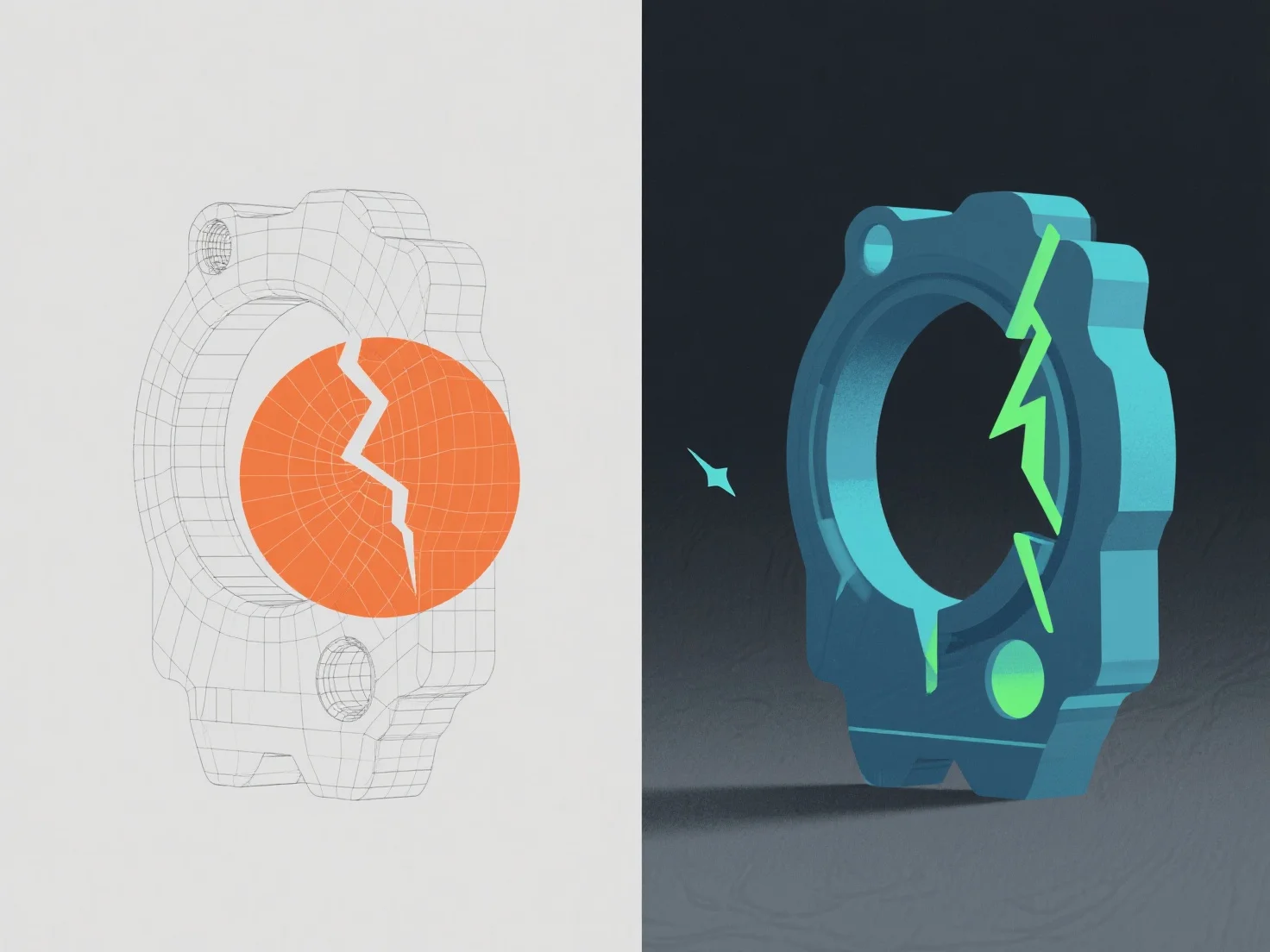
Os erros num modelo 3D são identificados através de ferramentas de validação de software e inspeção manual, sendo depois corrigidos mediante o ajuste da geometria, topologia ou dados de textura.
Os problemas comuns incluem arestas não-manifold (sinalizadas por ferramentas como a Análise de Malha do Blender, corrigidas pela fusão ou eliminação de vértices em excesso), normais invertidas (detetadas através de lacunas de sombreamento, corrigidas pelo recálculo das normais) e estiramento de texturas (identificado em ferramentas de desempacotamento UV, ajustado através do refinamento de mapas UV).
Os controlos automatizados no Maya ou no ZBrush detetam primeiro os erros básicos, enquanto a revisão manual garante a consistência visual/técnica, assegurando que o modelo cumpre os padrões do projeto, como a integridade da malha e a prontidão para renderização.