


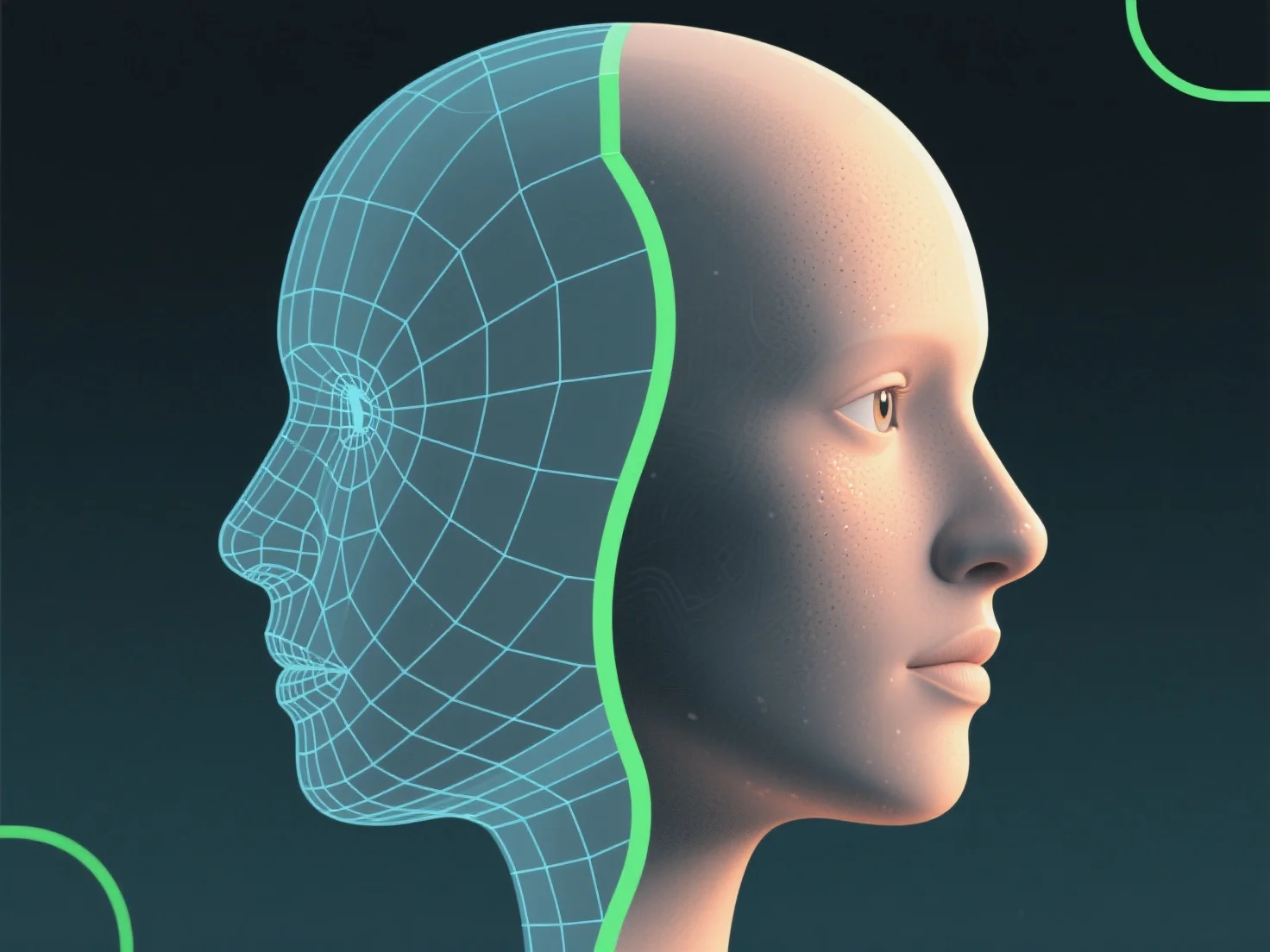
Os shaders melhoram o realismo dos modelos 3D, simulando interações luz-superfície e controlando propriedades como cor, textura, refletividade e transparência, de forma a imitar materiais do mundo real.
- **Reacção à luz**: Determinam como as superfícies respondem à luz. Por exemplo, o metal reflecte o ambiente para um aspecto brilhante, enquanto a pele mostra gradientes de cor subtis para uma aparência suave. - **Imitação de materiais**: Ajustar parâmetros como a rugosidade (para acabamentos mate/suaves) ou valores metálicos (para diferenciar o metal do plástico) aperfeiçoa a precisão dos materiais. - **Estratificação de detalhes**: Os texturas aplicados através de shaders adicionam detalhes à superfície.
Ao combinar estes elementos, os shaders colmatam a lacuna entre o digital e o real, aumentando a semelhança de um modelo.