Home/Hitem3D FAQ/What tools do you combine for creating photorealistic environments for architectural visualizations?

What tools do you combine for creating photorealistic environments for architectural visualizations?

Key tools for photorealistic architectural environments include 3D modeling, rendering engines, and texture libraries, with integrated pairs aiding beginners.

What tools do you combine for creating photorealistic environments for architectural visualizations?

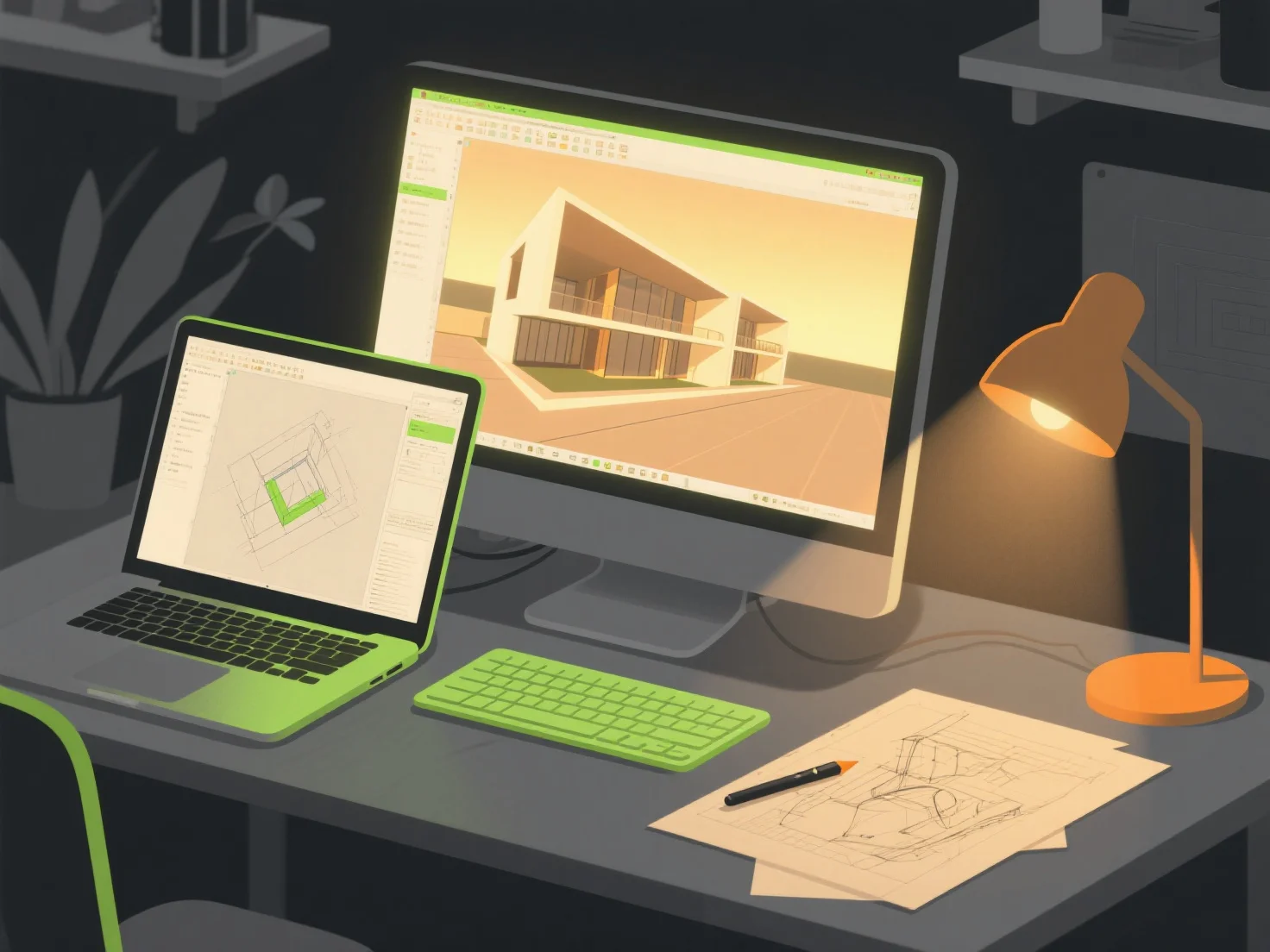
When creating photorealistic environments for architectural visualizations, key tool combinations include 3D modeling software, rendering engines, and texture/asset libraries—these collaborate to build detailed structures, apply lifelike materials, and simulate realistic lighting effects.

3D modeling tools like SketchUp or Blender first construct the base architectural geometry, providing precise foundational shapes for the environment.

Rendering engines such as V-Ray or Enscape then handle material and lighting simulation, generating lifelike shadows, reflections, and color gradients to enhance realism.

Texture/asset libraries like Quixel Megascans add high-quality surface details (e.g., brick, wood, foliage), infusing materials with depth and authenticity.

For beginners, integrated pairs like SketchUp with Enscape streamline workflows, offering real-time previews and intuitive editing to simplify the creation process.

PreviousNext
제품
웹 스튜디오
API 플랫폼
기능
이미지를 3D로
멀티뷰를 3D로
릴리프
세그멘테이션
모델
일반 모델
인물 모델
리소스
블로그
FAQ
API 문서
회사 소개
가격