Home/Hitem3D FAQ/How do you integrate motion capture data with 3D modeling and animation tools?

How do you integrate motion capture data with 3D modeling and animation tools?

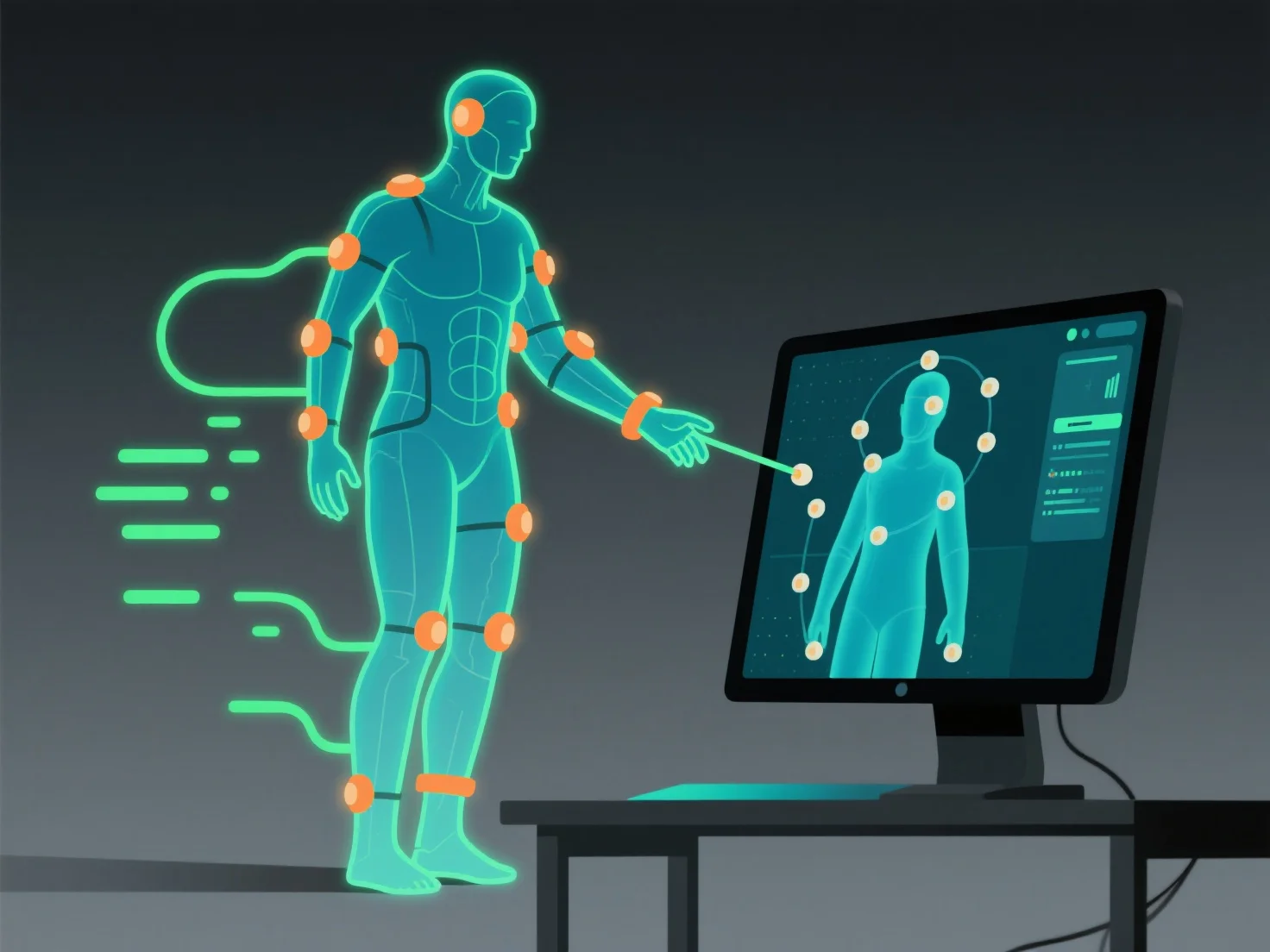
Integrating motion capture data with 3D tools involves importing, aligning with the rig, and refining for natural motion transfer.

How do you integrate motion capture data with 3D modeling and animation tools?

Integrating motion capture data with 3D modeling and animation tools involves importing the data file, aligning it with the 3D model’s rig, and refining adjustments to ensure natural motion transfer, allowing the model to accurately replicate recorded movements.

- **Import the data file**: Use standard formats like FBX or BVH. Most tools (e.g., Blender, Maya, Unity) support these; check format compatibility first for smooth import. - **Align with the model’s rig**: Match captured joint movements to the model’s skeletal structure, ensuring each recorded motion maps correctly to the rig’s bones. - **Refine adjustments**: Fix minor mismatches (e.g., joint misalignment) using tool-specific features to smooth out movements, ensuring the animation looks natural.

These steps ensure seamless integration, making the 3D model move as intended with the captured motion data.

PreviousNext
제품
웹 스튜디오
API 플랫폼
기능
이미지를 3D로
멀티뷰를 3D로
릴리프
세그멘테이션
모델
일반 모델
인물 모델
리소스
블로그
FAQ
API 문서
회사 소개
가격