Home/Hitem3D FAQ/How does the roughness map contribute to material appearance in 3D modeling?

How does the roughness map contribute to material appearance in 3D modeling?

A roughness map in 3D modeling controls light scattering to determine a material's smoothness, texture, and realism without extra geometry.

How does the roughness map contribute to material appearance in 3D modeling?

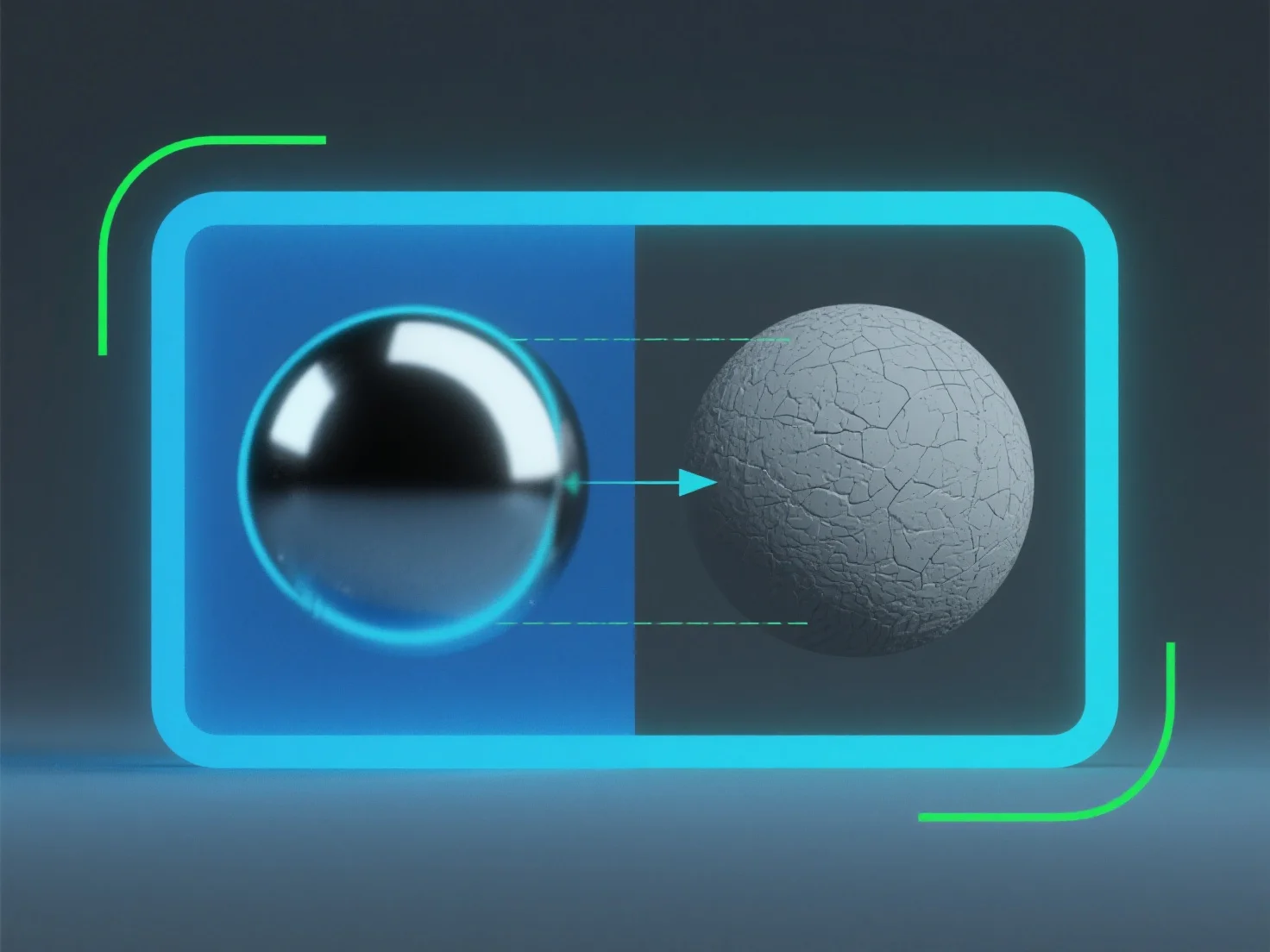
A roughness map in 3D modeling controls how light scatters on a material’s surface, directly determining its perceived smoothness or texture.

It simulates micro-surface details: Lower roughness values create glossy, reflective appearances (e.g., polished metal), as light bounces uniformly. Higher values result in matte, diffused looks (e.g., rough stone), with light scattering randomly.

This mimics real-world light interaction, enhancing material realism. Adjusting roughness maps helps achieve precise material traits without extra geometry, making it key for lifelike surface rendering.

PreviousNext
製品
Webスタジオ
APIプラットフォーム
機能
画像から3Dへ
マルチビューから3Dへ
リリーフ
セグメンテーション
モデル
汎用モデル
ポートレートモデル
リソース
ブログ
よくある質問
APIドキュメント
私たちについて
料金