


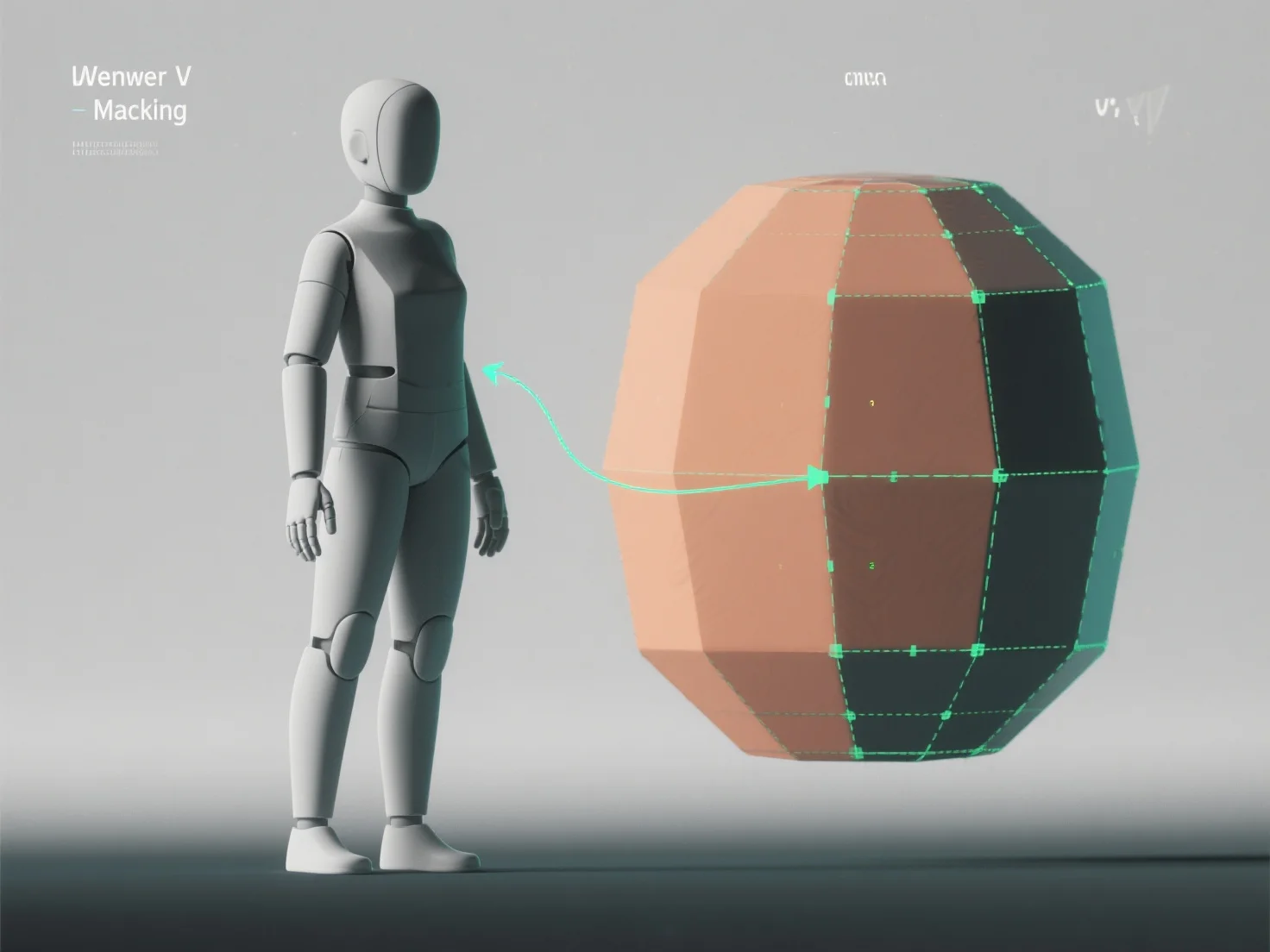
テクスチャリング用の3DモデルにUVアンラッピングを適用するには、モデルの3D表面を2DのUVマップに平坦化し、3D座標を2Dに変換してテクスチャが歪みなく正確に配置されるようにします。これは、ゲーム、アニメーション、視覚化などで現実的なテクスチャリングに不可欠なものです。
まず、UVシームを特定する。モデルのセクションを区切るためのエッジにマークを付ける。
次に、モデルを開封します。BlenderやMayaなどのソフトウェアツールを使用して、選択したセクションを2Dに平坦化し、角度ベース、準共形などの設定を調整して歪みを最小限に抑えます。
次に、UVアイランドのレイアウトを行います。アンラップされたセクション(UVアイランド)をUVマップ上に効率的に配置し、重なりを避けて鮮明なディテールのためのテクスチャ空間を最大限に活用します。
最後に、チェッカーボードのテクスチャでテストを行います。チェッカーボードのパターンを適用して、ストレッチや不整列を確認し、シームやレイアウトを微調整して正方形が均一に表示されるようにします。
このプロセスでは、高精度のUVマップが作成され、テクスチャが自然にラップされ、テクスチャリングワークフローでモデルの詳細が向上します。