Home/Hitem3D FAQ/How do you create realistic textures for wood in 3D modeling?

How do you create realistic textures for wood in 3D modeling?

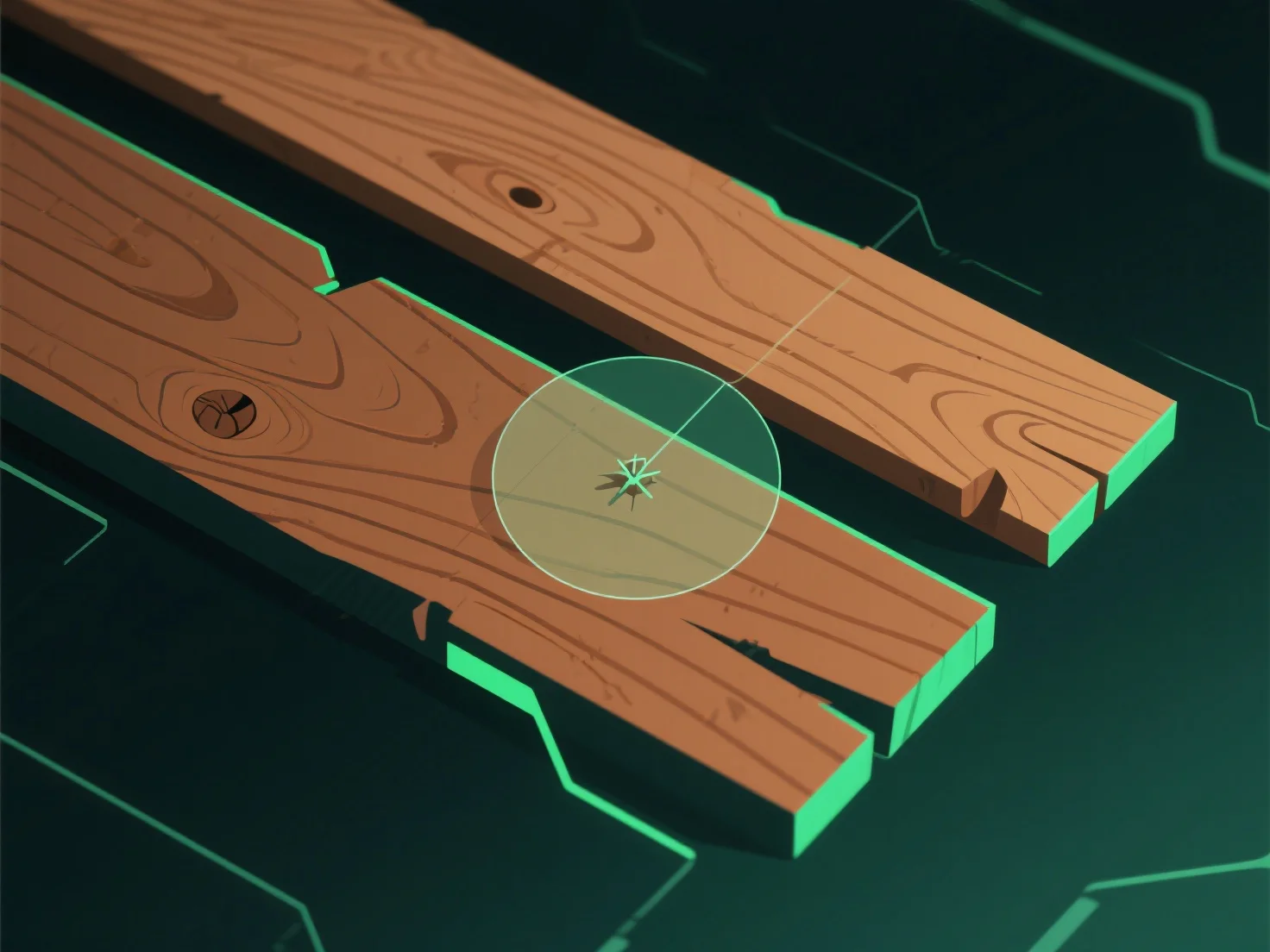
To create realistic 3D wood textures, analyze real wood/photos, use tools for maps, and refine details like grain and flaws.

How do you create realistic textures for wood in 3D modeling?

To create realistic wood textures in 3D modeling, start by analyzing real wood samples or high-resolution reference photos to capture grain patterns, color gradients, and natural imperfections (e.g., knots, cracks), then use texture tools to replicate these details with precise maps and adjustments.

1. **Reference analysis**: Study real wood or photos to note grain direction, color variations (light sapwood/dark heartwood), and flaws like knots or splits. 2. **Texture tool use**: Utilize software (e.g., Substance Painter, Blender) to generate key maps—diffuse (color), bump/normal (grain depth), and displacement (subtle height). 3. **Detail refinement**: Adjust color contrast, add wear (scratches), and align grain with natural growth patterns for authenticity.

PreviousNext
製品
Webスタジオ
APIプラットフォーム
機能
画像から3Dへ
マルチビューから3Dへ
リリーフ
セグメンテーション
モデル
汎用モデル
ポートレートモデル
リソース
ブログ
よくある質問
APIドキュメント
私たちについて
料金