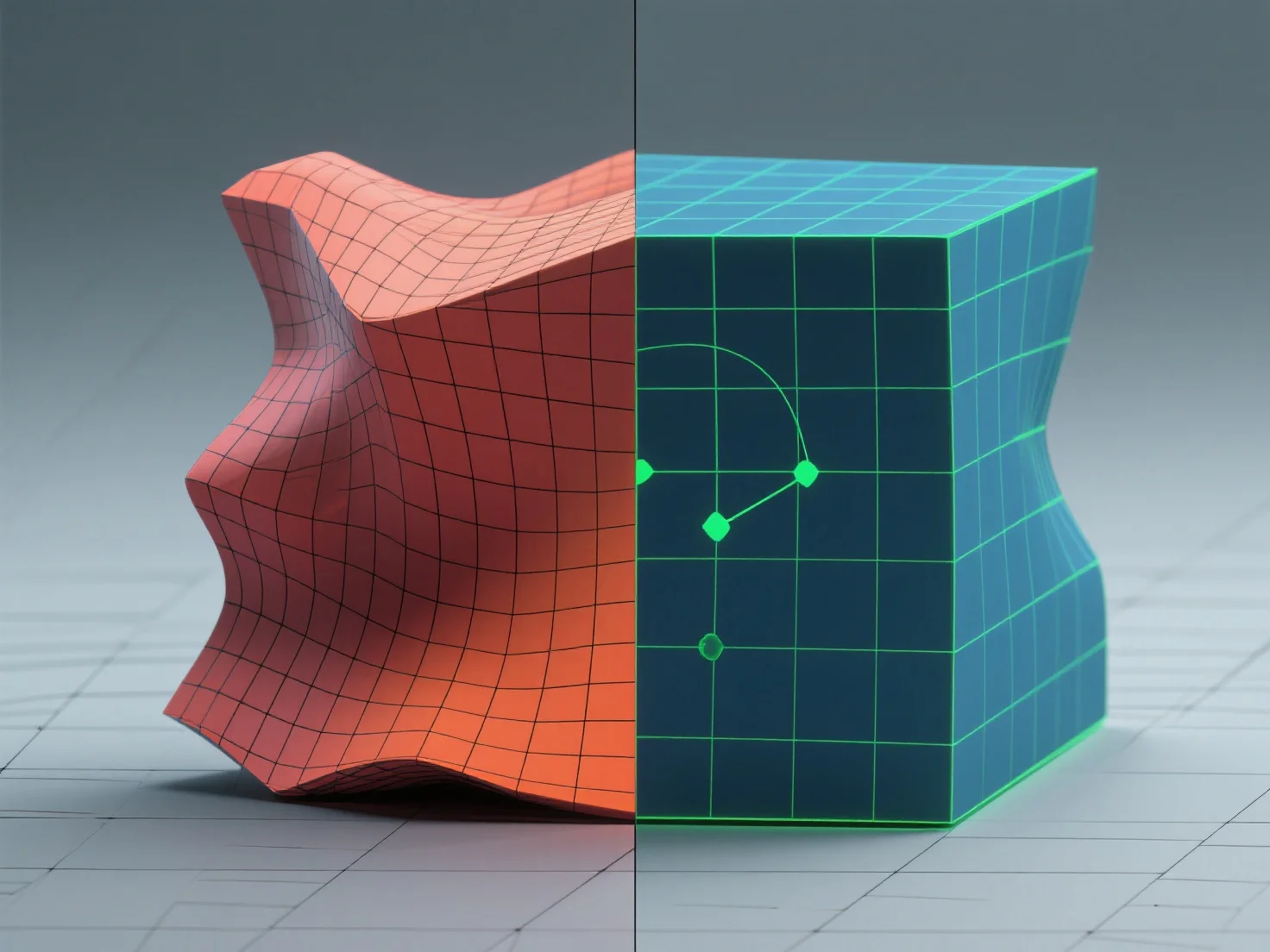
Topologi yang baik mencegah peregangan tekstur dengan memastikan distribusi poligon yang merata dan rasio aspek wajah yang seimbang, memungkinkan peta UV untuk menyelaraskan tekstur secara seragam. - Gunakan mesh yang dominan berupa quad dengan ukuran poligon yang konsisten; ini memastikan UV unwrap secara prediktif untuk penyebaran tekstur yang merata. - Hindari rasio aspek wajah yang ekstrem (misalnya, poligon panjang dan tipis), karena dapat menyebabkan jarak UV yang tidak merata dan peregangan. - Sejajarkan jahitan UV dengan tepi model alami (misalnya, sambungan, lipatan) untuk melokalisasi distorsi dan meminimalkan visibilitas. Langkah-langkah ini memastikan tekstur dipetakan dengan lancar, menghilangkan peregangan dan meningkatkan realisme model.


Bagaimana Anda mencegah peregangan tekstur dengan topologi yang baik?
Topologi yang baik dengan mesh yang didominasi oleh quad, wajah yang seimbang, dan jahitan yang sejajar dengan tepi mencegah peregangan tekstur.