


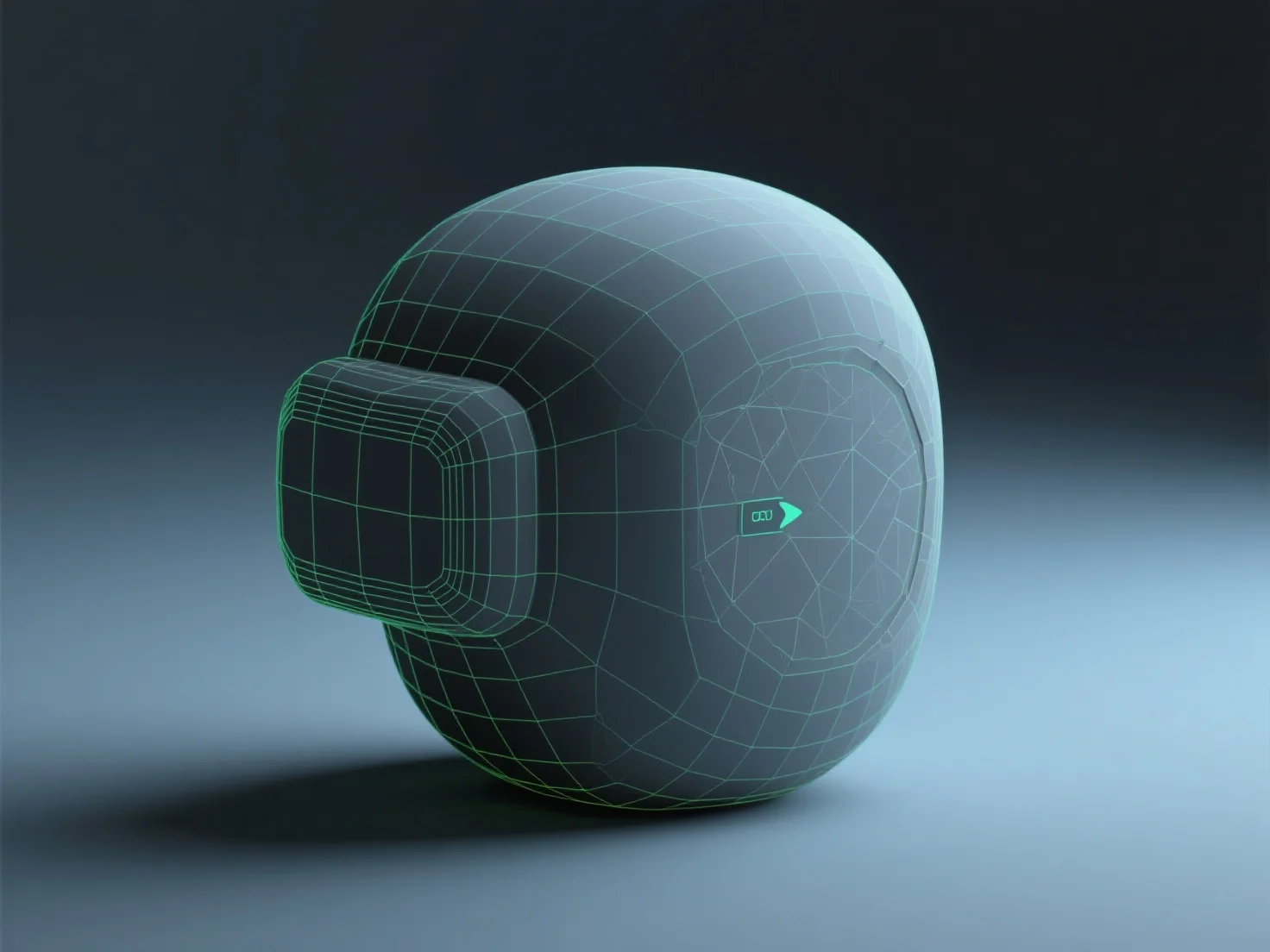
Mempersiapkan model 3D untuk mesin real-time seperti Unity atau Unreal melibatkan pengoptimisasi geometri, penekstur secara efisien, rigging (jika animasi), mengekspor dalam format yang kompatibel, dan pengujian di dalam mesin. Ini menyeimbangkan kualitas visual dengan kinerja untuk rendering real-time yang mulus.
Optimasi geometri mengurangi jumlah poligon untuk mengurangi beban GPU, memangkas detail yang tidak perlu sambil mempertahankan bentuk kunci untuk menjaga model tetap ringan.
Tekstur menggunakan materi PBR (Physically Based Rendering) untuk meniru pencahayaan dunia nyata, dengan peta terkompresi (albedo, normal, metallic) untuk rendering yang efisien.
Rigging (untuk model animasi) mengatur struktur tulang yang selaras dengan titik-titik gerakan alami, memungkinkan animasi yang mulus tanpa kompleksitas yang berlebihan.
Ekspor dalam format yang kompatibel dengan mesin, seperti FBX atau GLB, menghindari file berhak cipta untuk memastikan impor yang mulus ke Unity atau Unreal.
Pengujian di mesin memungkinkan penyesuaian LOD (Level of Detail) atau pengaturan material, serta penyempurnaan kinerja dan penampilan untuk hasil real-time yang optimal.