


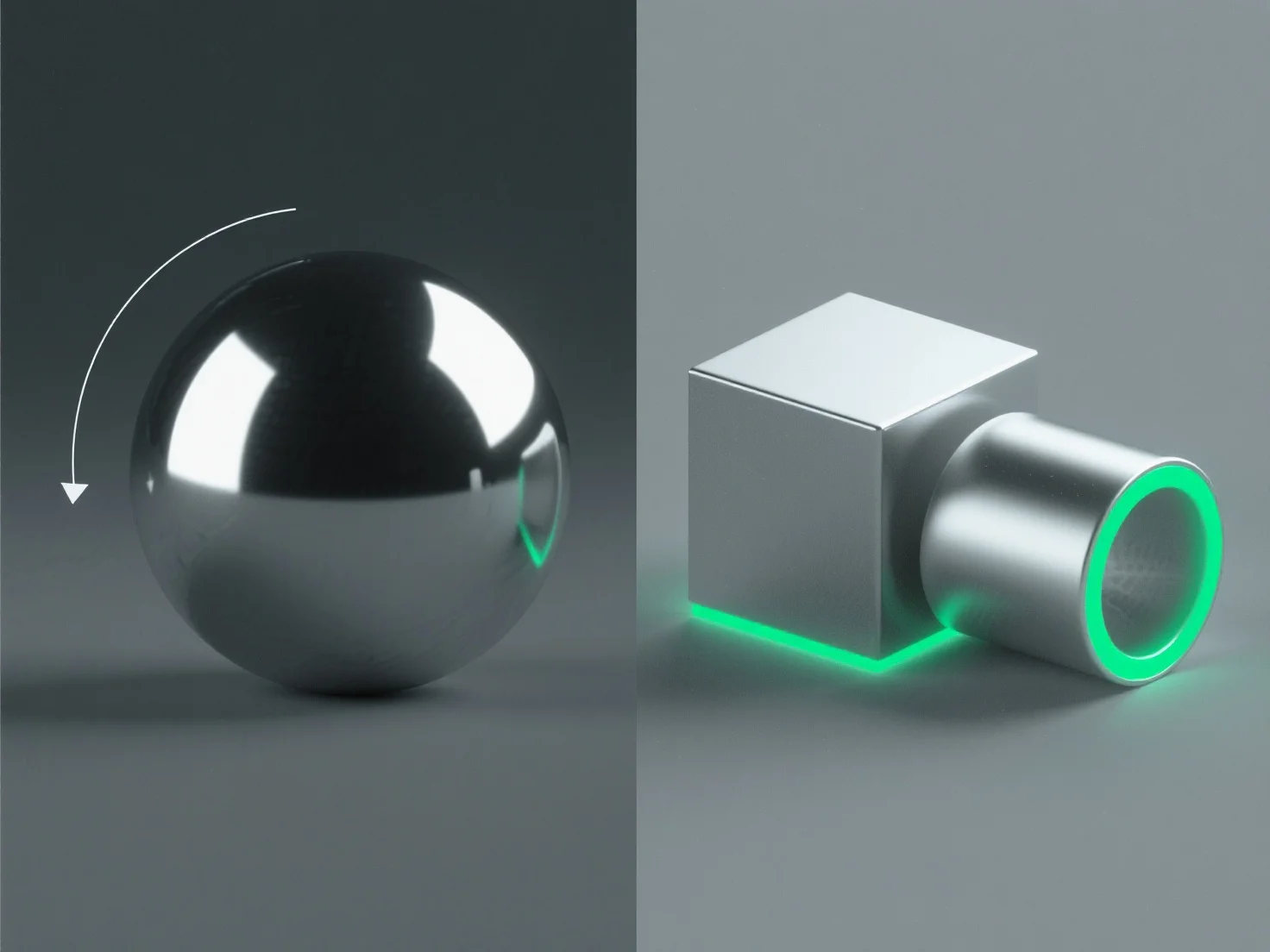
Untuk menciptakan permukaan logam yang realistis dalam desain 3D, fokuslah pada penyesuaian sifat material dan mengoptimalkan pencahayaan untuk mereplikasi karakteristik interaksi cahaya inti logam.
Langkah-langkah kunci meliputi: - **Reflektifitas tinggi**: Atur reflektifitas material menjadi 80-100% untuk menangkap lingkungan sekitar, meniru kualitas cermin logam. - **Kekasaran terkontrol**: Tambahkan mikro-kekasaran halus (0,05-0,3 dalam PBR) untuk menghindari kilau yang seragam; nilai yang lebih rendah untuk logam yang dipoles, dan yang lebih tinggi untuk hasil akhir yang disikat/lapuk. - **Sorotan spekular**: Gunakan sorotan yang tajam dan intens untuk mensimulasikan pantulan cahaya langsung, menyesuaikan ukurannya berdasarkan kelancaran permukaan. - **Pencahayaan lingkungan**: Integrasikan peta HDRI untuk refleksi yang sadar konteks, sangat penting untuk tampilan logam yang autentik.
Metode-metode ini, terutama dalam alur kerja rendering berbasis fisika (PBR), mereplikasi interaksi logam-cahaya yang nyata, menghasilkan permukaan yang tampak sangat realistis.