


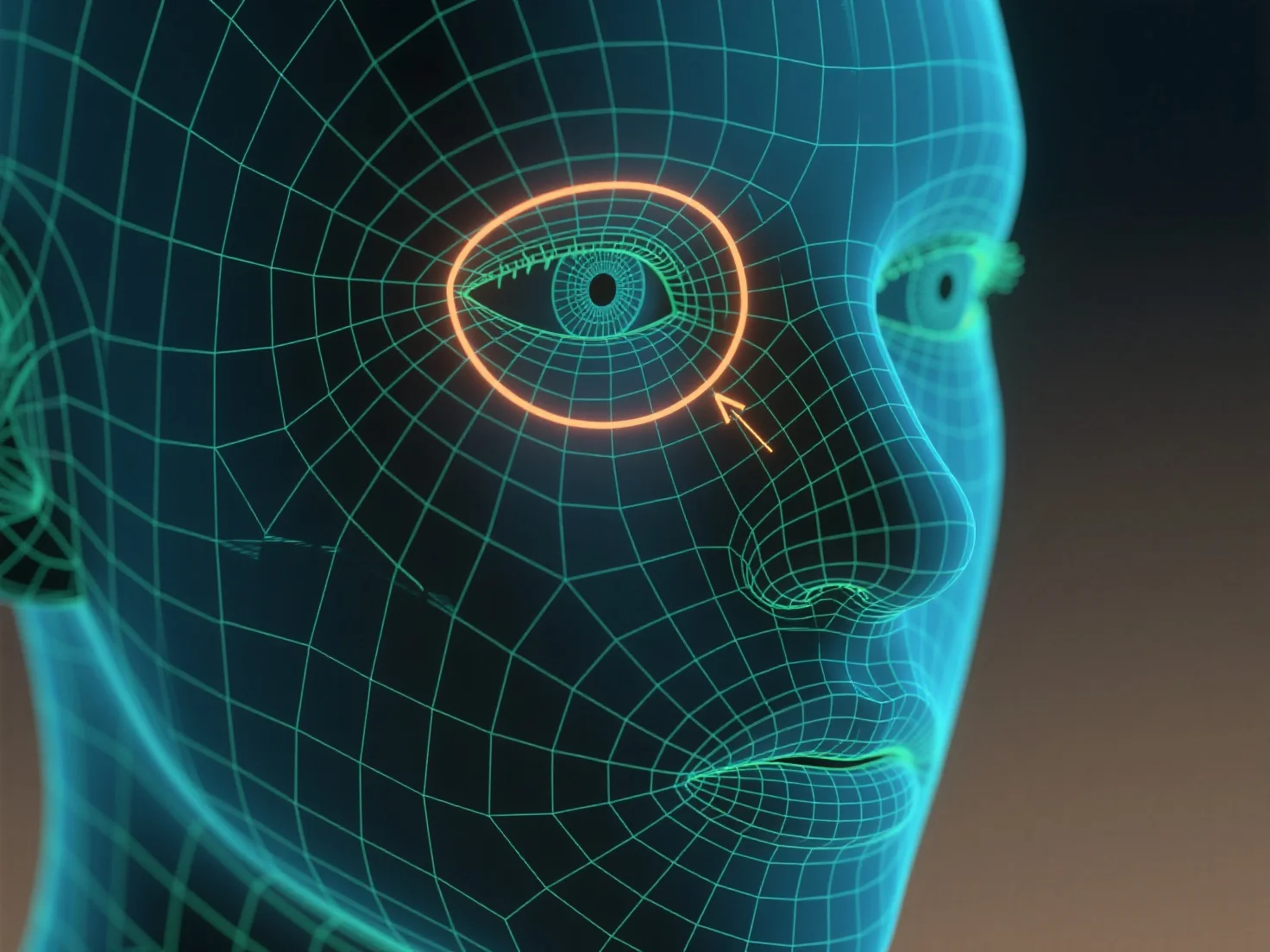
Loop tepi digunakan untuk menguraikan kontur dan mengontrol deformasi mesh saat mendefinisikan fitur karakter seperti mata dan mulut.
Loop tepi, cincin tepi terus menerus di sekitar model 3D, mengikuti kurva alami dari fitur-fitur, seperti bentuk bulat mata atau garis lengkung dari mulut, untuk membentuk geometrinya. Struktur ini memastikan mesh terdeformasi dengan lancar selama gerakan karakter.
Untuk pemula, mulailah dengan loop tepi sederhana di sekitar soket mata dan garis bibir, lalu sesuaikan kerapatan loop agar sesuai dengan detail fitur, membantu membangun fitur wajah yang jelas dan dapat dianimasikan.