


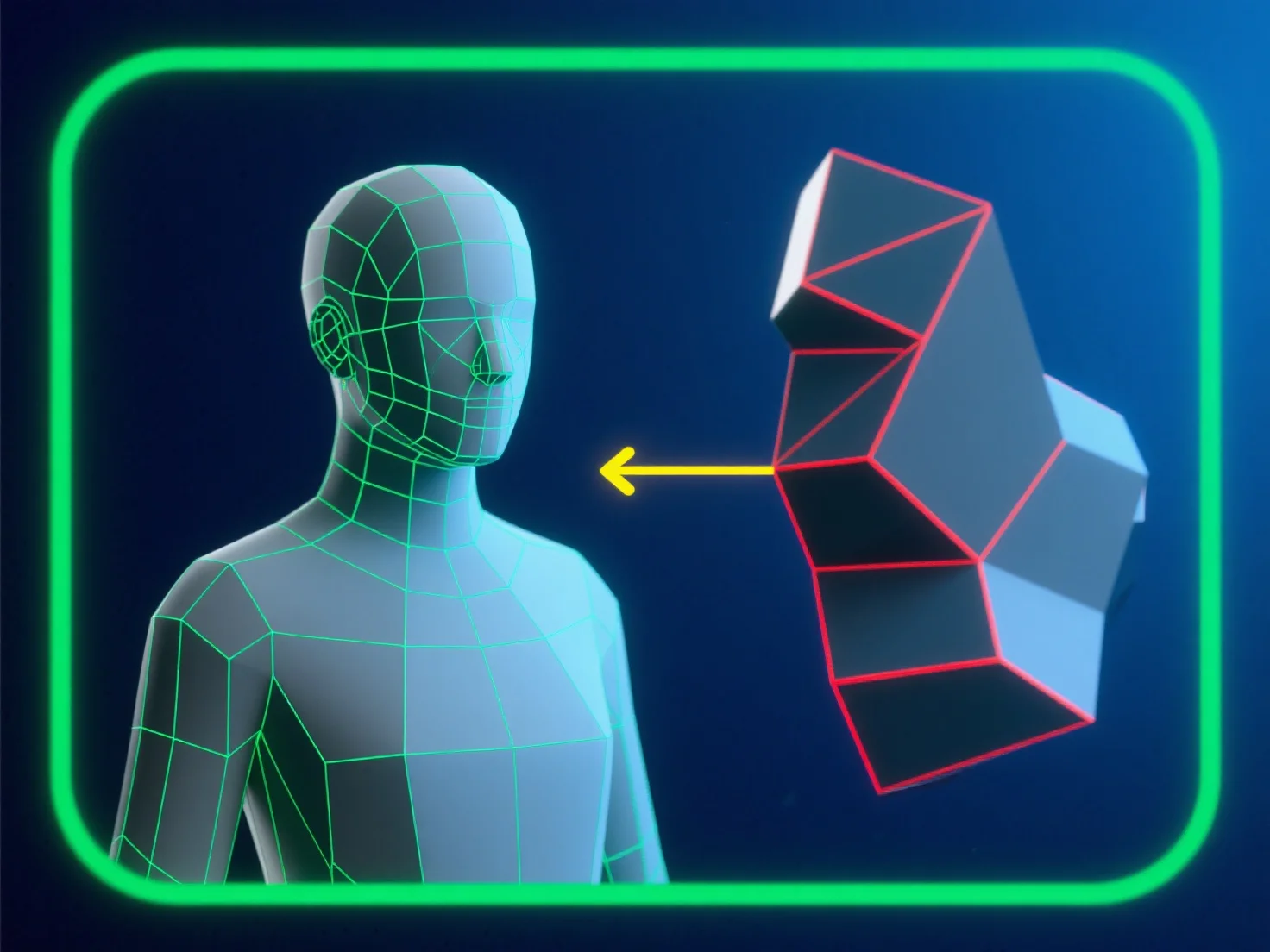
Untuk menghindari kesalahan topologi saat memodelkan untuk animasi, fokuslah pada aliran mesh yang bersih dan didominasi oleh quad yang sejalan dengan jalur gerakan karakter. Ini memastikan tepi deformasi dapat diprediksi, mengurangi pencubitan atau peregangan.
- **Hindari poligon bermasalah**: Hindari segitiga dan ngon di area deformasi tinggi (misalnya, sendi, fitur wajah), karena mereka mengganggu gerakan halus. - **Optimalkan loop tepi**: Tempatkan loop tepi yang tersebar merata di sekitar titik tikungan (siku, lutut) untuk mendukung deformasi alami tanpa distorsi. - **Uji dan validasi**: Gunakan alat integritas mesh secara teratur.
Dengan menggabungkan langkah-langkah ini, Anda menjaga kualitas mesh dan memastikan kinerja yang andal selama animasi.