


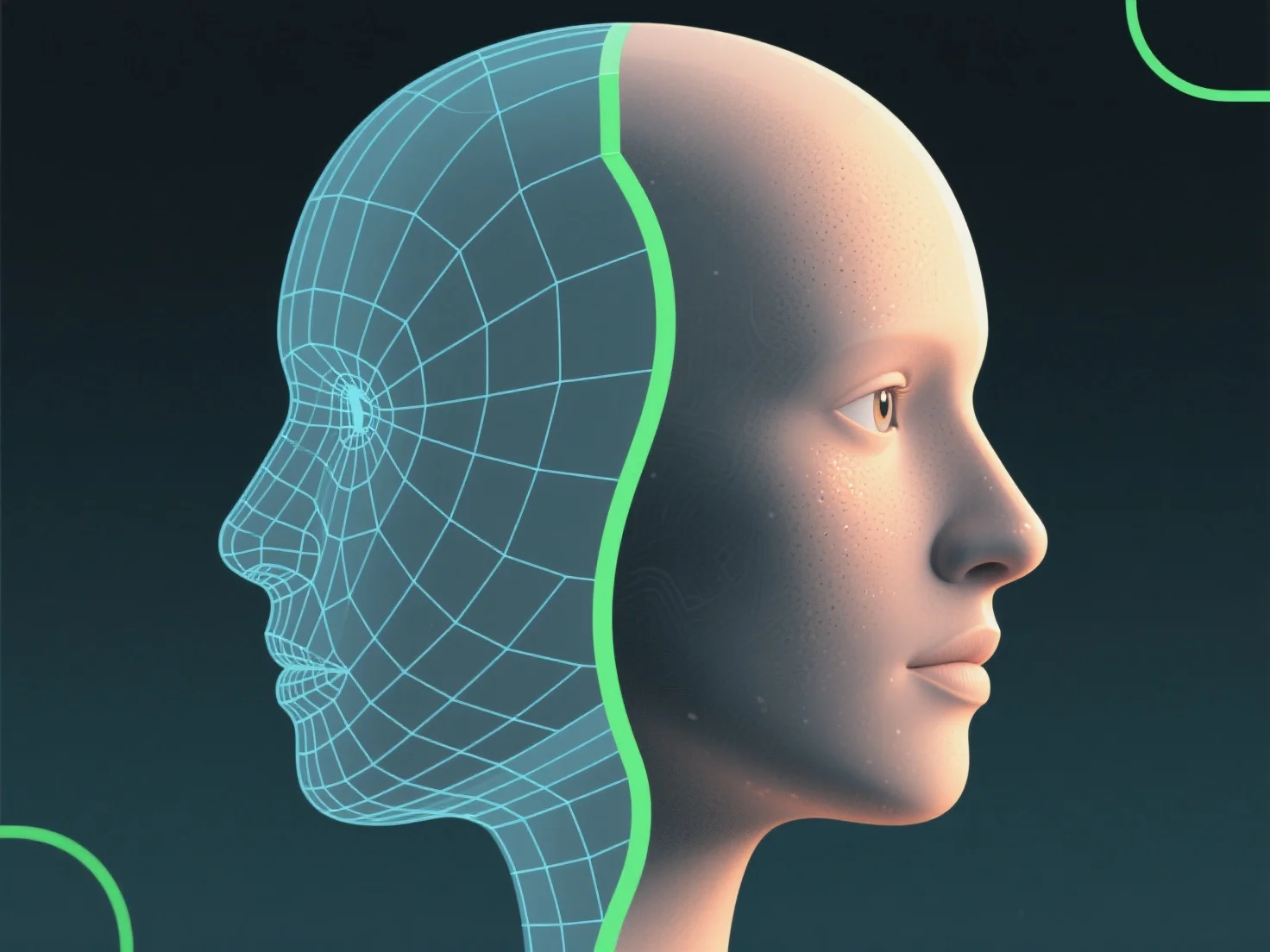
Shader meningkatkan realisme model 3D dengan mensimulasikan interaksi cahaya-permukaan, mengontrol properti seperti warna, tekstur, reflektifitas, dan transparansi untuk meniru bahan-bahan di dunia nyata.
- **Reaksi cahaya**: Mereka menentukan bagaimana permukaan merespons cahaya. Misalnya, logam memantulkan lingkungan sekitarnya untuk kilau, sedangkan kulit menunjukkan gradien warna halus untuk kelembutan. - **Peniruan material**: Menyesuaikan parameter seperti kekasaran (untuk hasil akhir matte/halus) atau nilai metalik (untuk membedakan logam dari plastik) menyempurnakan akurasi material. - **Lapisan detail**: Tekstur yang diterapkan melalui shader menambahkan detail permukaan.
Dengan menggabungkan elemen-elemen ini, shader menjembatani kesenjangan digital-nyata, meningkatkan kemiripan sebuah model.