


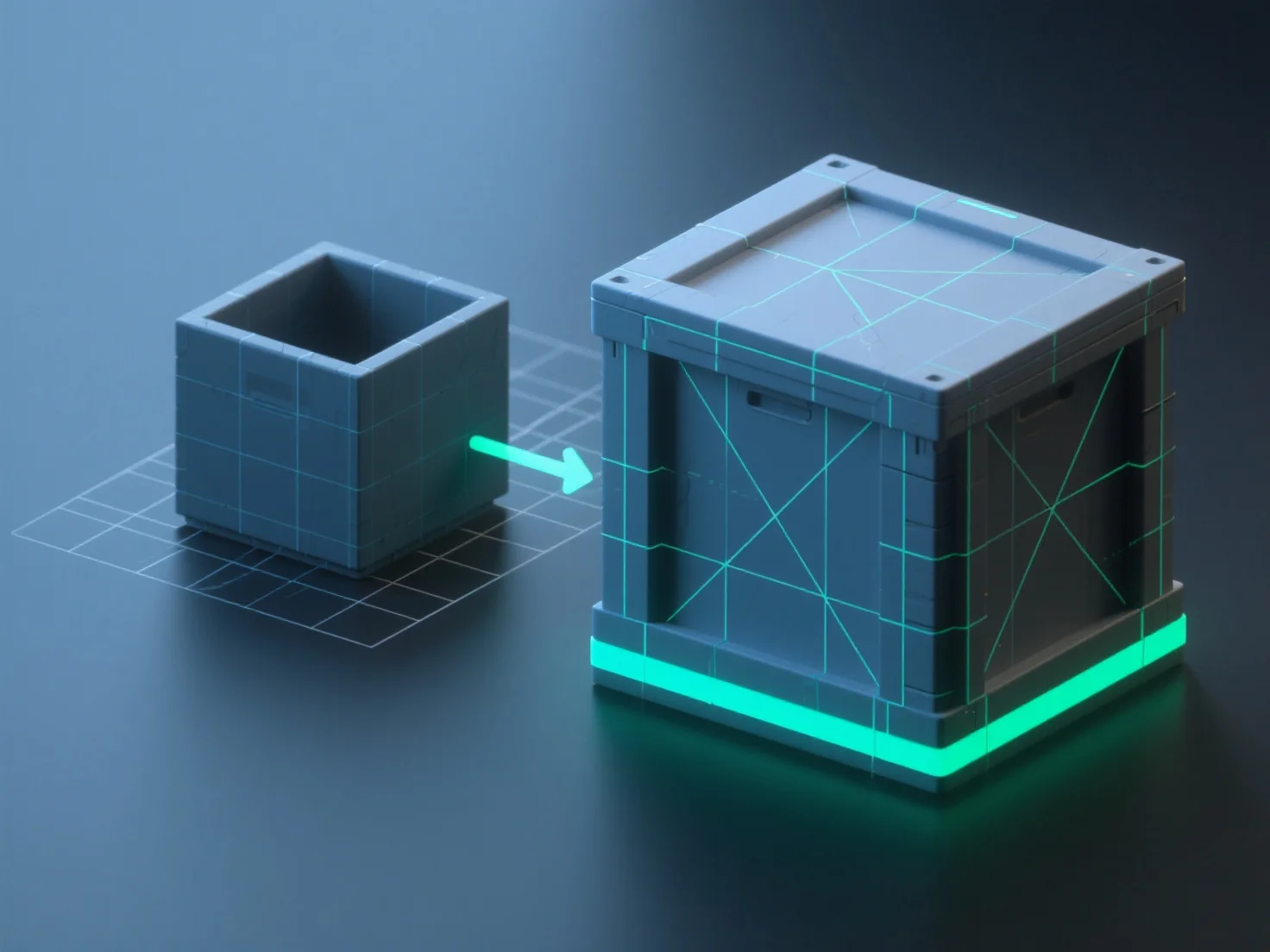
Les outils courants pour la cartographie UV et la cuisson des textures dans la modélisation 3D incluent Blender, Substance Painter, Marmoset Toolbag et Maya, qui simplifient le processus de dépliage des modèles 3D en plans UV 2D et le transfert des détails.
- **Blender** : Une option gratuite et open-source intégrant l'édition et le baking UV, adaptée pour les flux de travail de base à intermédiaires. - **Substance Painter** : Souvent associé à Substance Designer, il se spécialise dans le baking avec un support de matériaux intelligents, idéal pour la création de textures détaillées. - **Marmoset Toolbag** : Préféré pour les résultats de baking de haute qualité et les prévisualisations de rendu en temps réel, idéal pour les vérifications finales des textures. - **Maya** : Un logiciel 3D professionnel avec des outils UV avancés pour le dépliage de modèles complexes, associé à des fonctionnalités de baking pour les flux de travail industriels.
Pour les débutants, Blender est pratique (gratuit, intégré) ; pour des résultats raffinés, envisagez Substance Painter combiné avec Marmoset Toolbag.