


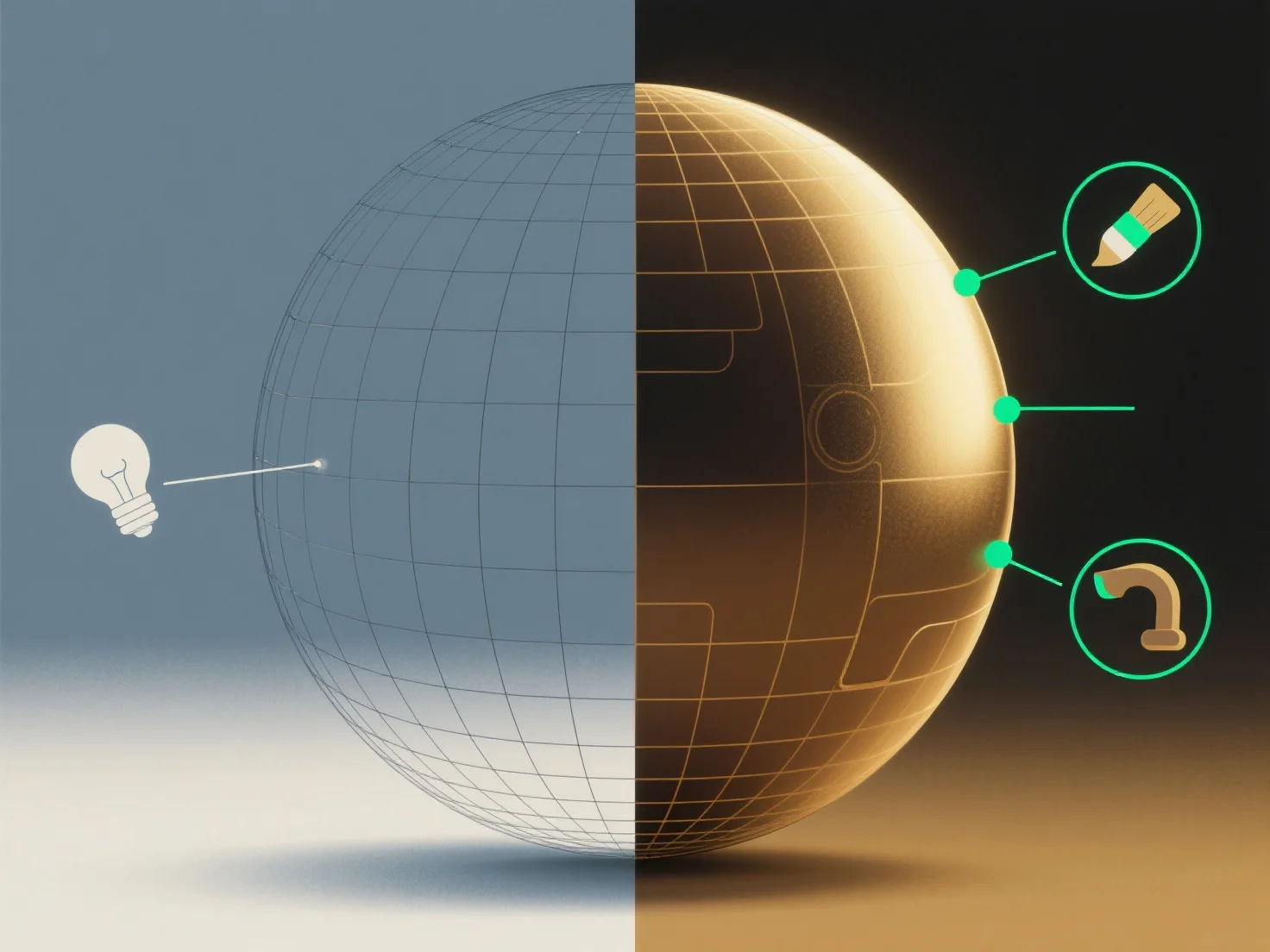
Les outils de rendu influencent directement le réalisme d'un modèle 3D en simulant des éléments visuels du monde réel tels que la lumière, les matériaux et les textures, afin de générer des images 2D ou des animations réalistes.
Les principales méthodes qu'ils utilisent pour améliorer le réalisme incluent : - **La simulation de la lumière** : Des techniques telles que l'éclairage global et le lancer de rayons imitent la façon dont la lumière rebondit, se disperse ou est absorbée, ajoutant de la profondeur et des détails d'ombre naturels. - **Le rendu des matériaux/textures** : Les shaders reproduisent les propriétés de la surface (par exemple, brillance, rugosité, tissage du tissu), rendant les matériaux tels que le métal ou le bois authentiques. - **Des fonctionnalités avancées** : Le rendu basé sur la physique (PBR) utilise la physique du monde réel pour simuler les interactions lumière-matière, assurant des réflexions et des réfractions précises, essentielles pour un réalisme élevé.
En intégrant ces éléments, les outils de rendu comblent le fossé entre les modèles 3D et les visuels du monde réel, renforçant directement leur réalisme perçu.