


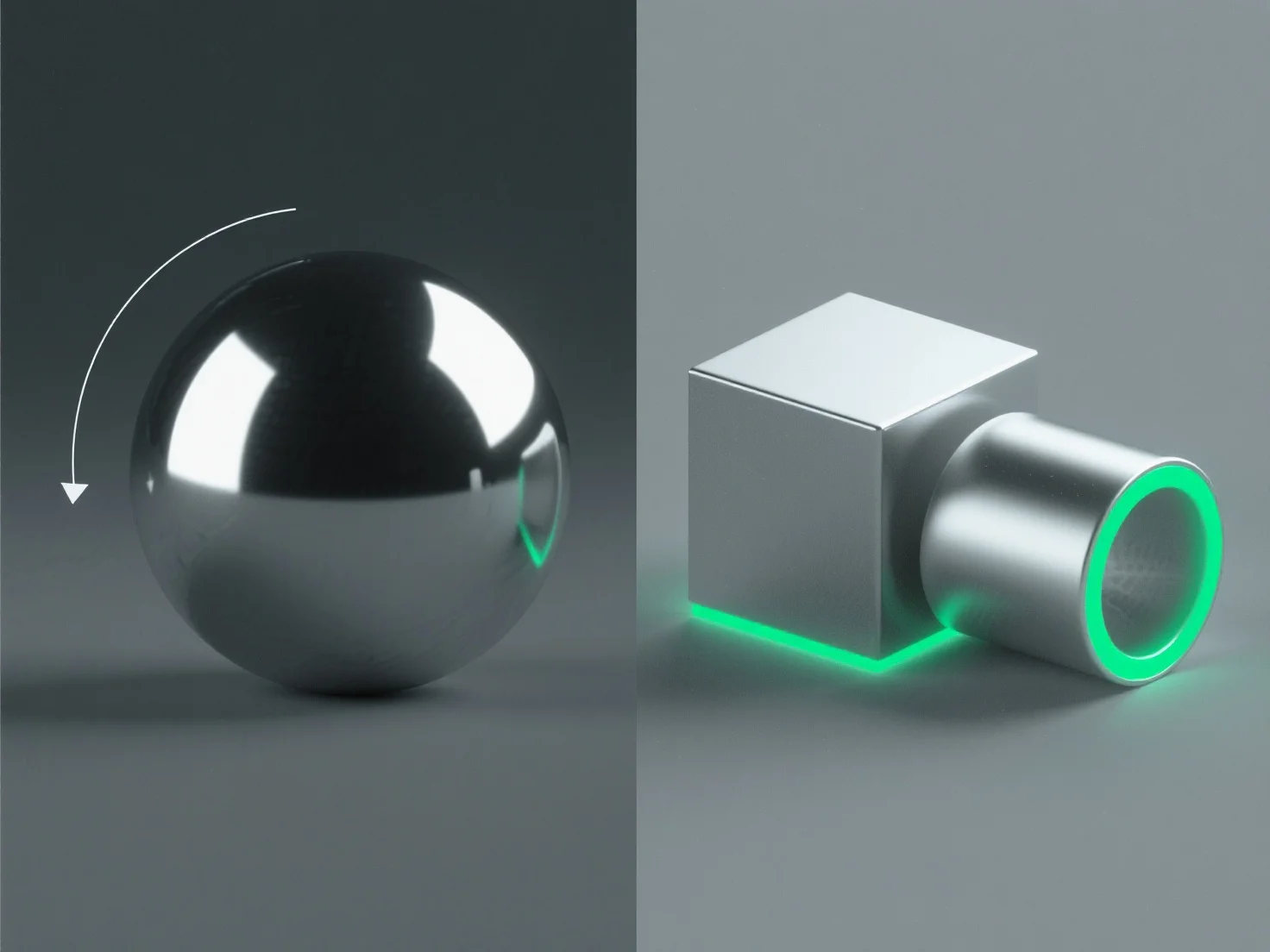
Pour créer des surfaces métalliques réalistes dans la conception 3D, concentrez-vous sur l'ajustement des propriétés des matériaux et l'optimisation de l'éclairage afin de reproduire les caractéristiques fondamentales de l'interaction de la lumière avec le métal.
Les étapes clés incluent : - **Haute réflectivité** : Réglez la réflectivité du matériau à 80-100% pour capturer les environnements environnants, en imitant la qualité réfléchissante du métal. - **Rugosité contrôlée** : Ajoutez une micro-rugosité subtile (0,05-0,3 en PBR) pour éviter une brillance uniforme ; des valeurs plus faibles pour les métaux polis, plus élevées pour les finitions brossées/altérées. - **Surlignages spéculaires** : Utilisez des surlignages nets et intenses pour simuler le rebond de la lumière directe, en ajustant la taille en fonction de la douceur de la surface. - **Éclairage environnemental** : Intégrez des cartes HDRI pour des reflets adaptés au contexte, essentiels pour une apparence authentique du métal.
Ces méthodes, en particulier dans les flux de travail de rendu basés sur la physique (PBR), reproduisent les interactions réelles entre le métal et la lumière, ce qui donne lieu à des surfaces réalistes.