


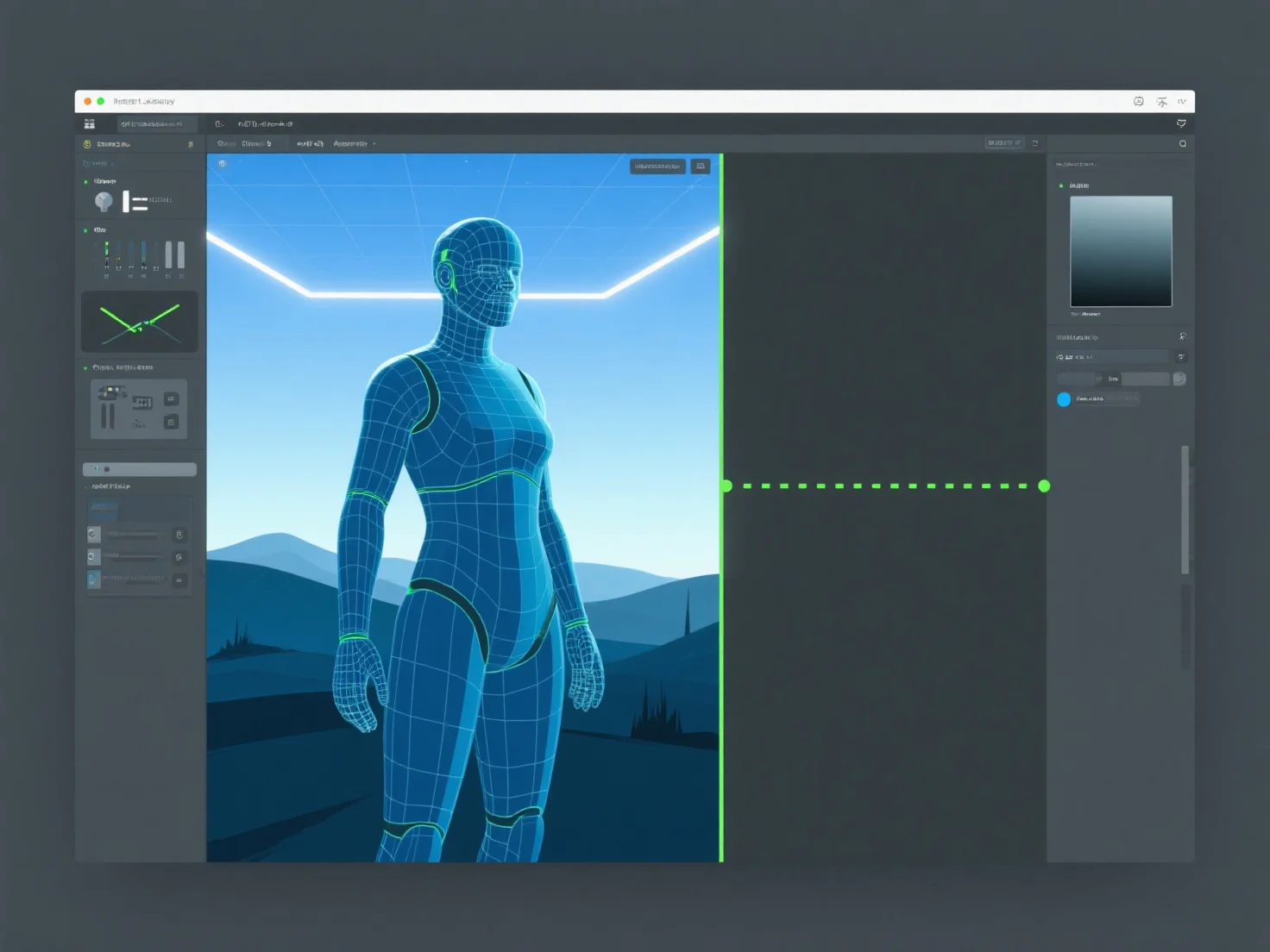
Los activos 3D pasan del diseño a la implementación en el motor del juego a través de cinco pasos clave: creación, optimización, exportación, importación y configuración en el motor.
1. Creación: Los activos se modelan y texturizan en herramientas como Blender o Maya, definiendo su forma, detalles y apariencia visual. 2. Optimización: Se reducen los recuentos de polígonos, se hornean las texturas (por ejemplo, mapas normales) y se simplifican los datos para garantizar el rendimiento del motor. 3. Exportación: Se guardan en formatos compatibles con el motor (FBX, GLB) para preservar la geometría, las texturas y las animaciones. 4. Importación: Se cargan en el motor del juego (por ejemplo, Unity, Unreal), con comprobaciones de la integridad de los activos. 5. Configuración: Se configuran con animaciones, mallas de colisión o scripts para habilitar la interacción y la funcionalidad en el juego.
Este flujo de trabajo garantiza que los activos 3D se integren sin problemas en el motor, equilibrando la calidad y el rendimiento.