


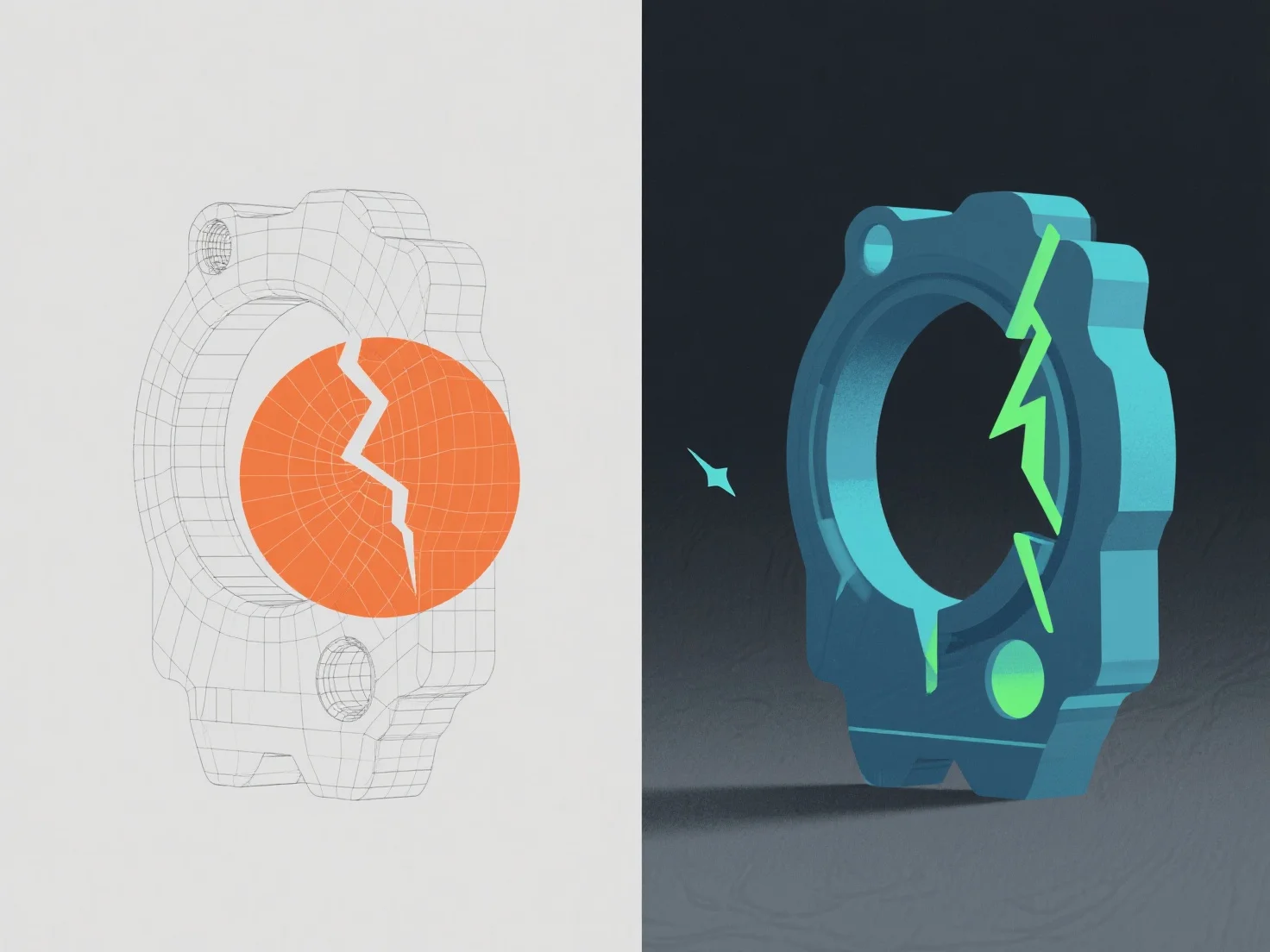
Los errores en un modelo 3D se identifican mediante herramientas de validación de software e inspección manual, y luego se corrigen ajustando la geometría, la topología o los datos de textura.
Los problemas comunes incluyen bordes no manifiestos (señalados por herramientas como el Análisis de Mallas de Blender, solucionados al fusionar o eliminar vértices excesivos), normales invertidos (detectados a través de huecos de sombreado, corregidos al volver a calcular las normales) y estiramiento de texturas (detectado en herramientas de desempaquetado UV, ajustado al refinar los mapas UV).
Los controles automatizados en Maya o ZBrush primero detectan errores básicos, mientras que la revisión manual garantiza la coherencia visual/técnica, asegurando que el modelo cumpla con los estándares del proyecto, como la integridad de la malla y la preparación para el renderizado.