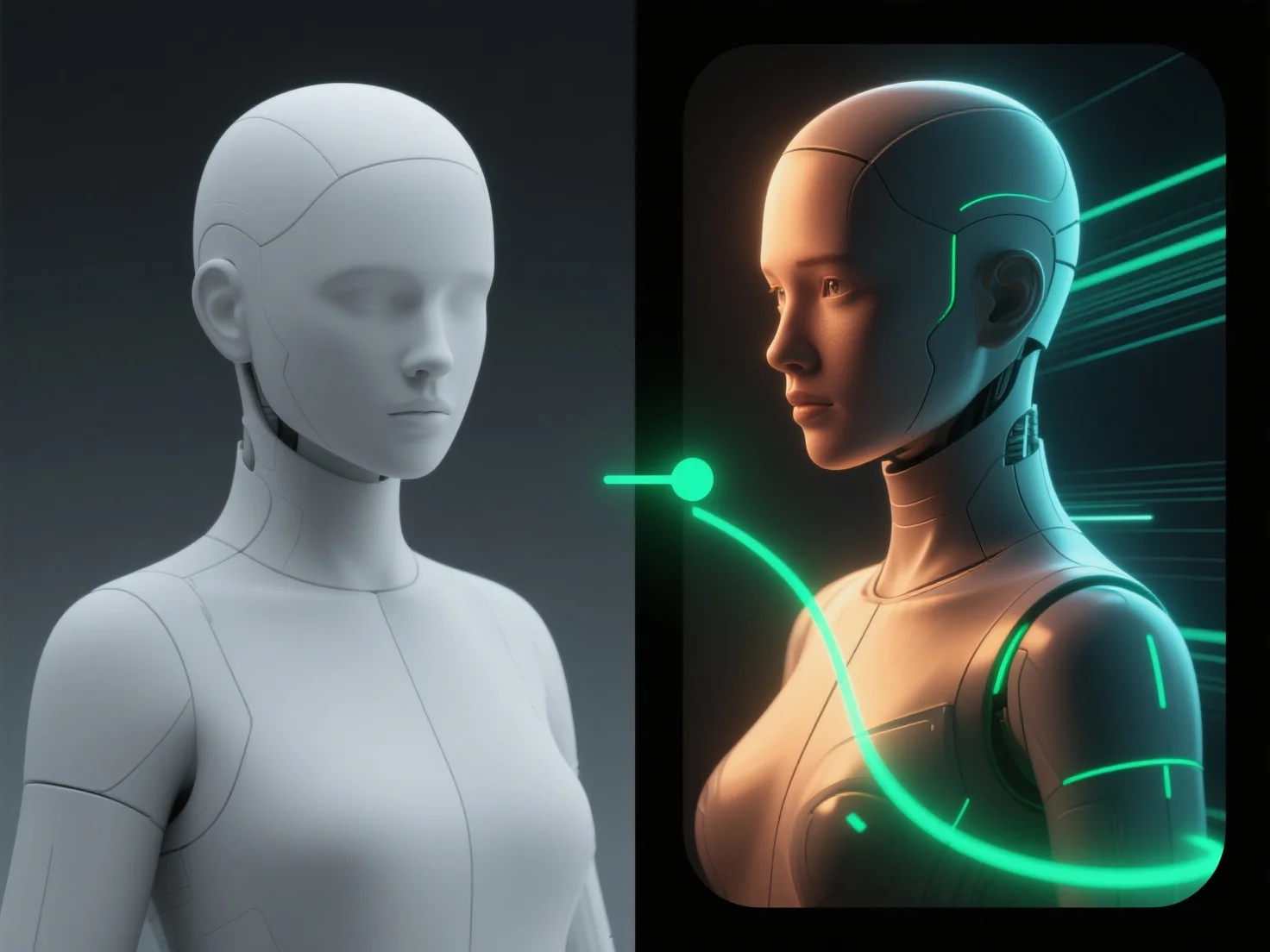
La fase de composición mejora el aspecto final de los modelos 3D al integrar elementos 3D renderizados con gráficos 2D, efectos y ajustes de color, creando un resultado cohesivo y visualmente pulido. Combina capas clave, como sombras, reflejos y efectos atmosféricos, para garantizar que estos elementos se alineen naturalmente con el modelo 3D, mejorando el realismo o la estilización según las necesidades del proyecto. La composición también equilibra la iluminación y el color en todos los elementos, refinando el contraste y la tonalidad para unificar la escena, haciendo que el modelo se integre a la perfección con su entorno. Al agregar pasos de postprocesamiento, como ajustes de opacidad, aplicación de filtros o refinamientos de detalles de bordes, la composición eleva aún más el impacto visual, lo que resulta en un aspecto final profesional y pulido.


¿Cómo mejora la fase de composición el aspecto final de los modelos 3D?
La composición integra elementos 3D con gráficos 2D, efectos y ajustes para crear imágenes cohesivas y pulidas.