


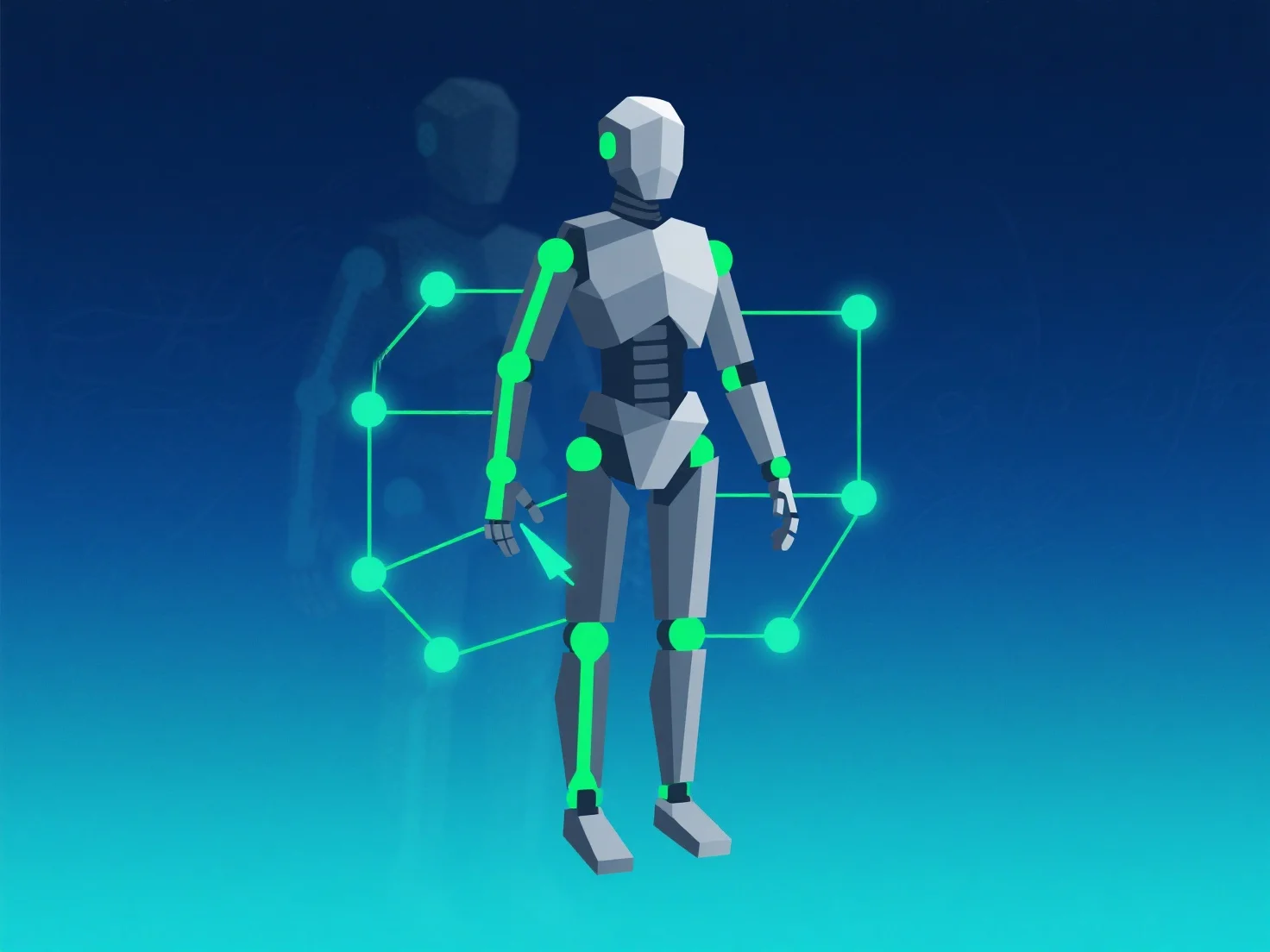
Um das Rigging und die Animation für eine bessere Leistung zu optimieren, konzentrieren Sie sich auf die Reduzierung der Rechenlast durch optimierte Knochen-Setups, die Verwendung von LOD (Level of Detail) und die Optimierung der Animationsdaten.
Zunächst vereinfachen Sie die Knochenanzahl und die Controller-Einstellungen: Beschränken Sie die Knochen auf die wesentlichen und vermeiden Sie übermäßig komplexe Controller, da weniger bewegliche Komponenten die Verarbeitungsanforderungen reduzieren.
Zweitens, implementieren Sie LOD für Animationen: Wenden Sie einfachere Rigs oder Animationsen mit geringerer Detailgenauigkeit auf Objekte in der Ferne an, um die Berechnungen pro Frame zu minimieren.
Drittens, animationsbake und -komprimieren: Berechne komplexe Animationen im Voraus in gebackene Daten und verwende Komprimierungstools, um die Dateigröße und die Ladezeit zu reduzieren.
Diese Schritte sorgen für ein Gleichgewicht zwischen Qualität und Effizienz und gewährleisten eine reibungslose Leistung auf allen Geräten.