


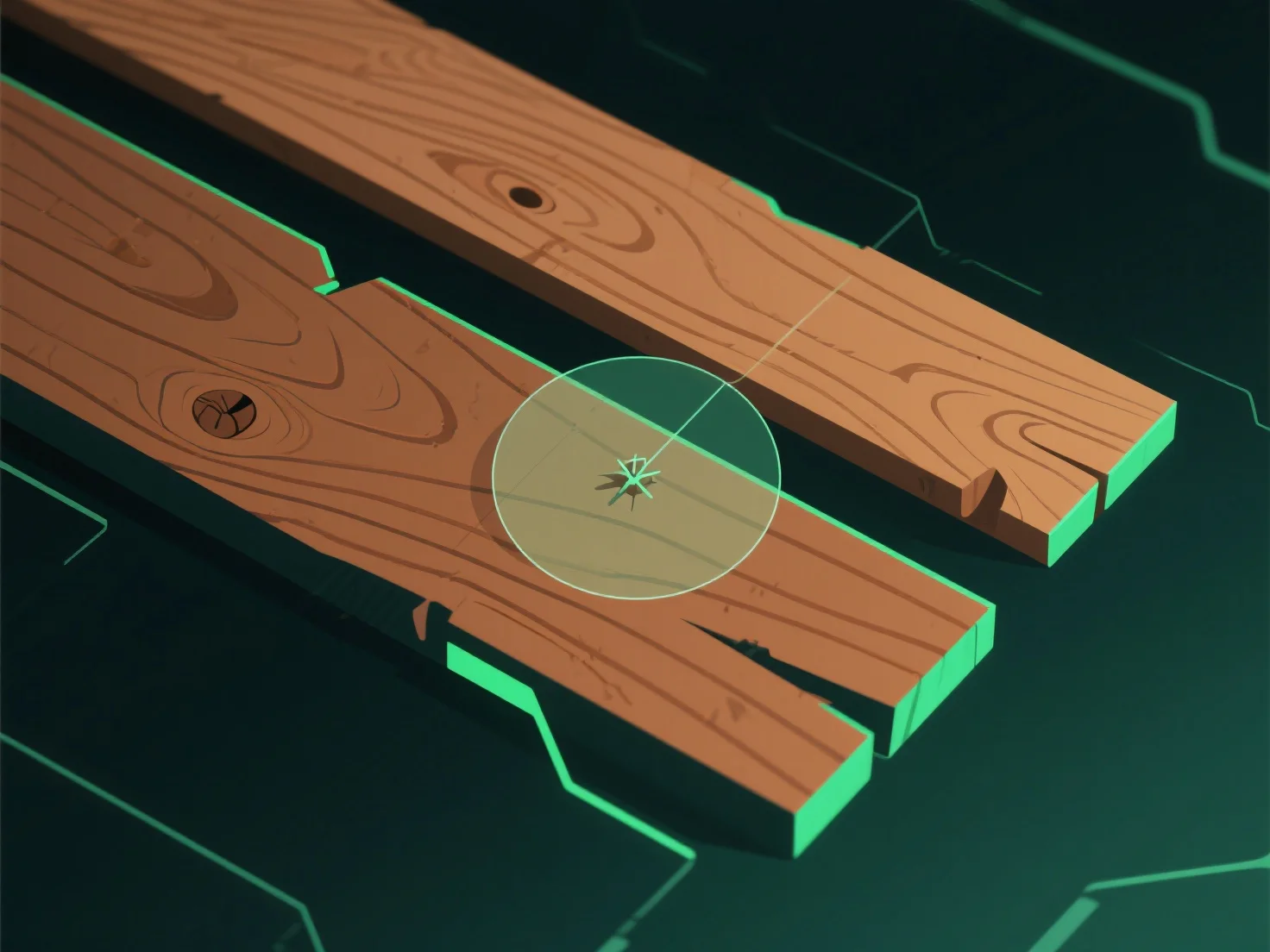
Um realistische Holztexturen in der 3D-Modellierung zu erstellen, beginnen Sie mit der Analyse von echten Holzproben oder hochauflösenden Referenzfotos, um Maserungen, Farbverläufe und natürliche Unvollkommenheiten zu erfassen.
1. **Referenzanalyse**: Studieren Sie echtes Holz oder Fotos, um die Maserungsrichtung, Farbvariationen (helles Splintholz/dunkles Kernholz) und Fehler wie Äste oder Risse zu notieren. 2. **Verwendung von Texturwerkzeugen**: Nutzen Sie Software (z. B. Substance Painter, Blender), um Schlüsselkarten zu generieren: Diffuse (Farbe), Bump/Normal (Maserungstiefe) und Displacement (subtile Höhenunterschiede). 3. **Verfeinerung der Details**: Passen Sie den Farbkontrast an, fügen Sie Abnutzungsspuren (Kratzer) hinzu und richten Sie die Maserung nach natürlichen Wachstumsmustern aus, um Authentizität zu erzielen.