


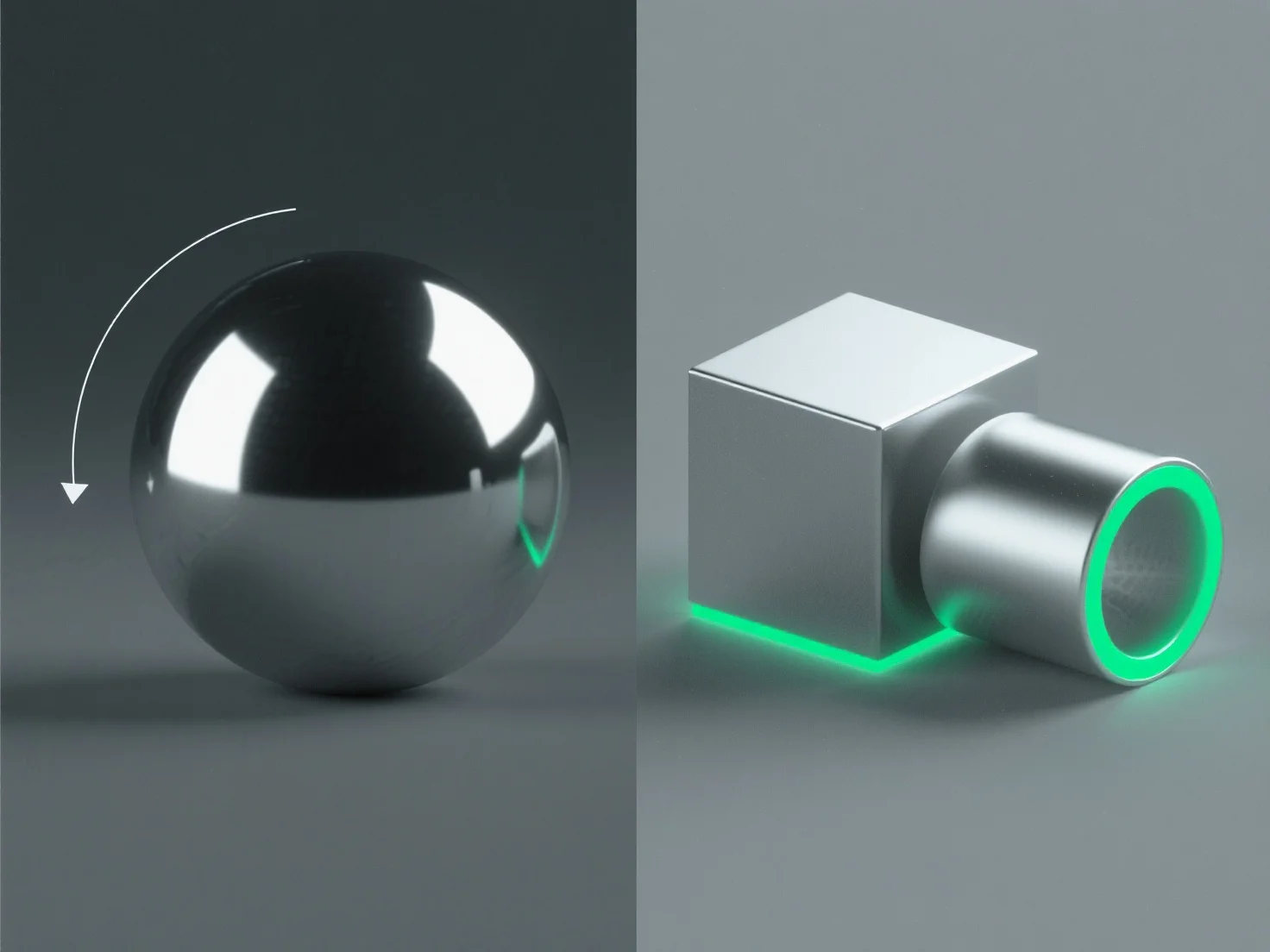
Um realistische metallische Oberflächen im 3D-Design zu erstellen, konzentrieren Sie sich auf die Anpassung der Materialeigenschaften und die Optimierung der Beleuchtung, um die Kernmerkmale der Lichtinteraktion von Metall nachzuahmen.
Wichtige Schritte umfassen: - **Hohe Reflektivität**: Stellen Sie die Materialreflektivität auf 80-100%, um die Umgebung einzufangen und die spiegelähnliche Qualität von Metall nachzuahmen. - **Kontrollierte Rauheit**: Fügen Sie eine subtile Mikro-Rauheit (0,05-0,3 in PBR) hinzu, um einen gleichmäßigen Glanz zu vermeiden; niedrigere Werte für polierte Metalle, höhere Werte für gebürstete/verwitterte Oberflächen. - **Spekuläre Highlights**: Verwenden Sie scharfe, intensive Highlights, um direktes Lichtreflexionen zu simulieren, und passen Sie die Größe basierend auf der Oberflächenglätte an. - **Umgebungsbeleuchtung**: Integrieren Sie HDRI-Karten für kontextabhängige Reflexionen, die für ein authentisches Metallaussehen entscheidend sind.
Diese Methoden, insbesondere in physikbasierten Rendering-Workflows (PBR), replizieren reale Metall-Licht-Interaktionen, was zu lebensechten Oberflächen führt.