


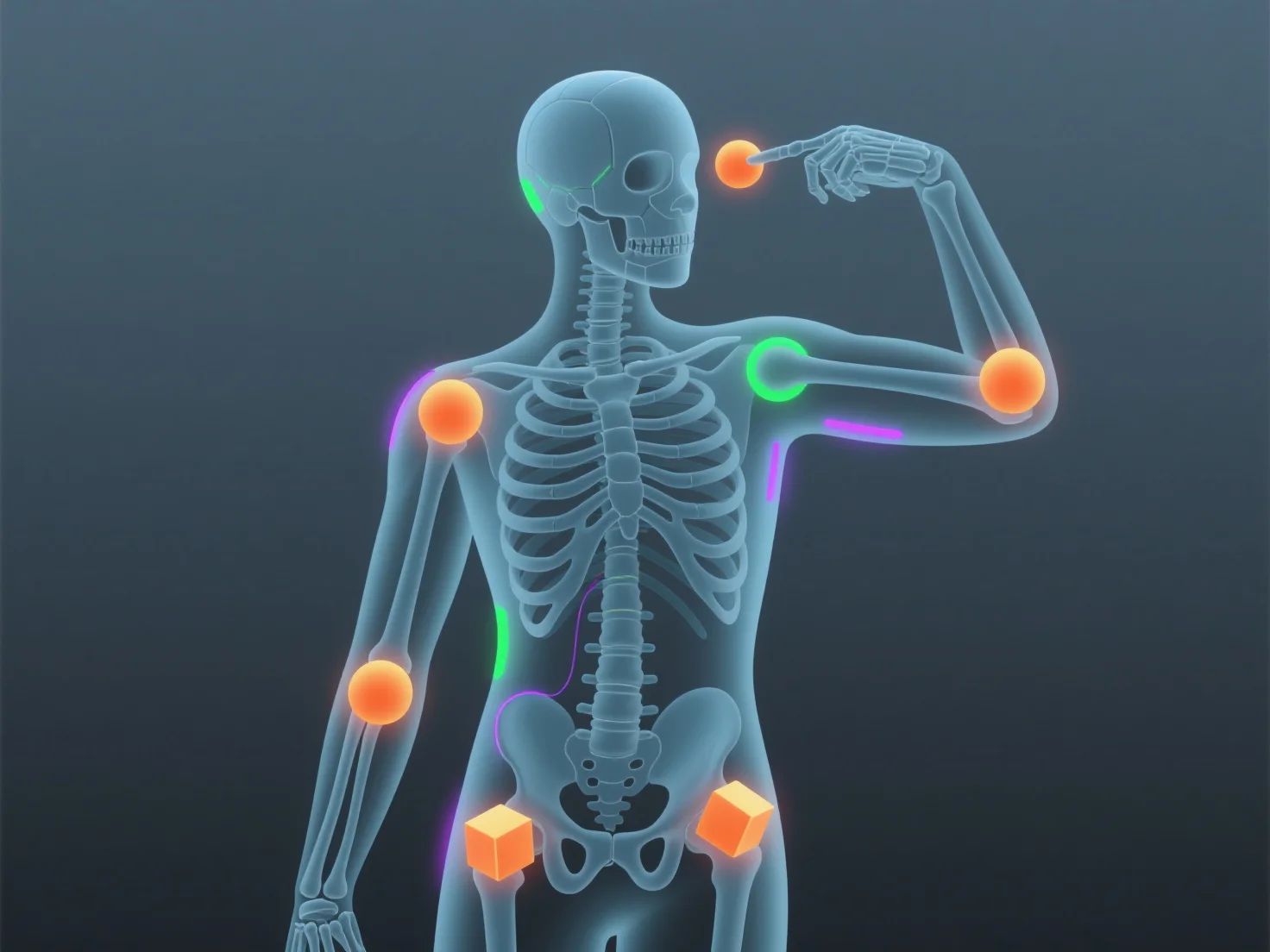
Rigging animates 3D models by building a digital skeleton (armature) with bones and joints, which controls the model’s movements when mapped to its mesh.
- **Skeleton Design**: Animators create bones (e.g., spine, limbs) and joints to mimic real anatomy, forming the rig’s core structure. - **Mesh Binding**: The skeleton is linked to the 3D model’s mesh, so moving bones (e.g., bending an arm) deforms the mesh naturally. - **Animation Control**: Adjusting bone positions (keyframes) lets animators craft motions like walking or facial expressions, as the rig ensures smooth, lifelike movement.
This bridges 3D modeling and animation, making models responsive and easy to animate, even for beginners using simple rigs.