


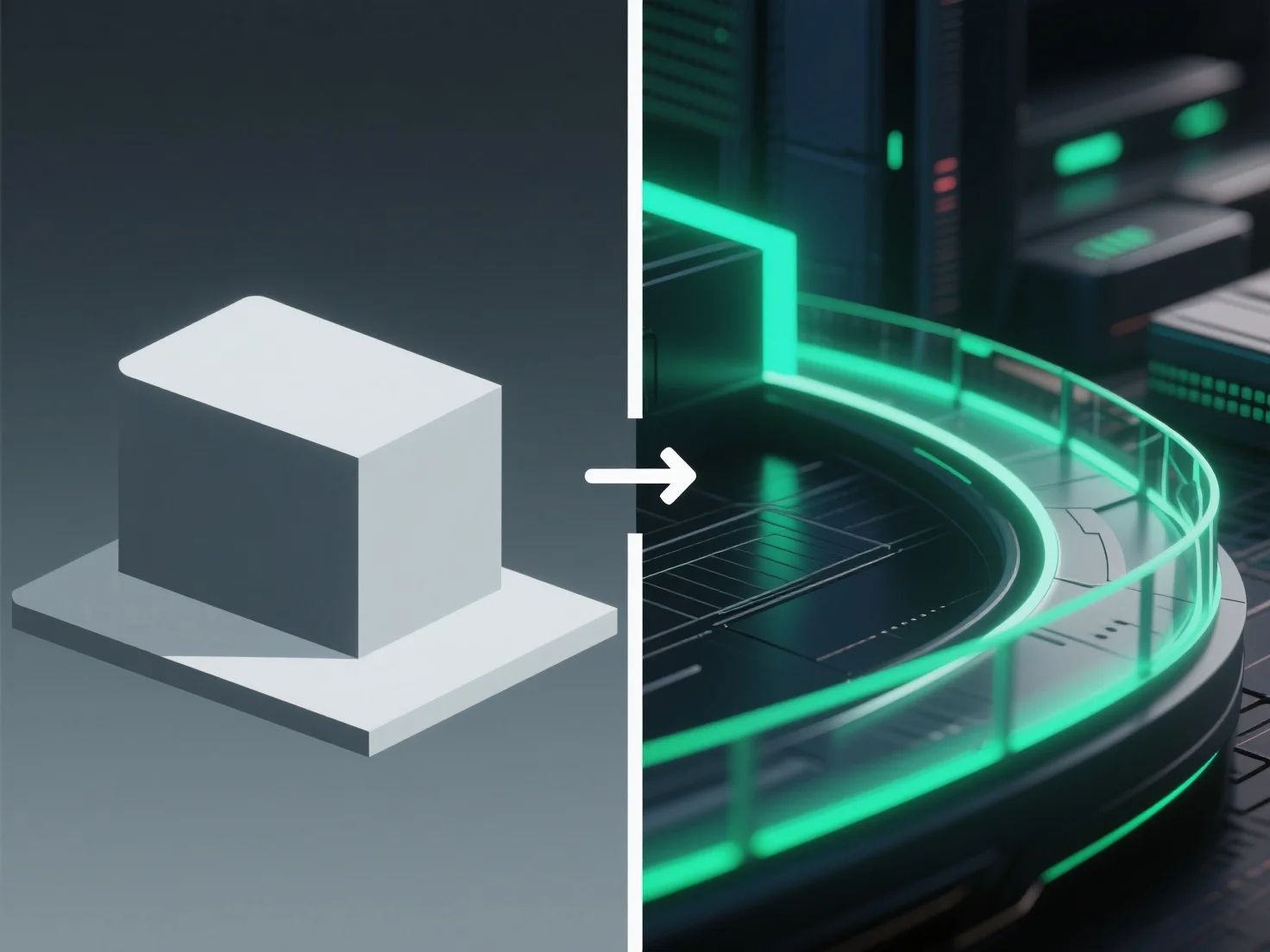
Post-processing enhances 3D renders by adjusting visual elements like color, lighting, and texture after initial rendering, refining realism and overall appeal.
Key adjustments include: - Correcting uneven lighting to balance brightness across the scene. - Boosting contrast to sharpen details and enhance depth. - Adding subtle effects such as bloom (soft light halos) or depth of field (background blurring) to mimic real-world camera behavior.
For beginners, tools like Blender’s compositor or free software GIMP simplify post-processing—start with basic tweaks (brightness, color balance, sharpness) to elevate render quality without complex setups.