


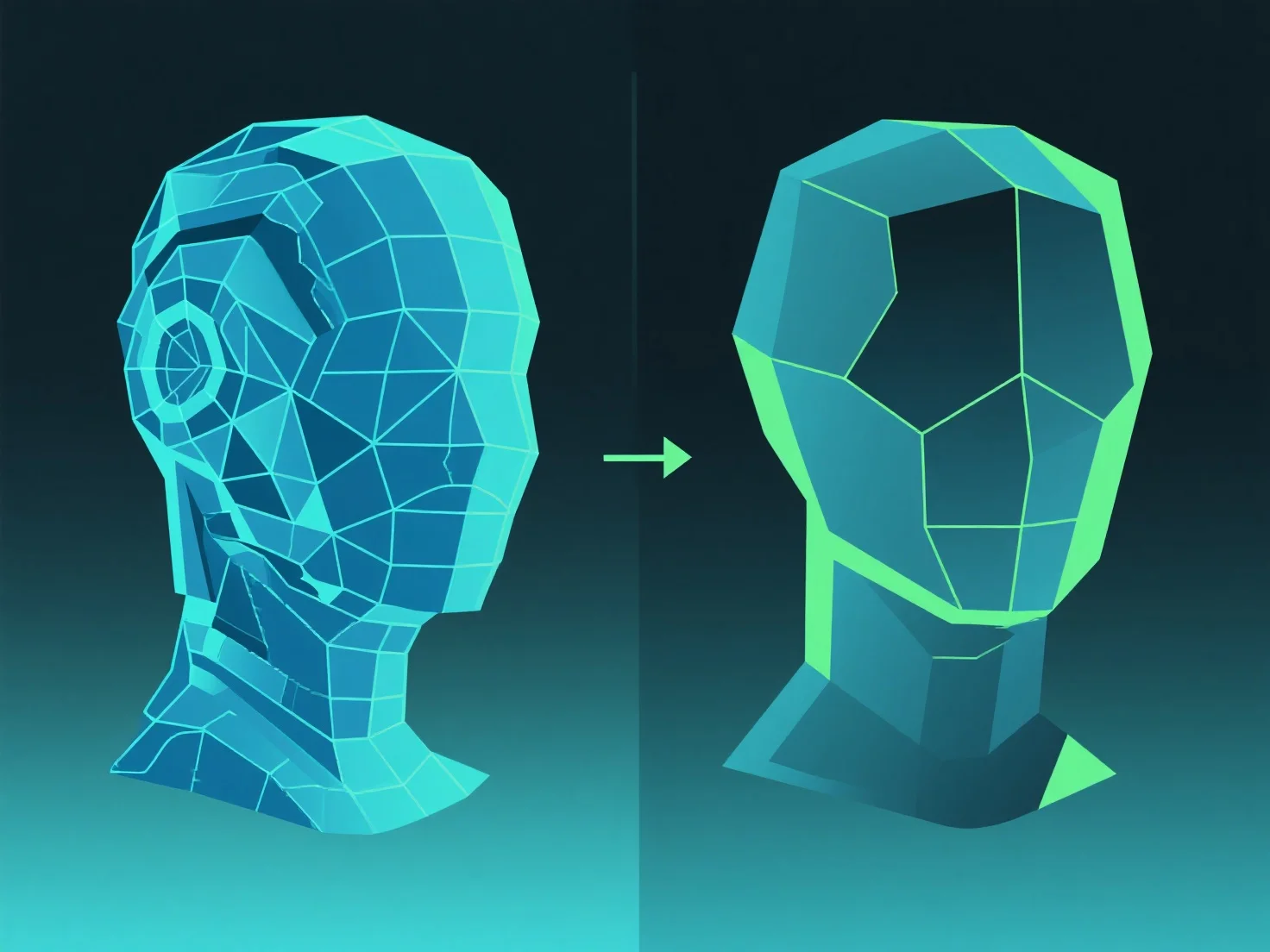
Optimizing a 3D model for real-time rendering focuses on reducing polygon count, optimizing textures, and streamlining lighting—key steps to balance visual quality and rendering speed, critical for real-time environments like games or AR/VR where consistent high frame rates are essential.
Key practices include: - **Polygon Reduction**: Implement LOD (Level of Detail) systems to lower polygon counts for distant objects, reducing GPU workload. Simplify mesh topology by removing non-visible vertices or merging small, unnoticeable details. - **Texture Optimization**: Minimize texture resolution and use compression formats (e.g., BCn) to reduce memory usage. Avoid large or uncompressed textures that slow rendering. - **Lighting Streamlining**: Bake lighting (pre-calculate light data) instead of relying on real-time lighting, cutting GPU demands—especially important for AR/VR where performance is critical.
These steps ensure the model renders efficiently, maintaining smooth performance without sacrificing core visual integrity in real-time applications.