


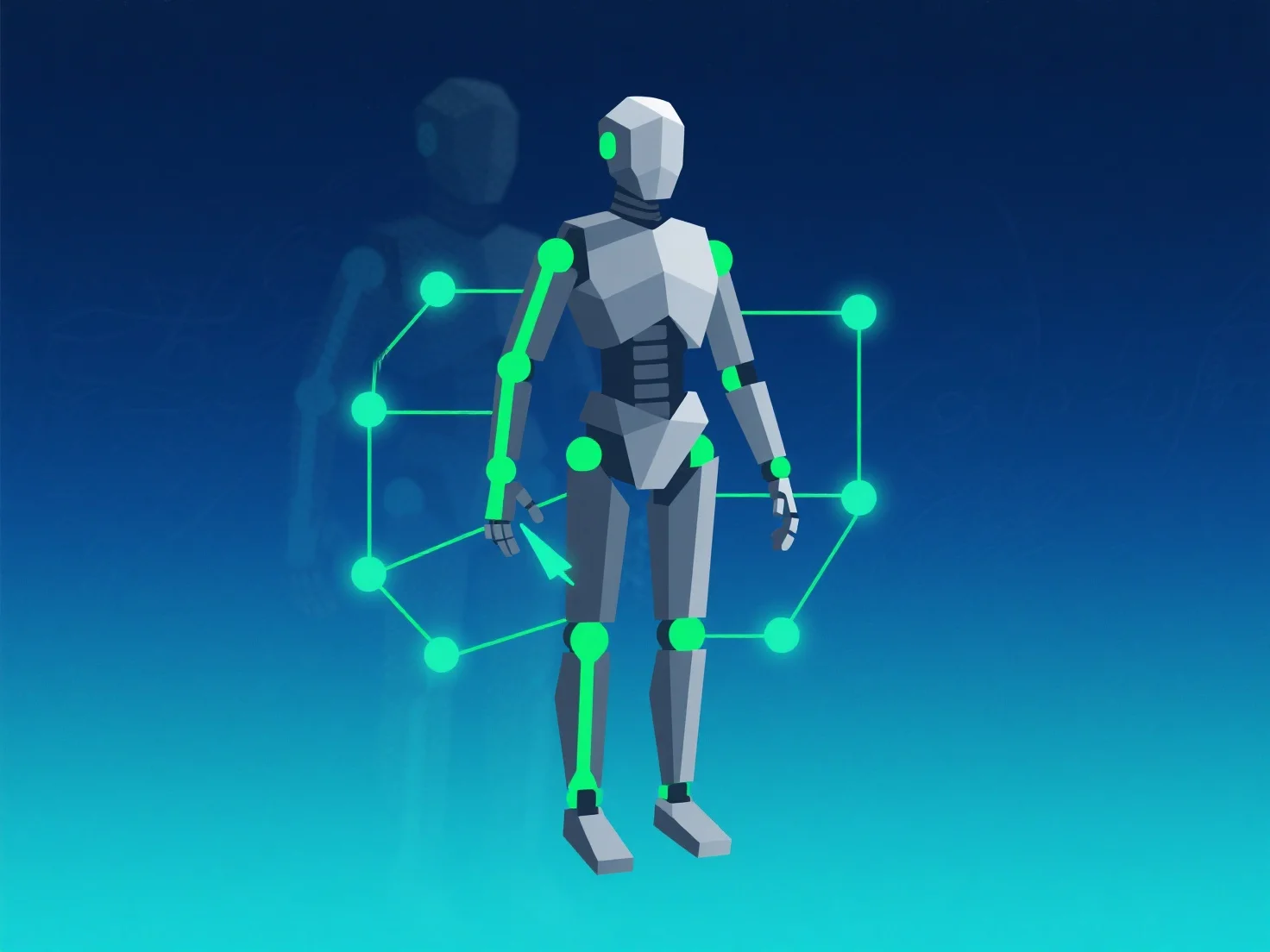
Щоб оптимізувати таргетування та анімацію для кращої продуктивності, зосередьтеся на зменшенні обчислювального навантаження за допомогою оптимізованих налаштувань кісток, використання LOD (рівня деталізації) та оптимізації даних анімації.
По-перше, спростити підрахунок кісток і налаштування контролерів: обмежити кількість кісток до необхідних і уникнути надто складних контролерів, оскільки менша кількість рухомих компонентів зменшує вимоги до обробки.
По-друге, реалізуйте LOD для анімацій: застосовуйте простіші риги або анімації з нижчою деталізацією до об'єктів на відстані, мінімізуючи розрахунки на кожен кадр.
По-третє, випікайте та стискайте анімації: попередньо обчислюйте складні анімації в випечені дані та використовуйте інструменти стиснення, щоб зменшити розмір файлу та навантаження на час виконання.
Ці кроки забезпечують баланс між якістю та ефективністю, гарантуючи безперешкодну роботу на всіх пристроях.