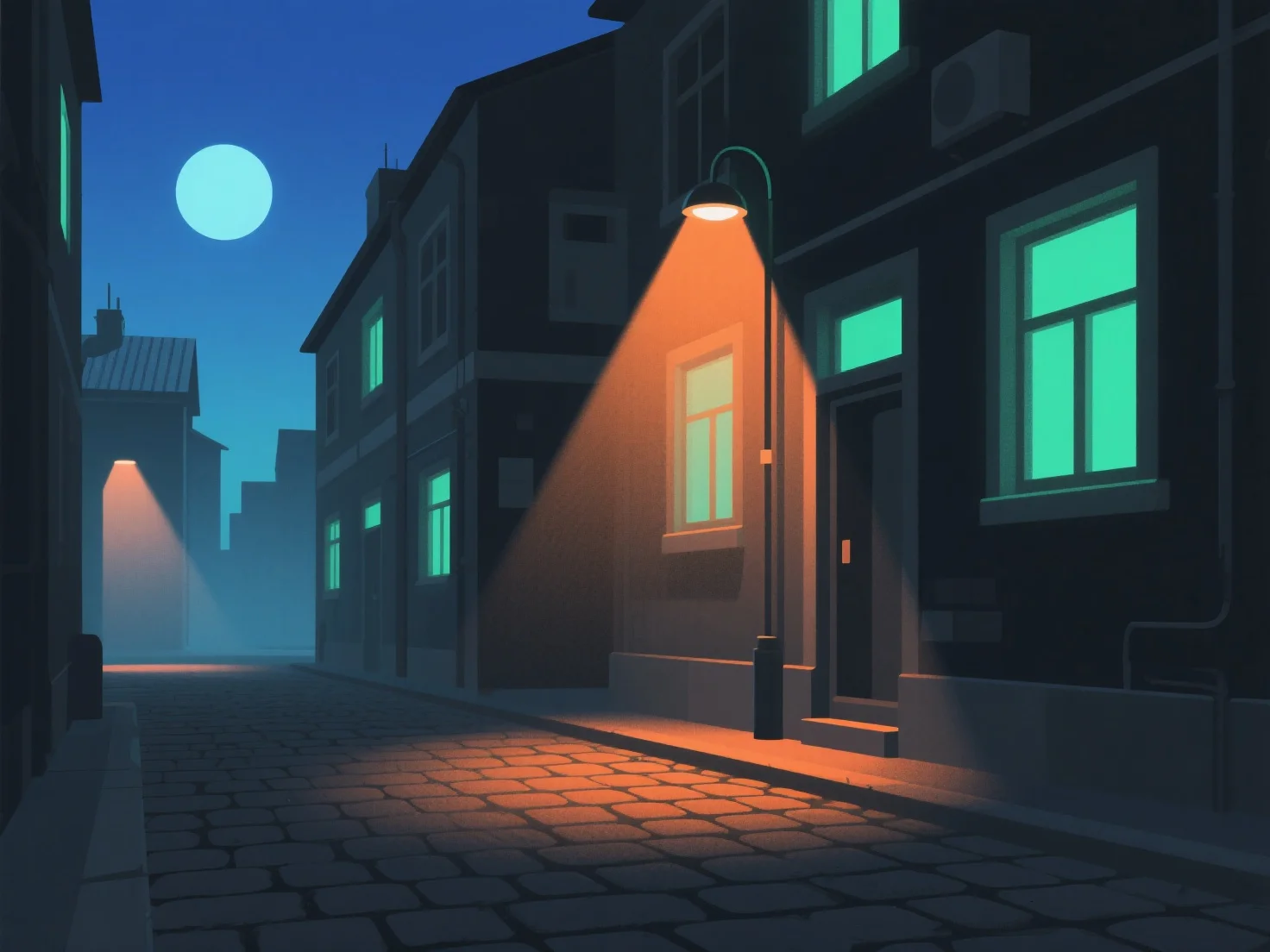
To create realistic lighting for night scenes in 3D models, simulate natural and artificial night light sources by adjusting intensity, color temperature, and shadow softness, mirroring real-world light behavior. Use low-intensity ambient light to establish overall darkness, avoiding flatness. Key lights (e.g., moonlight, streetlights) provide main illumination—dim for moonlight, slightly brighter for artificial sources. Add subtle fill lights to prevent overly dark areas, maintaining depth without washing out shadows. Adjust color temperatures: cool blues for moonlight, warm yellows/oranges for indoor lamps or streetlights to enhance realism. Ensure shadows are soft and diffused, avoiding harsh contrasts that break immersion. Reference real night photos to observe light direction and falloff (how light dims with distance), and use ambient occlusion in 3D software to add depth, making the scene feel authentic.


How do you create realistic lighting for night scenes in 3D models?
Simulate natural/artificial night light with intensity, color temp, shadow softness, ambient light, key/fill lights, and real-world references for 3D night scene realism.