


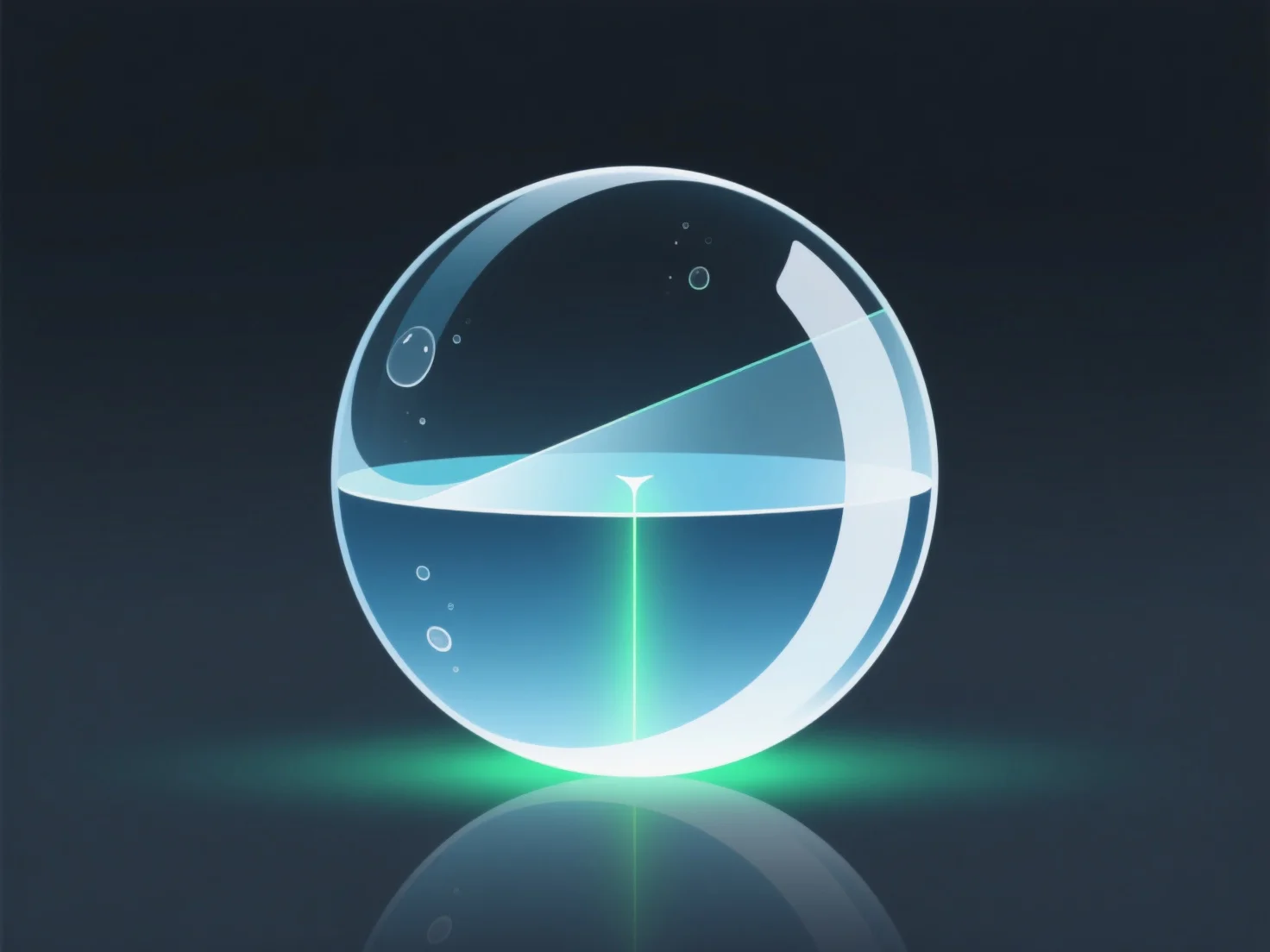
Reflexionen und Brechungen beeinflussen den Rendering-Prozess, indem sie Licht-Oberflächen-Interaktionen simulieren. Dazu ist Raytracing erforderlich, um das Reflektieren (Reflexionen) oder Beugen (Brechungen) von Licht darzustellen, was den Realismus verbessert, aber die Rechenkomplexität erhöht.
- **Realismus-Verbesserung**: Sie ahmen das Lichtverhalten in der realen Welt nach. Reflexionen erzeugen gespiegelte oder glänzende Oberflächen (z. B. Metall, Spiegel), während Brechungen transparente/durchscheinende Effekte simulieren (z. B. Glas, Wasser), wodurch Szenen lebensechter werden. - **Rechenaufwand**: Das Rendern dieser Effekte erfordert das Verfolgen mehrerer Lichtwege, da jede Reflexion/Brechung das Licht in neue Richtungen reflektiert, was die Anzahl der verarbeiteten Strahlen und damit die Renderingzeit erhöht.
Insgesamt sind sie entscheidend für realistische Visualisierungen, erfordern jedoch zusätzliche Verarbeitung, um Lichtinteraktionen genau wiederzugeben.