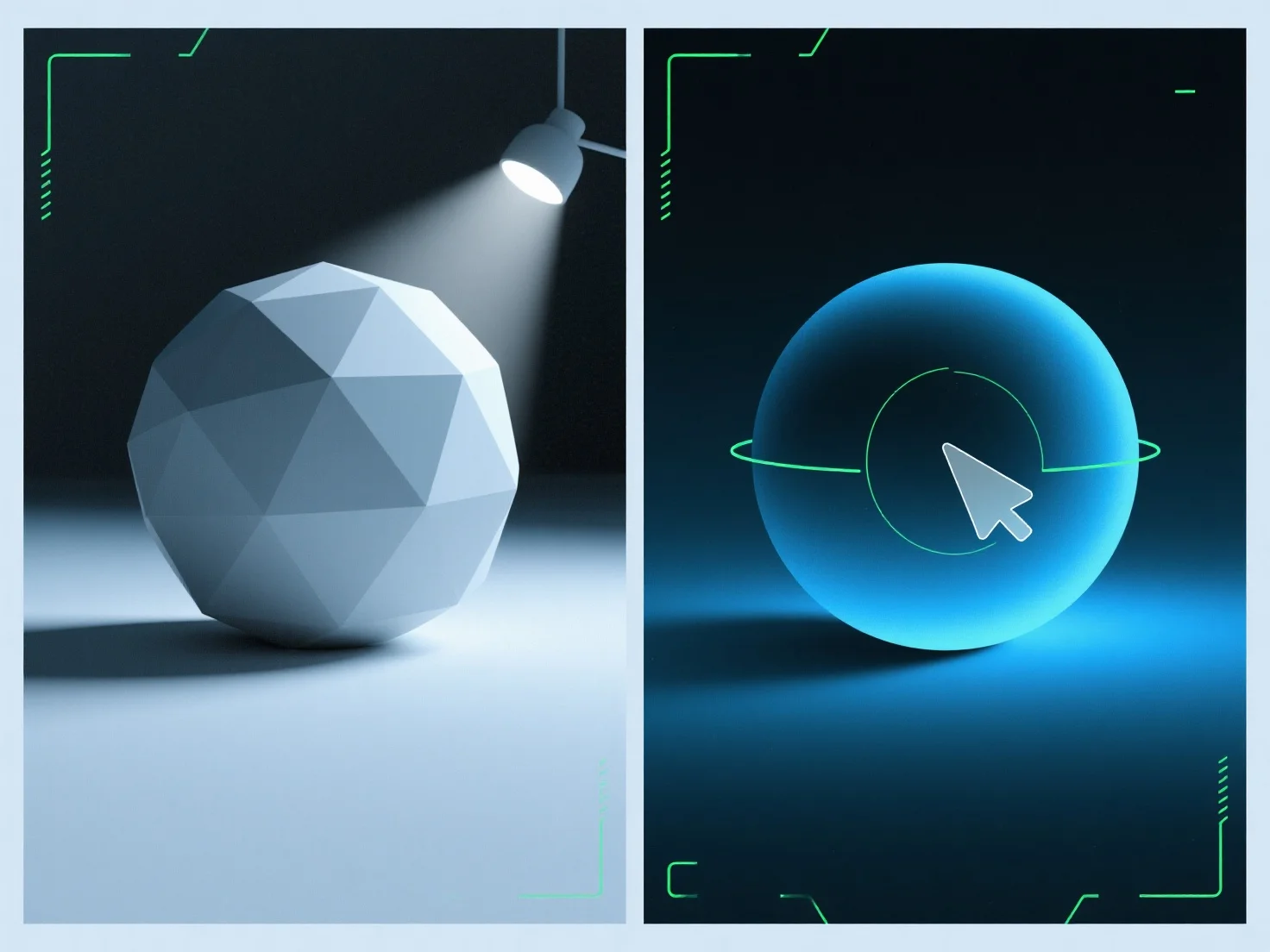
Оточуюче світло заповнює тіні в 3D-рендерах, додаючи рівномірне, ненаправлене освітлення, щоб згладити краї тіней і зменшити їх глибину, збалансуючи загальне освітлення сцени. Як розсіяне, ненаправлене джерело, воно освітлює тіньові зони, які в іншому випадку можуть виглядати надто темними або плоскими, уникаючи нових тіней на відміну від направлених джерел світла (наприклад, сонце, прожектори). Регулюйте його інтенсивність для досягнення кращого результату: нижчі значення зберігають глибину тіней для створення драматичного ефекту, а вищі значення забезпечують більш м'яке, рівномірно освітлене зображення. Це гарантує, що тіні залишаються природними, але збалансованими, підвищуючи реалізм рендера.


Як використовується амбієнтне світло для заповнення тіней у 3D-рендерах?
Оточуюче світло пом'якшує тіні у 3D-рендерингу за допомогою рівномірного, ненаправленого освітлення, збалансовуючи освітлення за допомогою регульованої інтенсивності.