


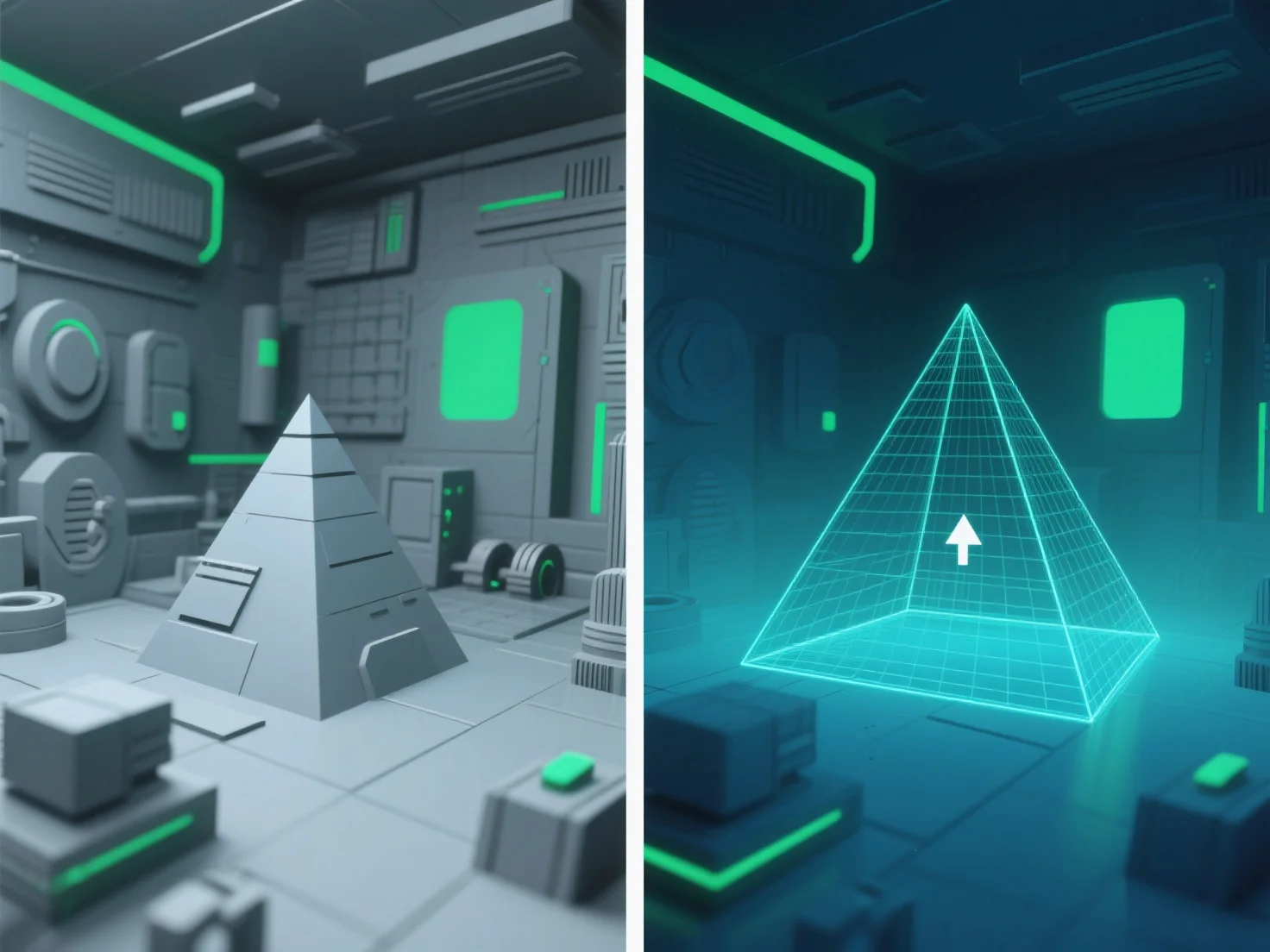
Оптимізація кешування підвищує продуктивність у великих 3D-середовищах за рахунок зменшення кількості об'єктів, які обробляються та відображаються, що безпосередньо знижує навантаження на графічний процесор/центральний процесор і покращує частоту кадрів.
Ключові методи включають: - **Обрізка за допомогою фрагменту відображення**: Виключає об'єкти за межами видимої області камери, забезпечуючи відображення лише тих елементів, які знаходяться у полі зору. - **Обрізка за допомогою затінення**: Приховує об'єкти, закриті іншими (наприклад, стіна, що закриває віддалену будівлю), уникаючи непотрібної обробки. - **Обрізка за допомогою рівня деталізації (LOD)**: Спрощує віддалені об'єкти.
Шляхом пріоритезації цих методів розробники ефективно фокусують ресурси на видимому вмісті, підтримуючи стабільну продуктивність у великих 3D-сценах.