


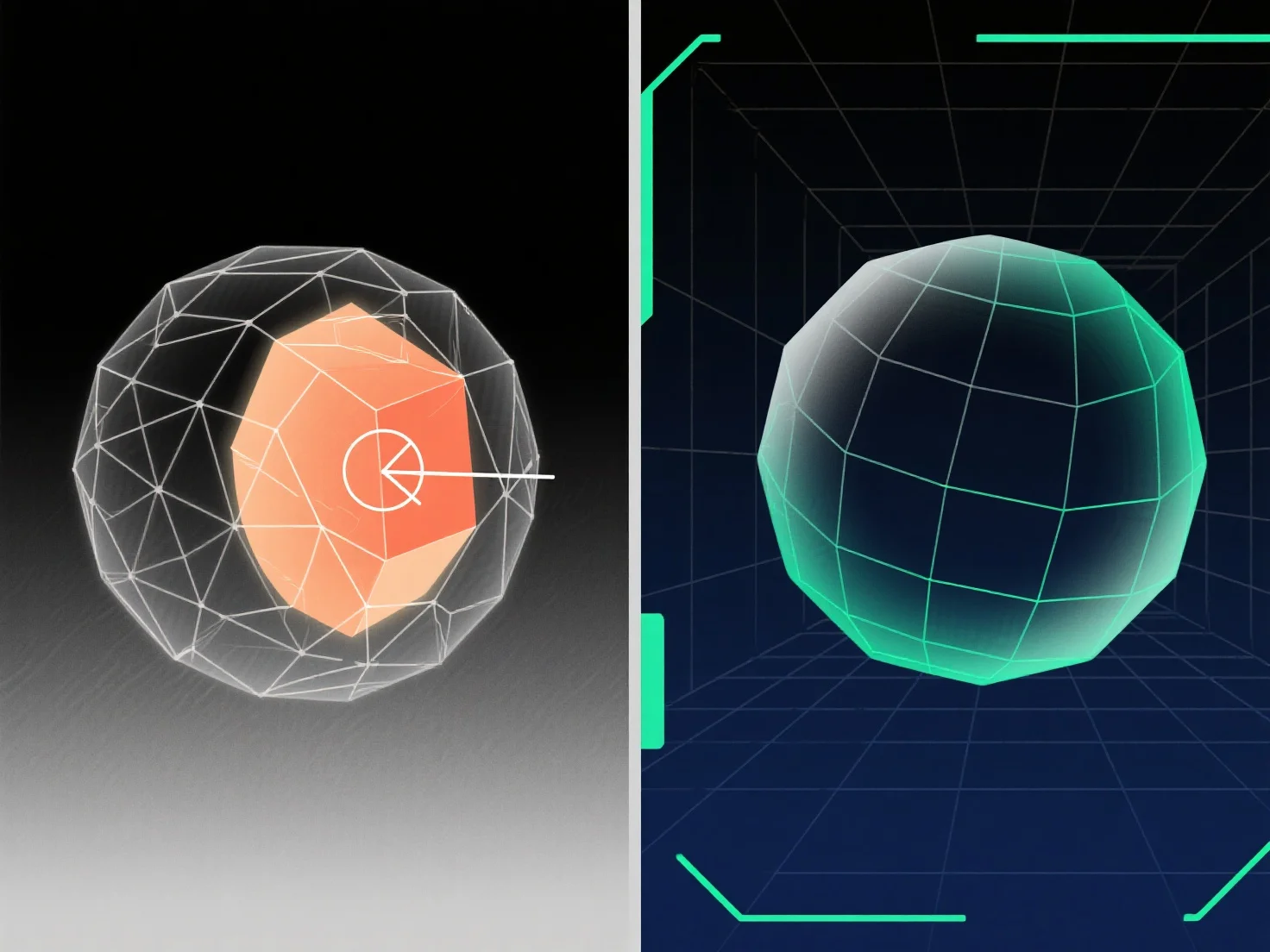
Щоб обробити перекриваючуся геометрію в 3D-моделюванні, основні рішення включають використання булевих операцій, очищення зайвих вершин/граней та застосування інструментів для ремонту сітки.
Перекриття геометрії, коли поверхні, краї або вершини займають одне і те ж 3D-простір, часто виникає під час злиття моделей, логічних помилок або дублювання, що призводить до збоїв у візуалізації, проблем з розгортанням UV або невдалих експортувань; усунення цього включає виявлення перекриттів і видалення, злиття або розділення конфліктуючих елементів.
Звичайні методи: - Булеві операції: Використовуйте "Об'єднання", "Різниця" або "Перетинання", щоб об'єднати або відняти перекриваючіся об'єми, спрощуючи сітку. - Очищення вершин/граней: Видаліть дублікати, з'єднайте перекриваючіся вершини або видаліть зайві грані, щоб усунути просторові перекриття. - Інструменти ремонту сітки: Використовуйте функції програмного забезпечення.
Для важко виявних перетинів увімкніть вид каркасу або використовуйте вибір на основі відстані; для складних моделей ізолюйте частини, щоб вирішувати проблеми поетапно.