


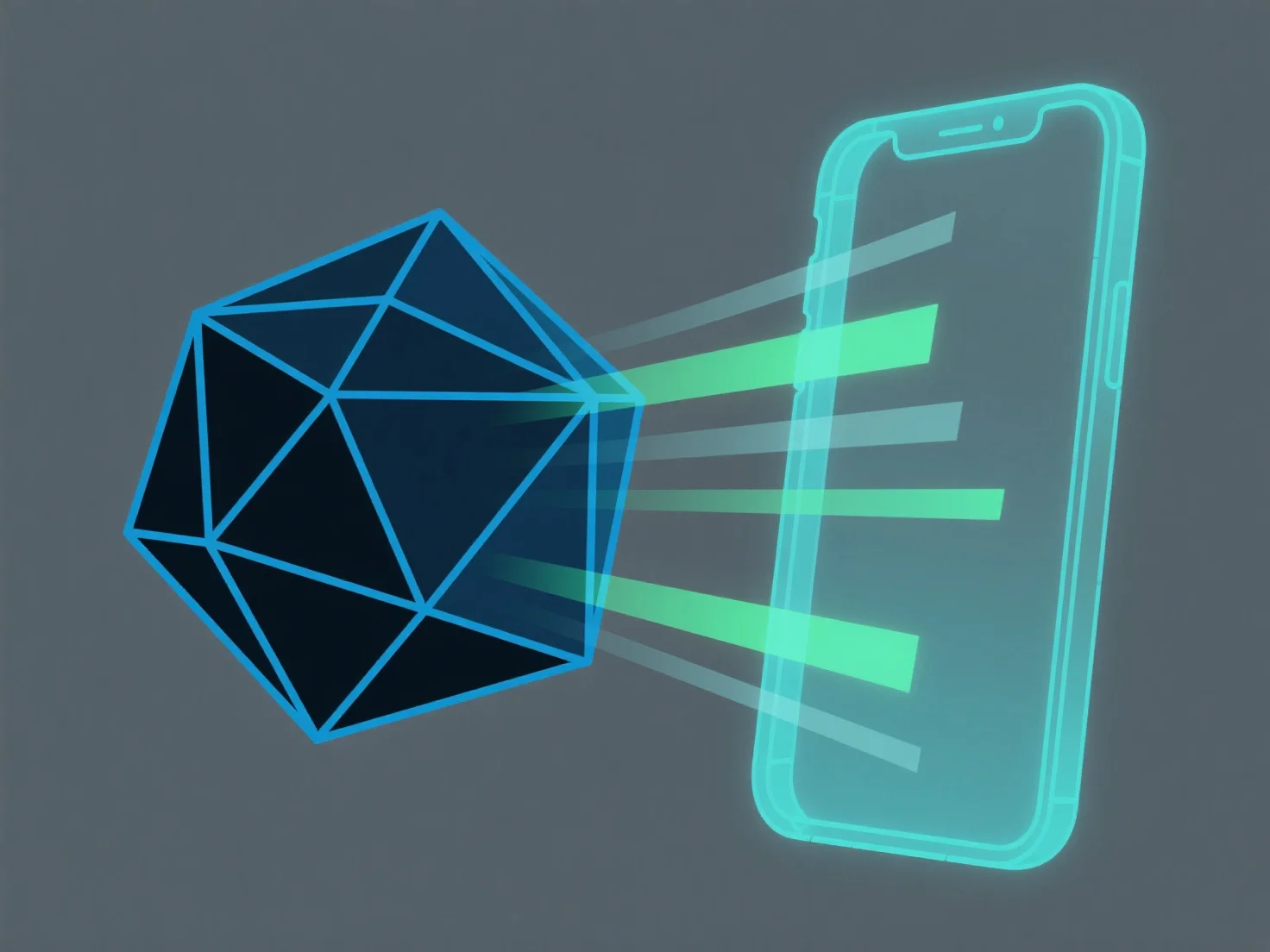
Адаптація 3D-моделей для систем доповненої реальності включає оптимізацію складності моделі, забезпечення сумісності формату файлу та калібрування масштабу в реальному світі для забезпечення ефективного завантаження та стабільного відображення в середовищах доповненої реальності з обмеженою обчислювальною потужністю.
Ключові кроки включають: - Спрощення геометрії: зменшення кількості полігонів за допомогою таких інструментів, як модифікатор декайменту в Blender, для зниження вимог до рендерингу. - Використання форматів, сумісних з AR: перетворення моделей на GLB або USDZ, які широко підтримуються платформами AR (наприклад, ARKit, ARCore). - Калібрування масштабу: узгодження розмірів моделі з реальними вимірами для забезпечення точного накладення в AR.
Для новачків почніть з спрощення існуючих моделей і тестування в інструментах AR, щоб відкоригувати формат і масштабування за потреби.