


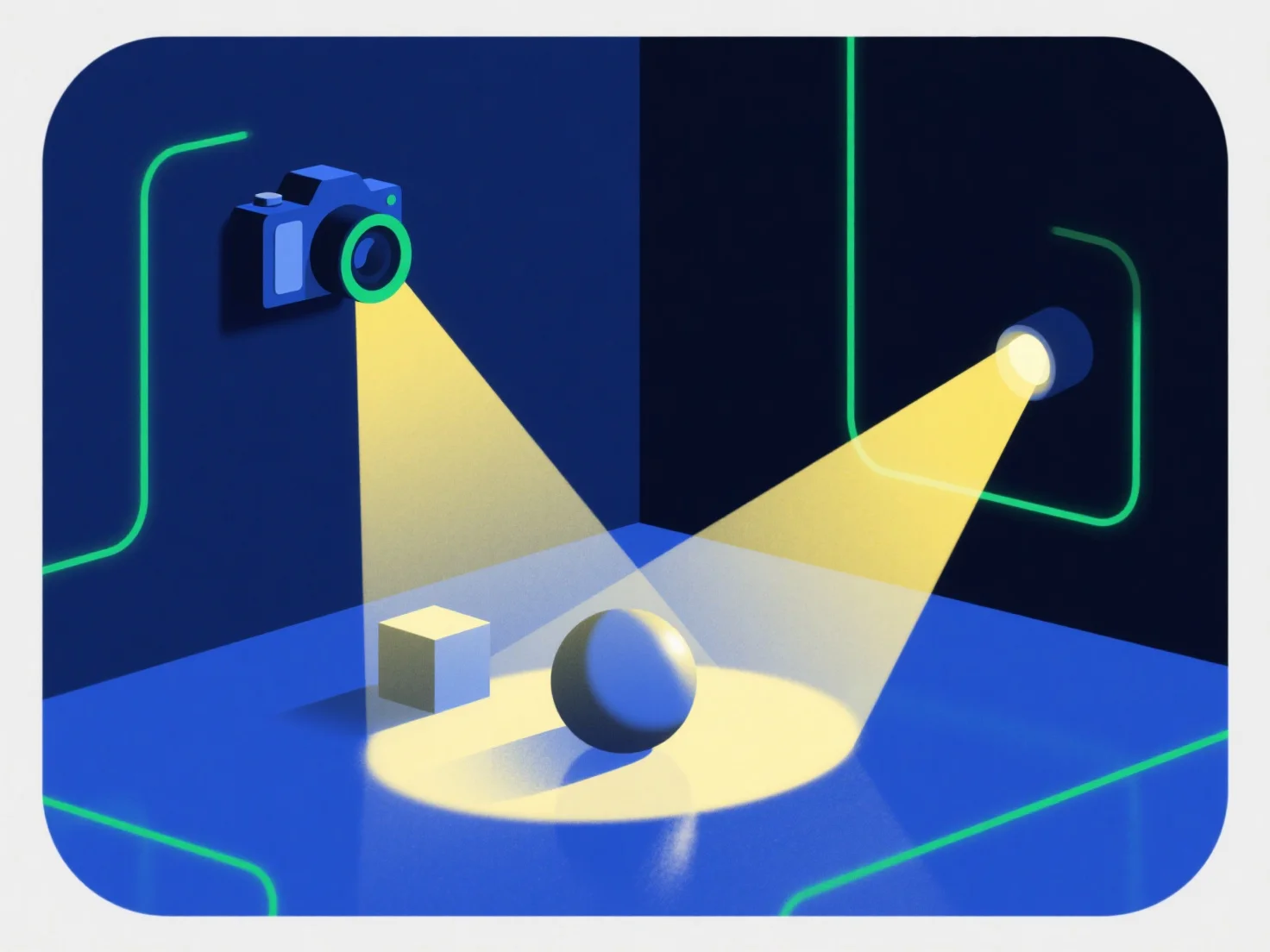
Світло та камери взаємодіють із 3D-компонентами, працюючи разом, щоб створити реалістичні візуальні ефекти: світло освітлює компоненти, визначаючи їх яскравість, колір і текстуру, а камери захоплюють освітлену сцену з певної точки зору, щоб створити остаточний рендерений зображення.
Світло імітує реальні ефекти, такі як тіні, високі світлові плями та покращення текстури, що робить 3D-компоненти здаватися реальними. Без належного освітлення компоненти можуть виглядати плоскими або нереалістичними.
Камери контролюють видимість, регулюючи положення, кут і поле зору, визначаючи, які частини 3D-компонентів відображаються і їх перспективу. Неправильно розташована камера може затуляти ключові деталі.
Ця синергія надзвичайно важлива для реалізму: збалансоване освітлення та стратегічне кадрування камерою надають 3D-компонентам живого вигляду. Для новачків краще почати з основних точкових світлових ефектів і фіксованого кута камери, щоб легко побачити, як зміни впливають на зовнішній вигляд компонента.