


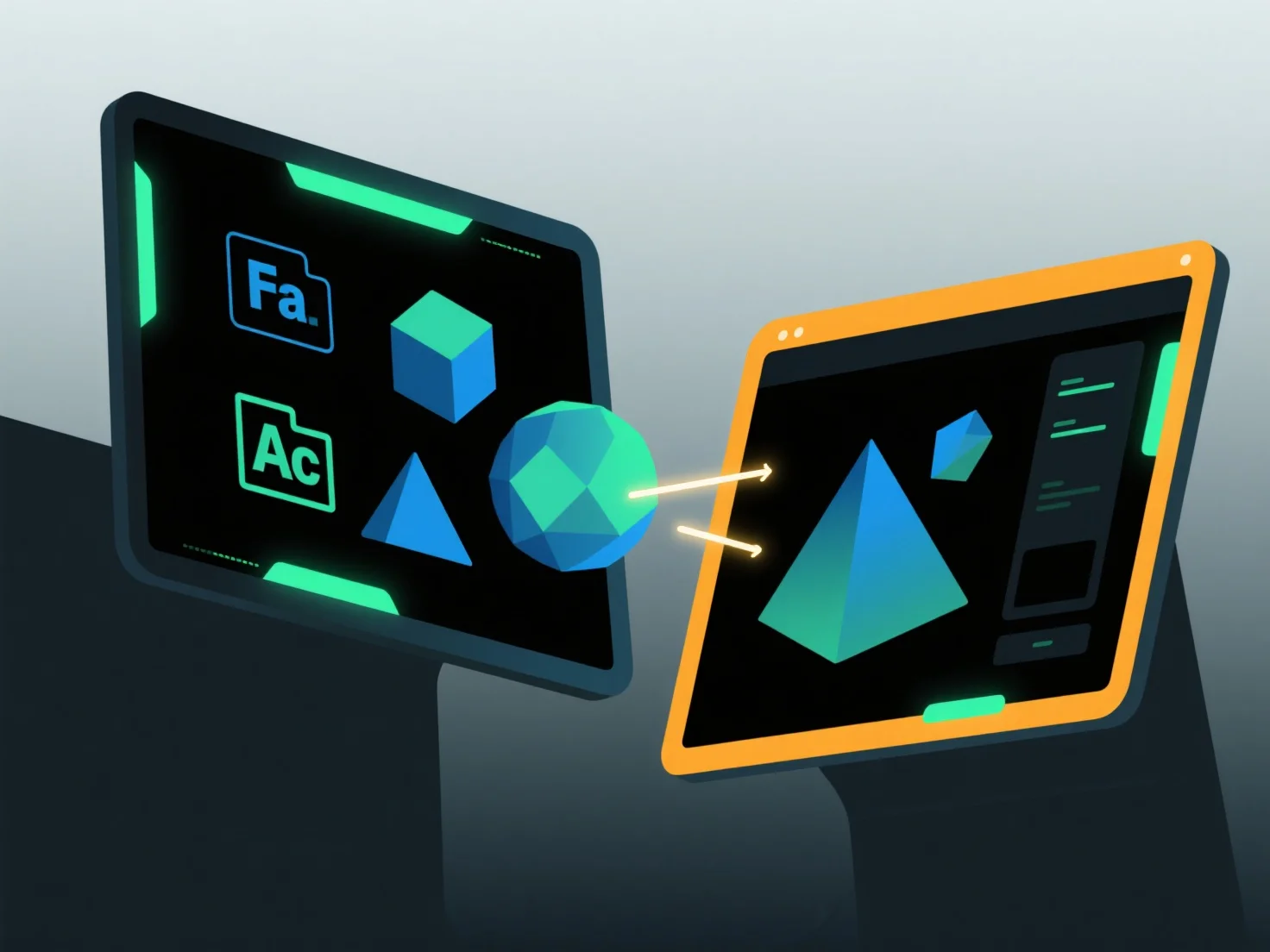
Щоб імпортувати та експортувати моделі між програмними додатками, використовуйте загальноприйняті формати обміну, підтримувані обома інструментами, у поєднанні з вбудованими функціями імпорту/експорту та налаштуваннями сумісності.
По-перше, виберіть спільні формати: виберіть широко підтримувані типи, такі як OBJ (зберігає геометрію/текстури), FBX (працює з анімаціями) або STL (ідеально підходить для 3D-друку), оскільки вони зберігають ключові дані між додатками.
Далі використовуйте програмні інструменти: зайдіть у меню додатку, виберіть функцію "Імпорт" або "Експорт", виберіть цільовий формат і дотримуйтесь підказок для завантаження або збереження файлів.
Нарешті, налаштуйте параметри: переконайтеся, що вбудовування текстури, масштабування одиниць або вирівнювання координат відповідають обом програмам, щоб запобігти втраті даних.
Цей метод забезпечує плавну передачу моделі між різними додатками.