


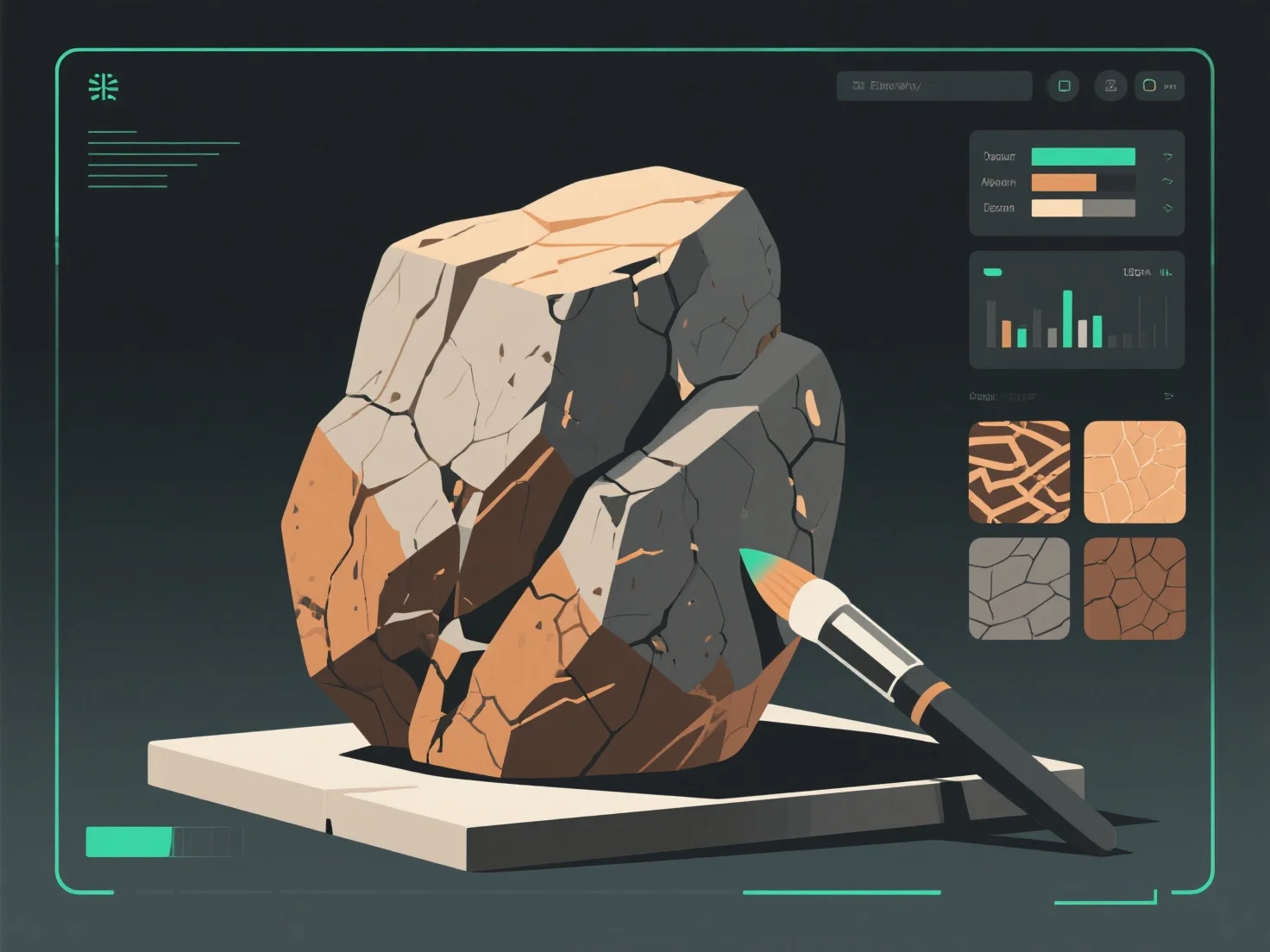
Щоб створити реалістичні текстури каменів і скель для 3D-моделей, зосередьтеся на відтворенні природних особливостей, таких як шорсткість поверхні, варіації кольорів і вивітрювання, використовуючи текстурні карти та аналіз відповідних зразків.
По-перше, вивчіть справжні зразки каменів: спостерігайте за такими деталями, як градієнти кольорів (земляні тони, мінеральні жили), нерівності поверхні (тріщини, ямки) і ознаки вивітрювання (мох, ерозія), щоб керувати дизайном текстури.
По-друге, використовуйте основні текстурні карти: карти альбедо встановлюють основний колір; карти бугів/зміщення додають глибину.
По-третє, додайте деталі за допомогою програмного забезпечення: такі інструменти, як Substance Painter або Blender, дозволяють додавати дрібні елементи, наприклад, плями моху, водяні плями або відколи на краях, щоб підвищити реалізм і відтворити те, як камені виглядають у природі.
Ці кроки забезпечують відповідність текстур поведінці скель у реальному світі, що посилює занурення в ігри, архітектурні візуалізації або симуляції.