


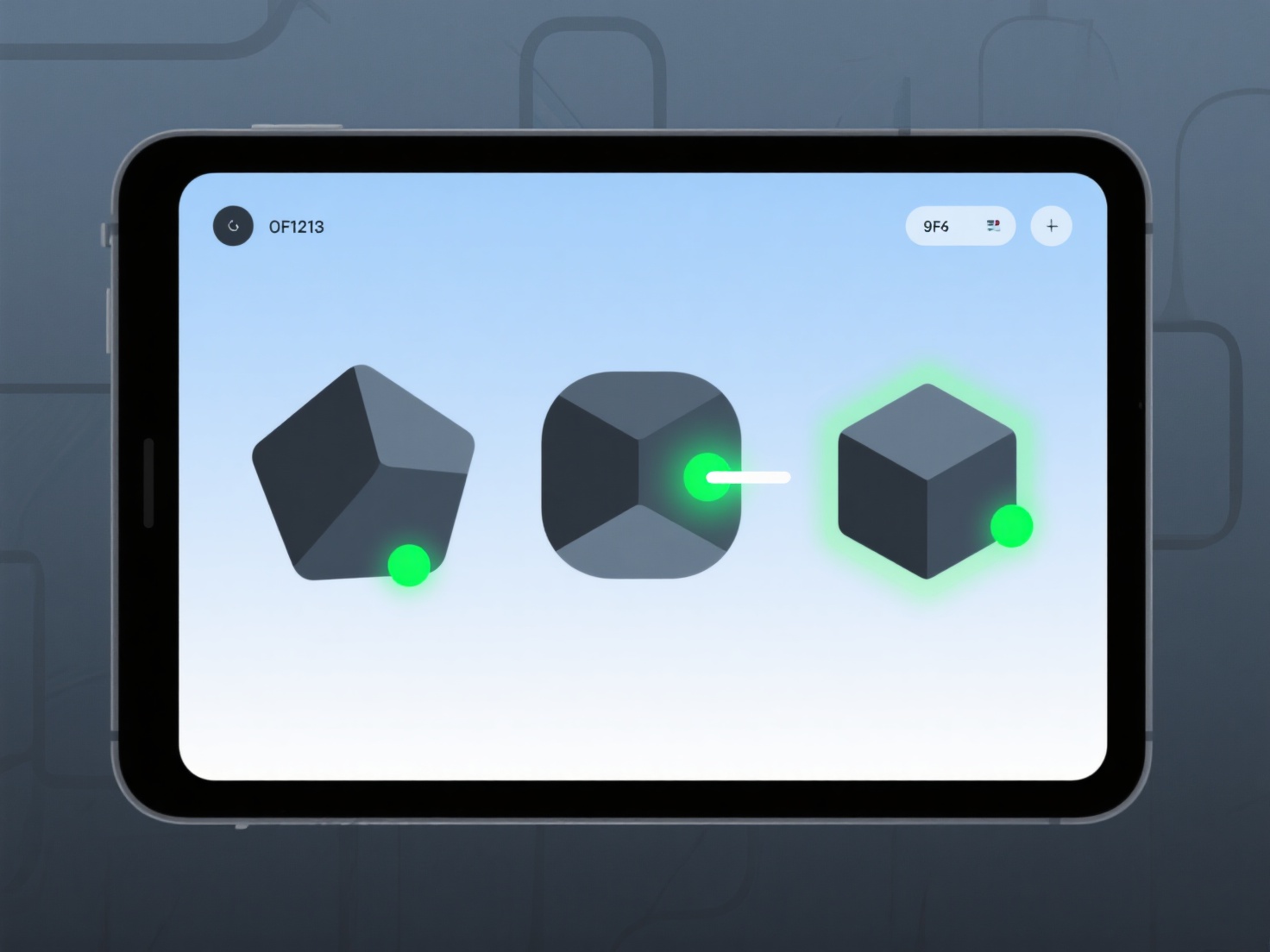
A topologia do modelo 3D falha na animação, geralmente quando a estrutura da malha não é otimizada para lidar com deformações do rigging ou do movimento do personagem, causando rasgamentos, alongamentos ou distorções.
Má topologia. Como faces triangulares, loops de arestas irregulares ou fluxo de arestas que não segue o movimento natural de um personagem. Cria pontos de stress. Por exemplo, muito poucos loops de arestas à volta de um cotovelo podem fazer com que a dobra se curve ou quebre a malha em vez de se deformar suavemente.
Para corrigir isto, verifique os n-gons (faces com 5 ou mais lados) e adicione loops de arestas ao longo das articulações (cotovelos, joelhos) para distribuir a deformação de forma mais uniforme.