


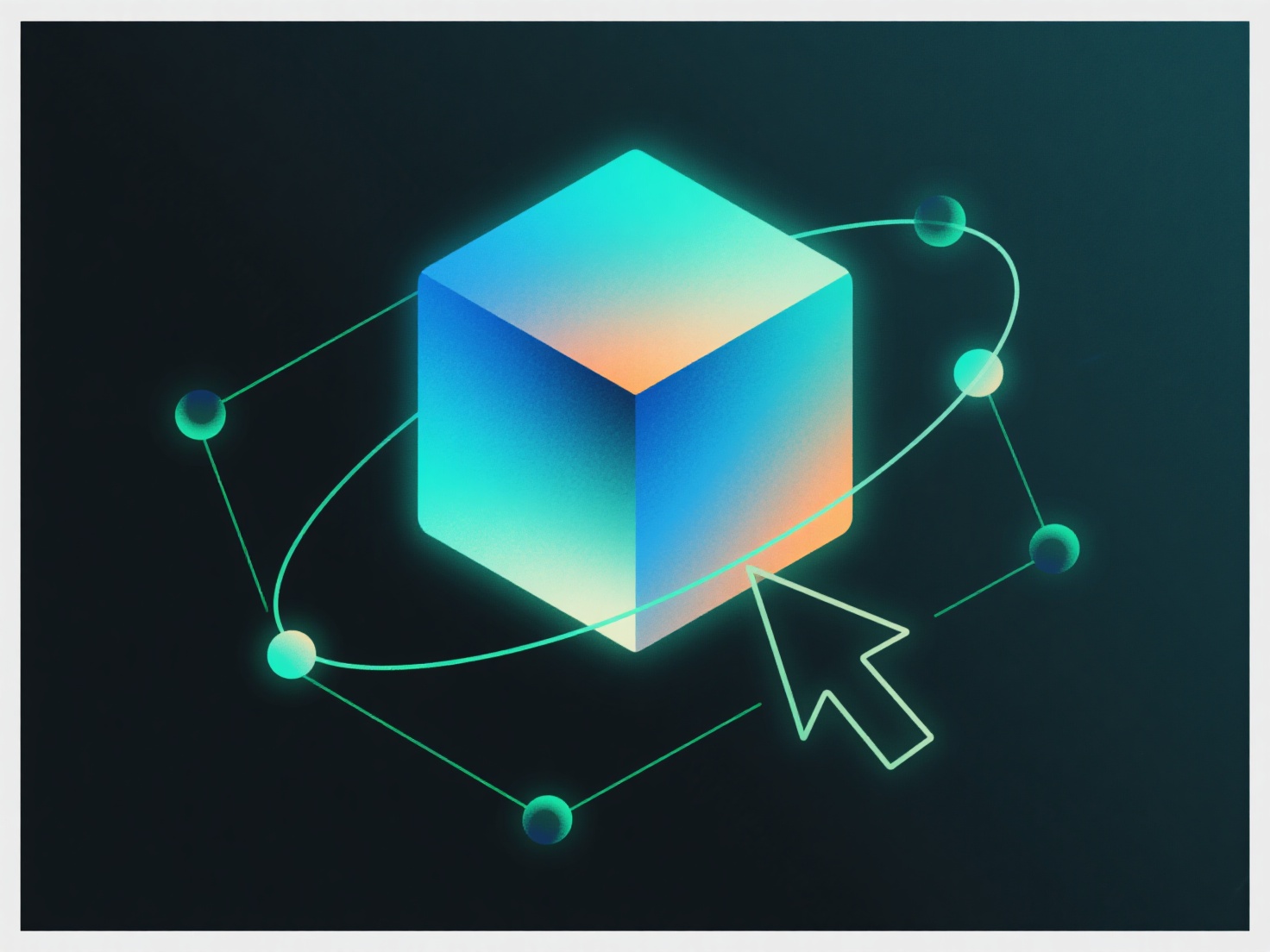
Ao escalar normais para uma carreira de modelagem 3D, você ajusta os vetores normais no software.
Isto é fundamental para campos como o desenvolvimento de jogos (modelos redimensionados para ângulos de câmara) ou design de produtos (protótipos dimensionados para fabrico): sem normais dimensionados, detalhes como texturas esculpidas ou acabamentos metálicos podem parecer planos.
Para iniciantes, pratique com o modificador gratuito "Edição Normal" do Blender: escale um cubo texturizado simples, ajuste as normais e visualize na pré-visualização Eevee para ver como a iluminação reage. Isto desenvolve habilidades práticas para fluxos de trabalho do mundo real.