


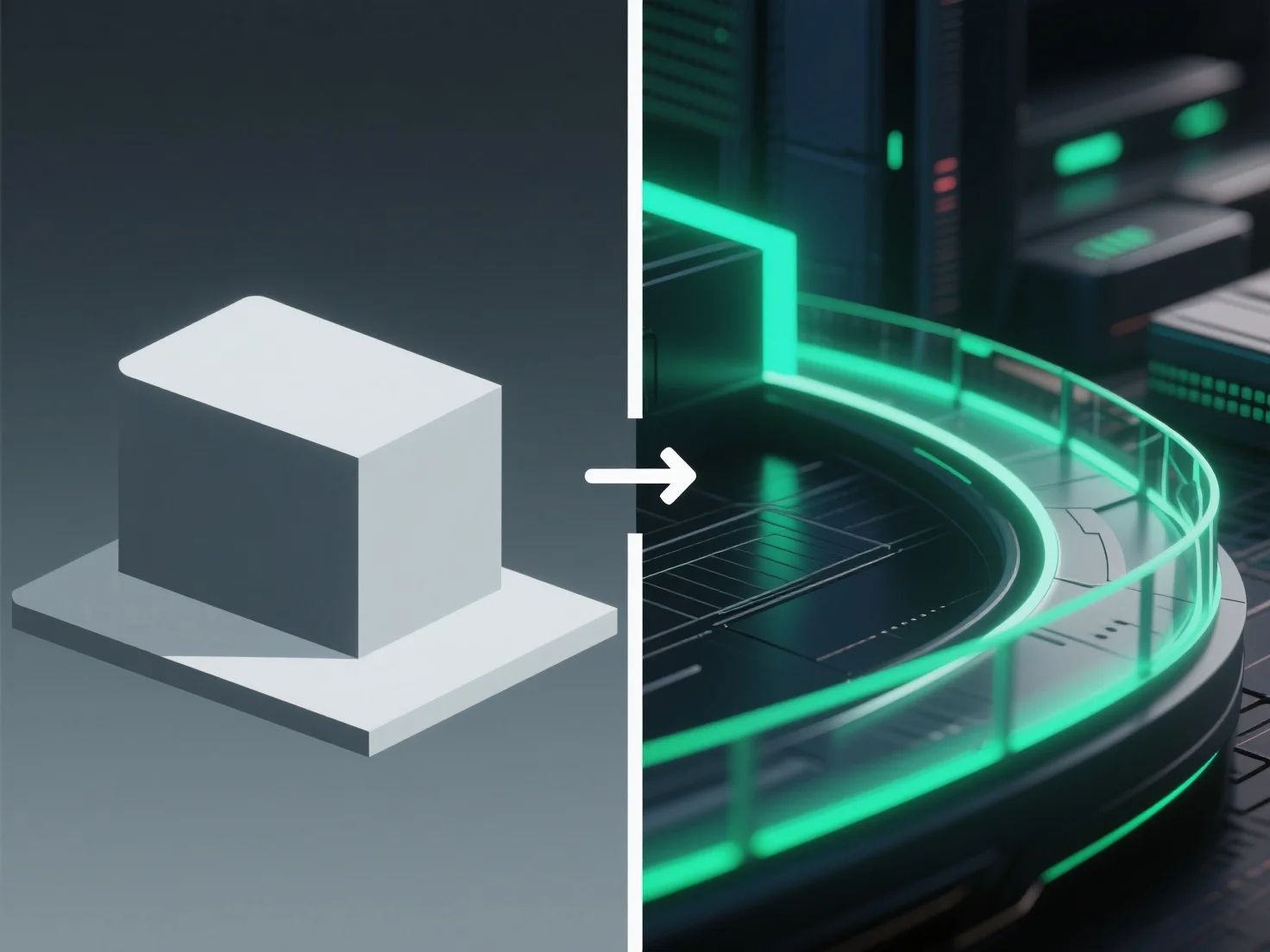
O pós-processamento melhora as renderizações 3D, ajustando elementos visuais como cor, iluminação e textura após a renderização inicial, refinando o realismo e o apelo geral.
Os principais ajustes incluem: - Corrigir a iluminação desigual para equilibrar o brilho em toda a cena. - Aumentar o contraste para aguçar os detalhes e melhorar a profundidade. - Adicionar efeitos subtis, como o efeito bloom (auréolas de luz suave) ou a profundidade de campo (desfoque do fundo), para imitar o comportamento da câmara no mundo real.
Para iniciantes, ferramentas como o compositor do Blender ou o software gratuito GIMP simplificam o pós-processamento. Comece com ajustes básicos (brilho, equilíbrio de cores, nitidez) para melhorar a qualidade da renderização sem configurações complexas.