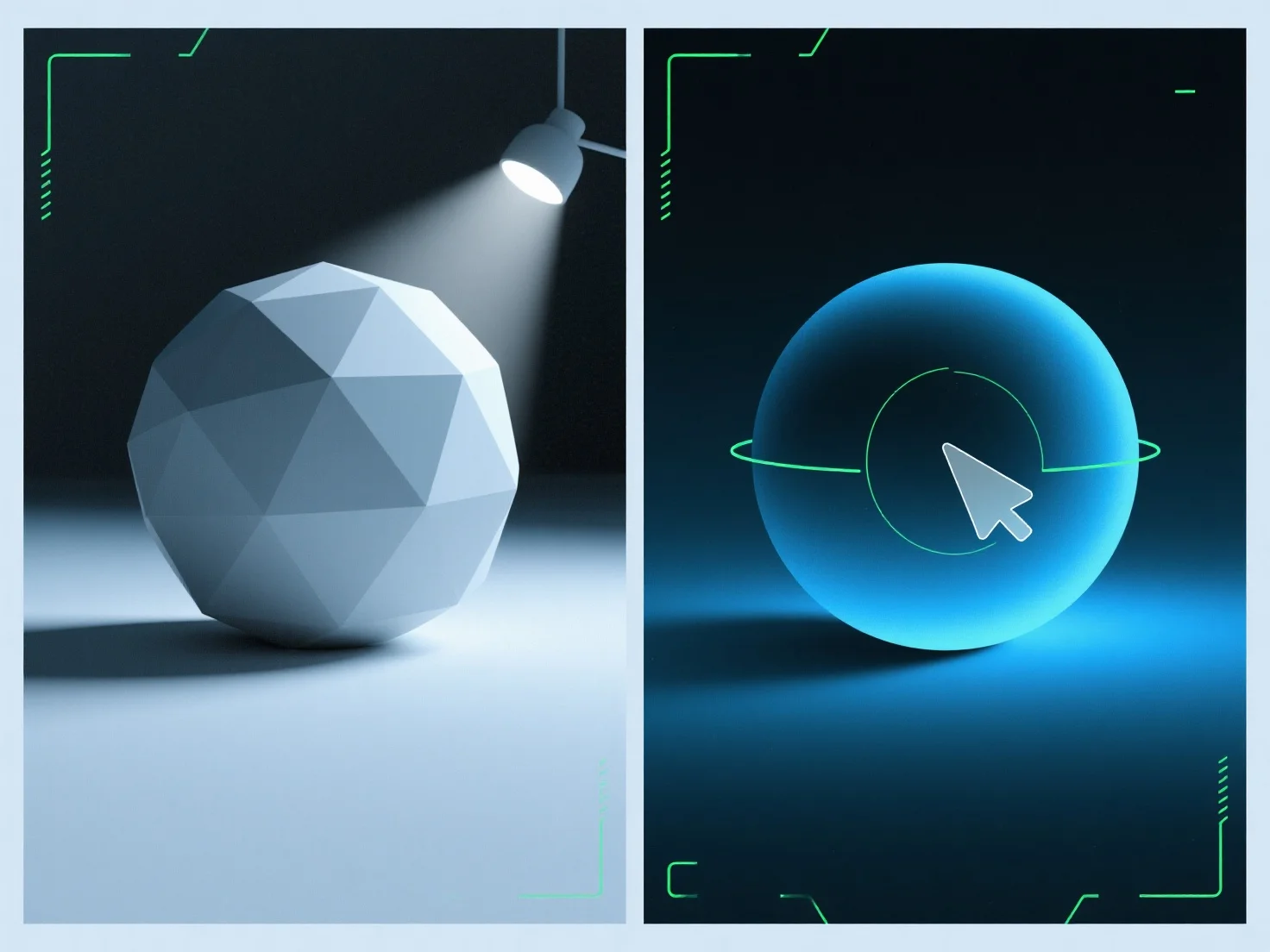
A luz ambiente preenche as sombras nas renderizações 3D, adicionando uma iluminação uniforme e não direcional para suavizar as bordas das sombras e reduzir a sua profundidade, equilibrando a iluminação geral da cena. Como uma fonte difusa e sem direção, ilumina as áreas de sombra que, de outra forma, poderiam parecer demasiado escuras ou planas, evitando novas sombras, ao contrário das luzes direcionais (por exemplo, sol, holofotes). Ajuste a sua intensidade para refinar: valores mais baixos preservam a profundidade da sombra para um efeito dramático, enquanto valores mais elevados criam uma cena mais suave e uniformemente iluminada. Isto garante que as sombras permaneçam naturais e equilibradas, melhorando o realismo da renderização.


Como é que a luz ambiente é utilizada para preencher as sombras em renderizações 3D?
A luz ambiente suaviza as sombras das renderizações 3D com uma iluminação uniforme e não direcional, equilibrando a iluminação através de uma intensidade ajustável.