


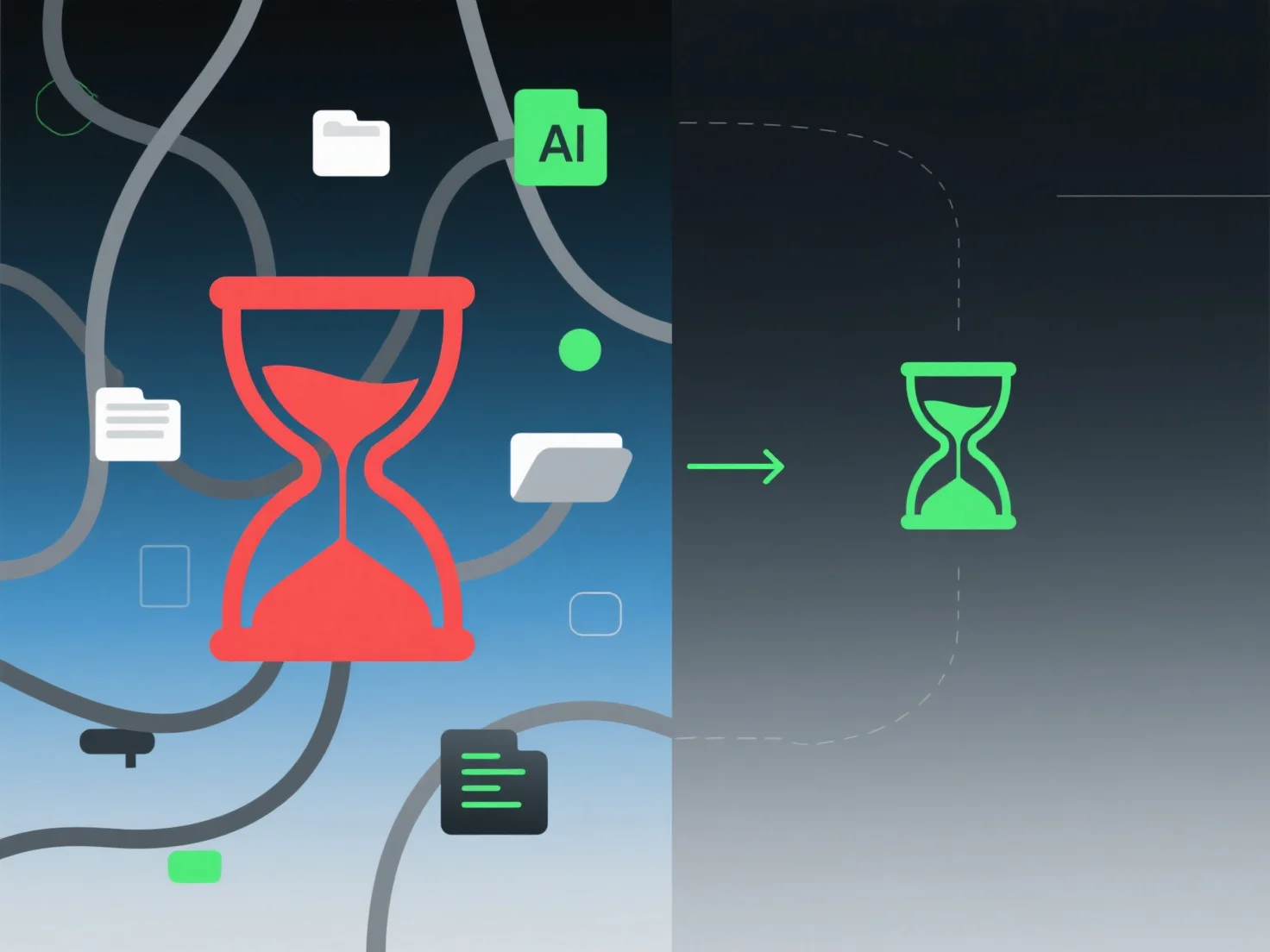
A conversão de ficheiros na produção 3D tipicamente aumenta o custo de tempo ao adicionar etapas de processamento extra e exigir resolução de problemas.
Isso envolve o tempo de renderização ou transcodificação do software ao alternar entre formatos.
Cenários comuns e impactos no tempo: - Desenvolvimento de jogos: Converter modelos Blender de alta poligonal para FBX compatível com Unity pode exigir verificar novamente os mapas UV ou as ligações de materiais, acrescentando 1-2 horas por ativo. - Visualização arquitetónica: Exportar modelos Revit para SketchUp para renderização pode envolver a correção de erros de malha, atrasando a configuração da cena em 30-60 minutos.
Para reduzir atrasos, adote fluxos de trabalho padronizados por formato ou utilize plugins de conversão automatizada com processamento em lote para diminuir a sobrecarga de tempo.